PathfinderPrototyping · St. Paul MN

Plugin support

Support & FAQ

Help for every Pathfinder Prototyping Stream Deck plugin. Most issues are covered by the quick fixes below: they apply to the whole family, because every plugin is built on the same engine. Plugin-specific notes follow. Still stuck? Write us and a human answers.

Quick fixes

Keys press but nothing happens in the app

Our plugins send keystrokes to the active window. The target application has to be focused when you press the key. Click inside the app first, then press.

Some apps want focus in a specific place: KiCad needs one click on the board or schematic canvas before it listens to the keyboard. See the plugin notes below.

A command fires the wrong thing, or nothing, in the app

Every key sends that command's default hotkey. If you have remapped shortcuts inside the target application, the default no longer matches your setup.

Fix: select the key in the Stream Deck app, open its settings, and use the custom hotkey capture to record the shortcut you actually use. Every key in every plugin supports this.

Keys turned blank or stopped working after a Stream Deck restart

The Stream Deck software verifies Marketplace ownership at every start. Make sure the Stream Deck app is signed in to the same Elgato account that got the plugin from the Marketplace, then reinstall the plugin from your Marketplace library.

The bundled profile did not show up

The profile installs when you first press an Open Category key, or via the prompt shown when the plugin installs. If you dismissed the prompt, press any Open Category key and accept the install.

Bundled profiles are laid out for the standard 15-key Stream Deck. The actions work on every Stream Deck model, but the pre-built pages assume 15 keys.

Some category pages have empty spaces

Intentional. We only pre-place keys for commands that ship with a default hotkey in the target app. Commands that are unbound by default get no key, so a key never lies about what it will do. Assign the shortcut in the app, then add the key yourself with the category action and hotkey capture.

Reinstalling the plugin seems to do nothing

Installing the same version over itself is silently skipped by the Stream Deck software. Uninstall the plugin first (right-click it in the Stream Deck app's plugin list), restart the Stream Deck app, then install again.

What do I need to run these plugins?

Windows 10 or later and Stream Deck software 6.9 or later, plus the target application installed on the same PC. Our current catalog is Windows-only; the target app's own OS support is listed on each Marketplace page.

Plugin notes

Visit our Marketplace store

Every hotkeys plugin here can play a sound when you press a key, and 30 sounds ship in the box. You can also record your own with our free Sound Sampler plugin: anything your PC plays becomes a key sound, in every plugin, with no import step.
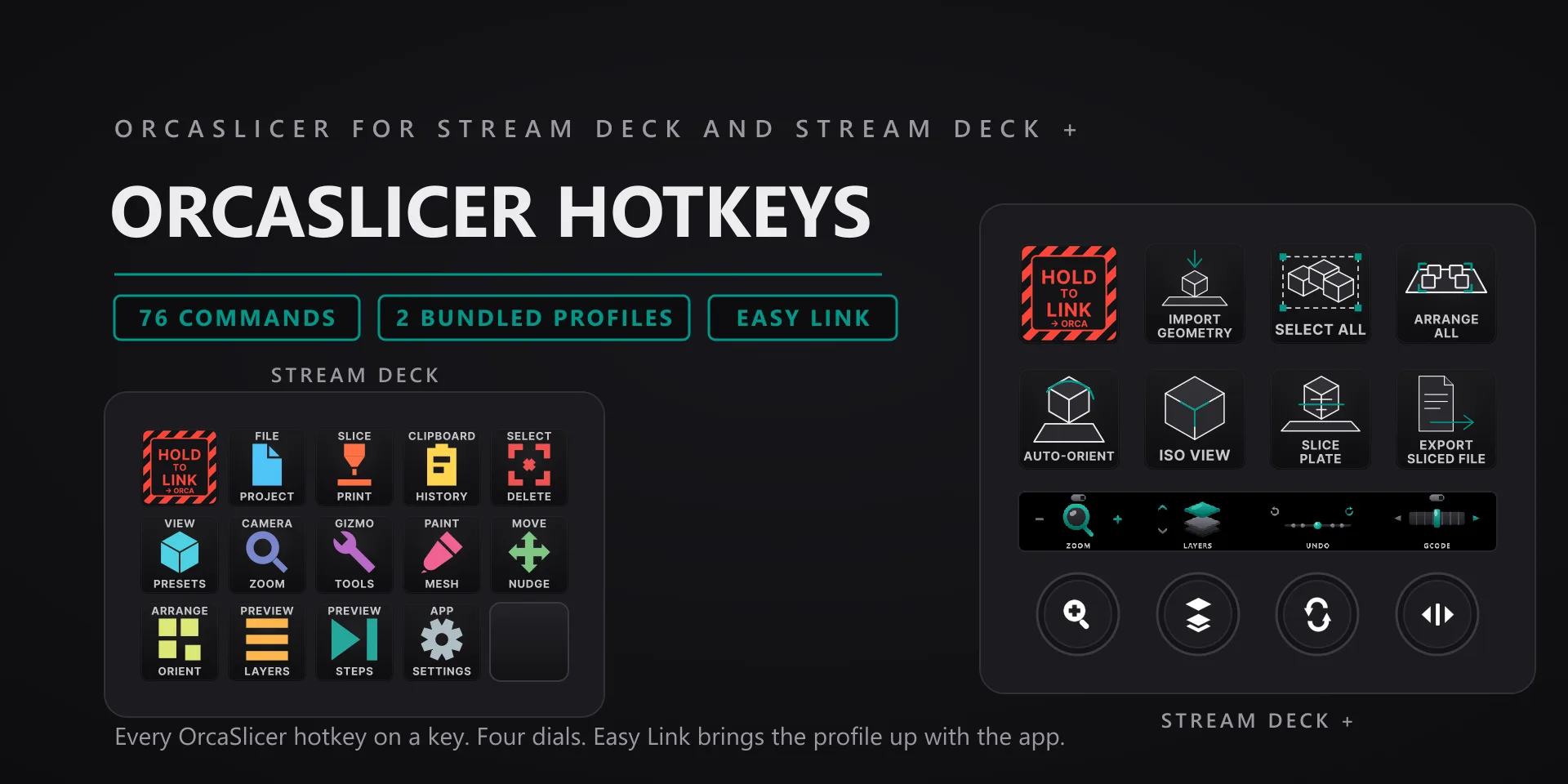
OrcaSlicer Hotkeys hero slide

OrcaSlicer Hotkeys

3D printing · 76 commands · 13 categories

  • OrcaSlicer must be the active window; click the 3D viewport before firing view or selection keys.

OrcaSlicer Hotkeys plugin page →

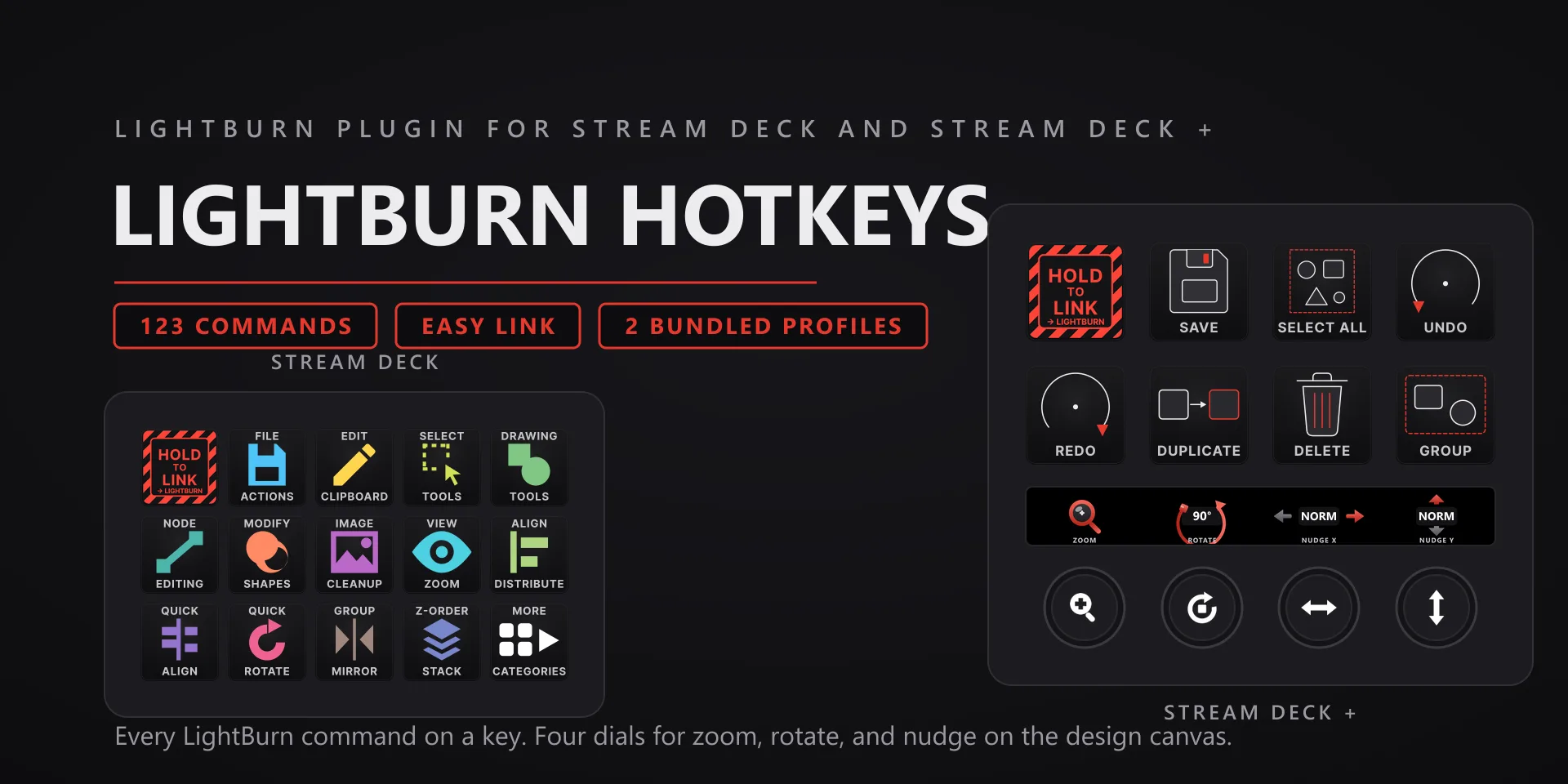
LightBurn Hotkeys hero slide

LightBurn Hotkeys

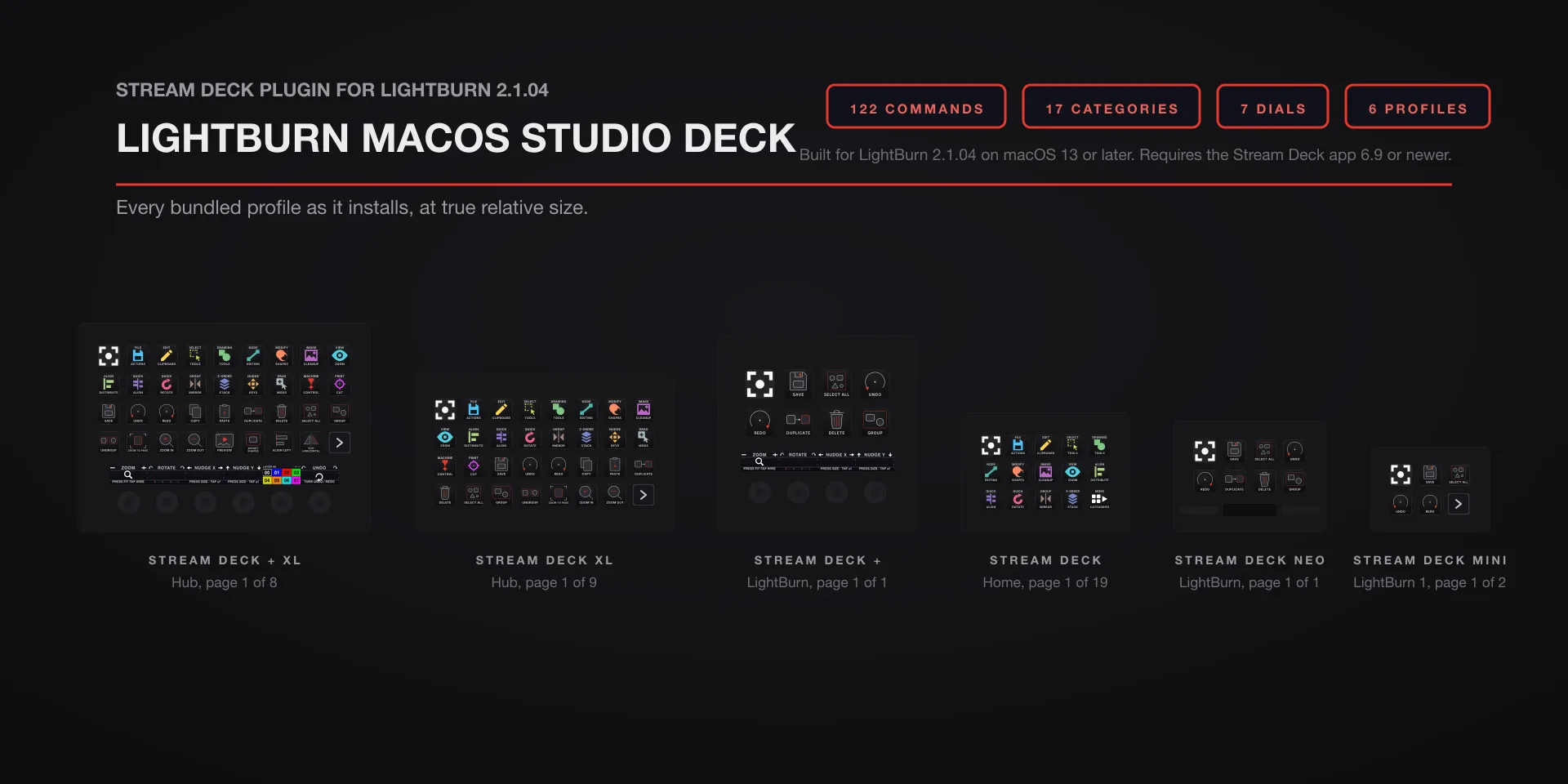
Laser · 123 commands · 17 categories

  • The Status key talks to LightBurn on the same PC (UDP port 19840). If it shows no state, confirm LightBurn is running and nothing is blocking local UDP.
  • Machine state reads through LightBurn, so the laser link in LightBurn must be connected for job status.

LightBurn Hotkeys plugin page →

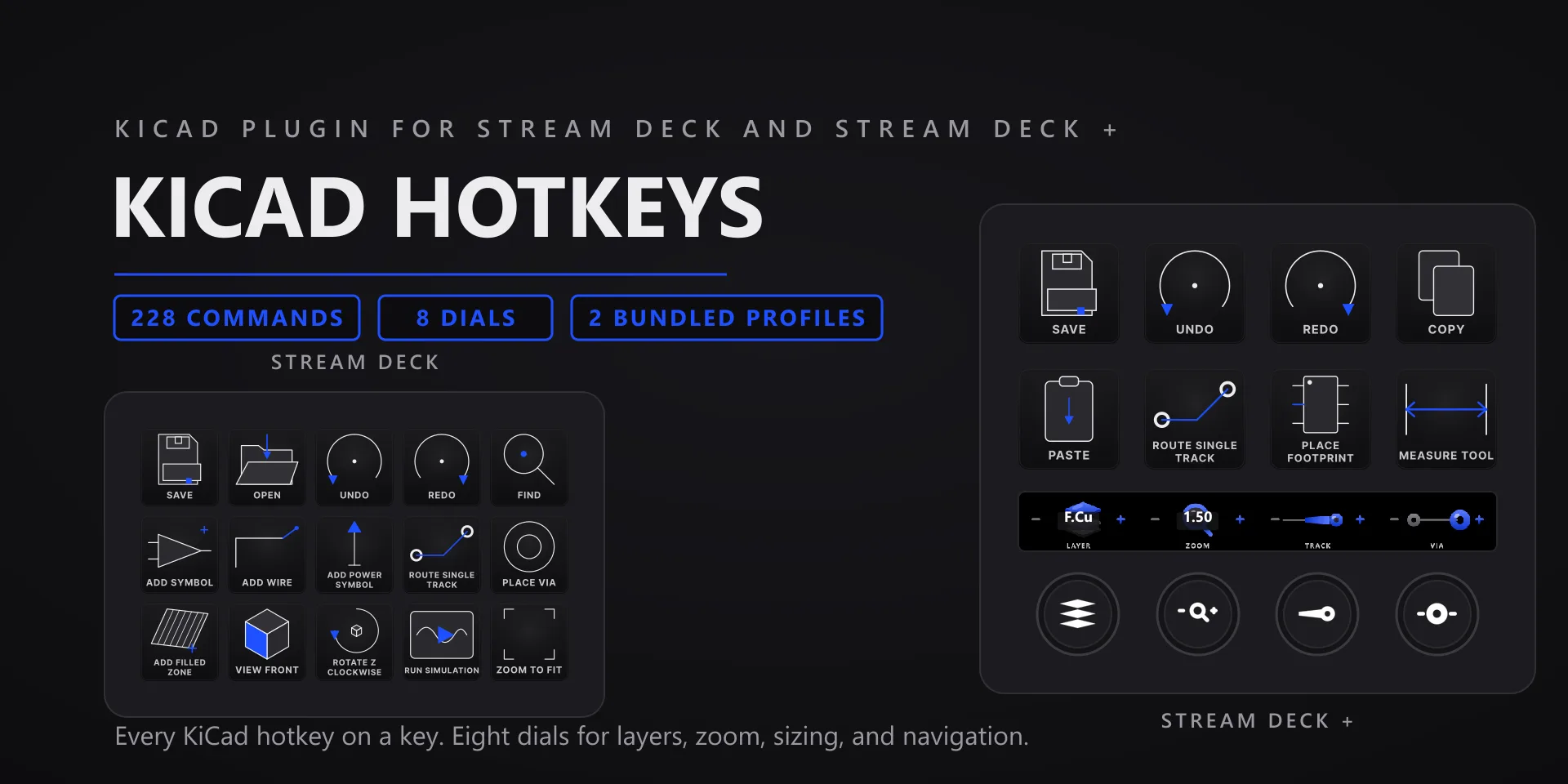
KiCad Hotkeys hero slide

KiCad Hotkeys

PCB design · 228 commands · 22 categories

  • Click the canvas once after switching windows: KiCad's drawing canvas only listens to the keyboard after a mouse click inside it.
  • Keys apply to whichever editor is focused, schematic or board.

KiCad Hotkeys plugin page →

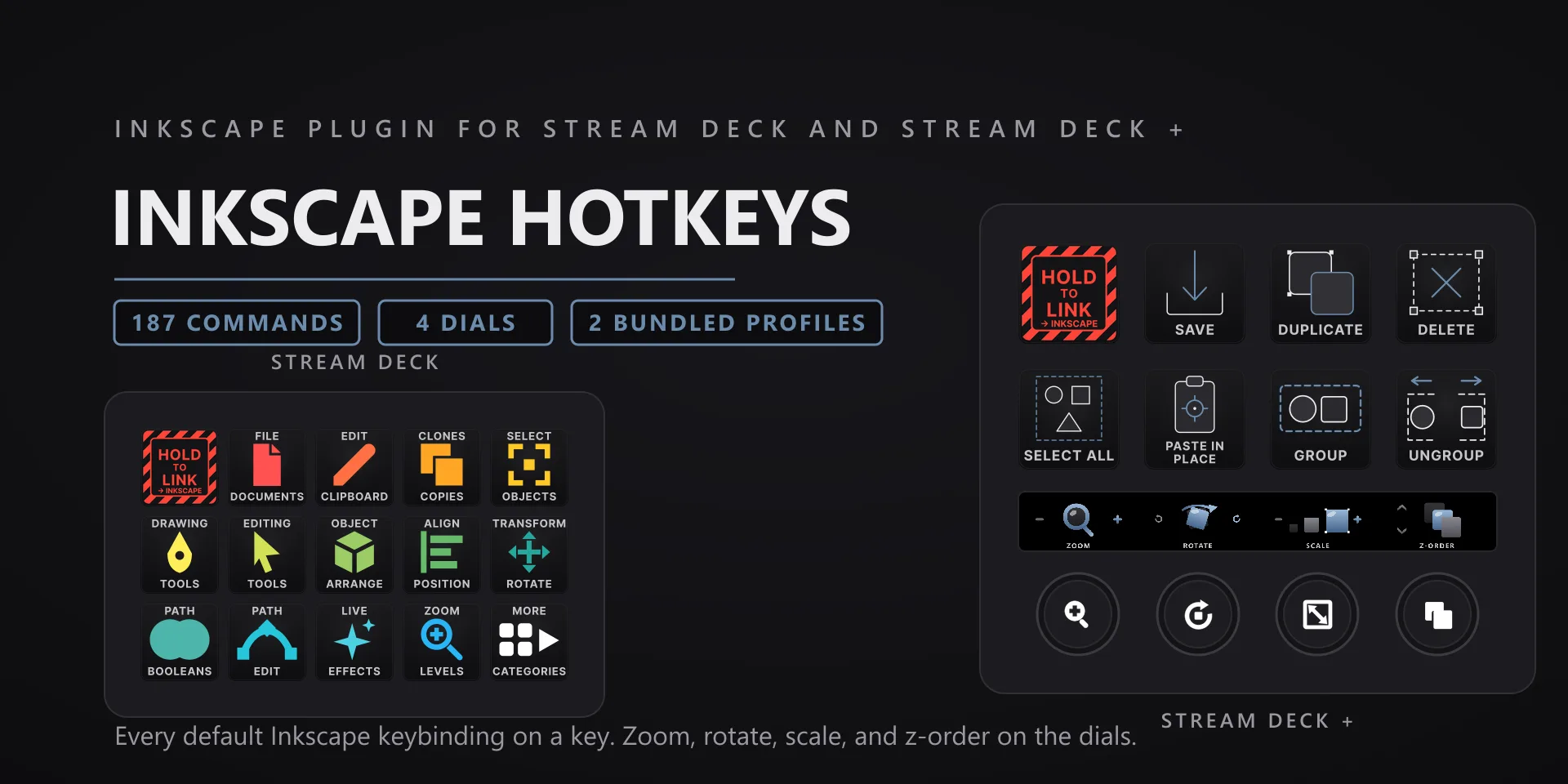
Inkscape Hotkeys hero slide

Inkscape Hotkeys

Vector design · 187 commands · 19 categories

  • Tool keys match Inkscape's default keymap; if you use a custom keymap, remap keys with the hotkey capture.

Inkscape Hotkeys plugin page →

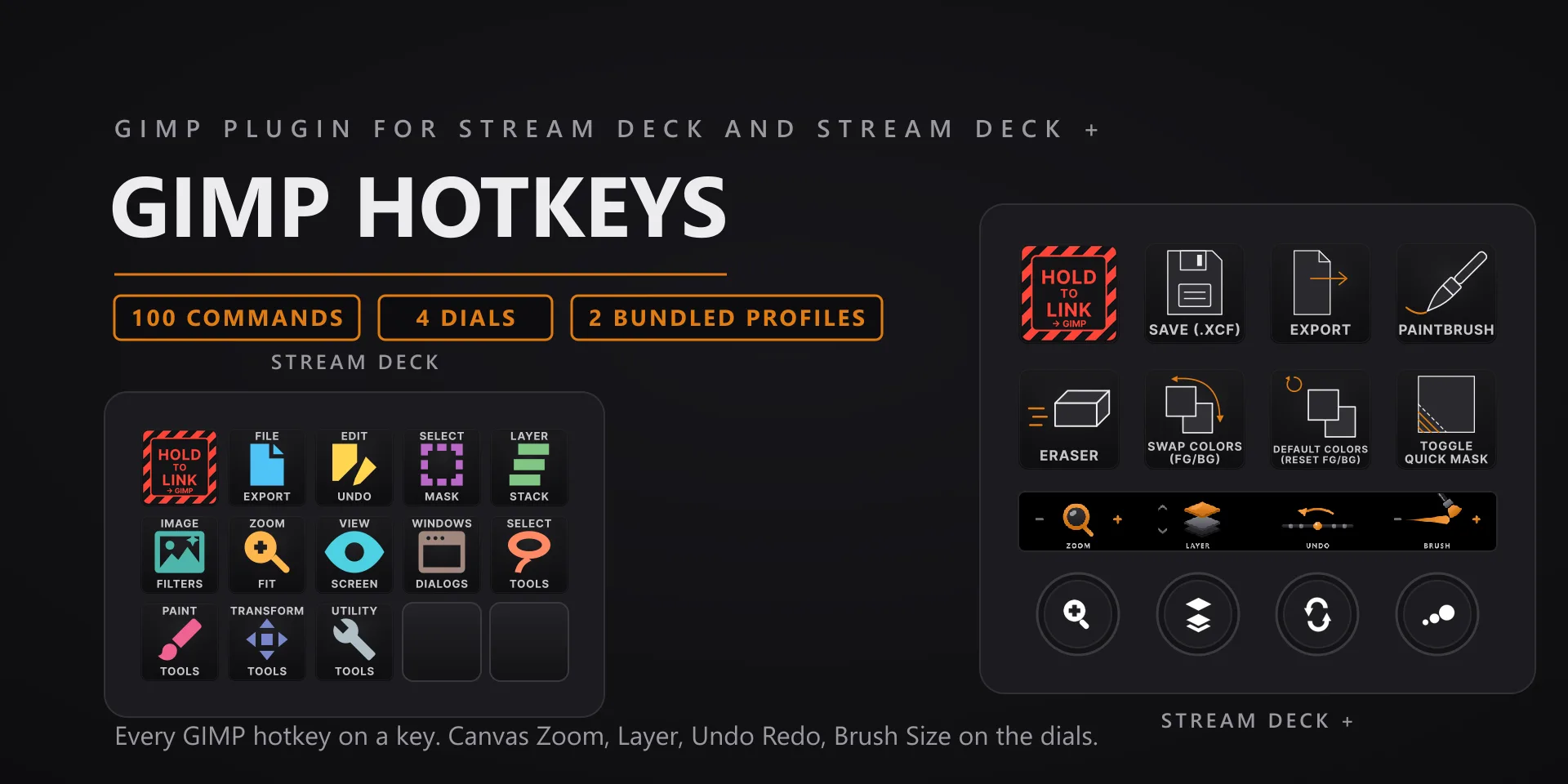
GIMP Hotkeys hero slide

GIMP Hotkeys

Image editing · 100 commands · 12 categories

  • Focus the image window (not a docked dialog) before firing tool and selection keys.

GIMP Hotkeys plugin page →

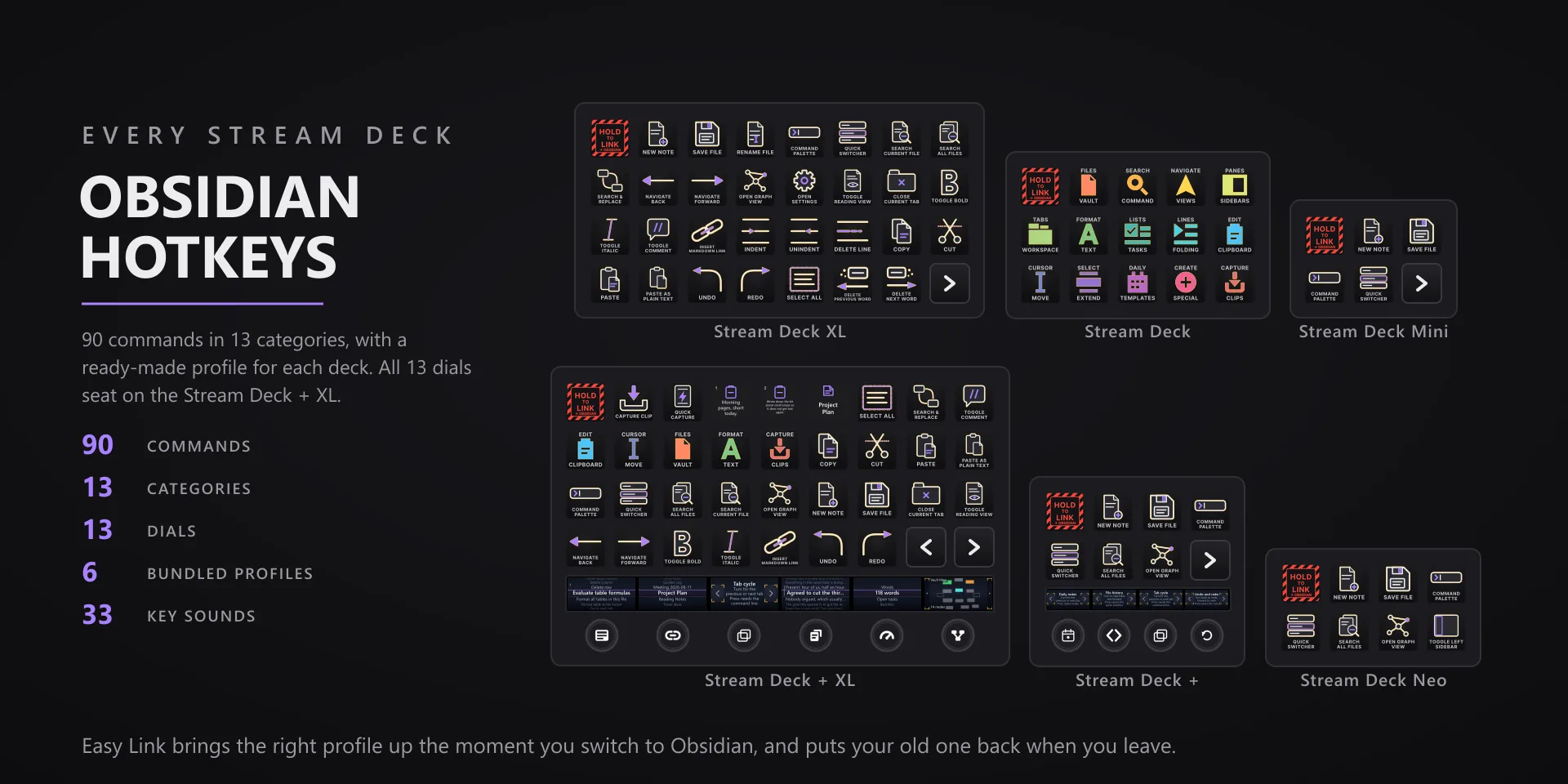
Obsidian Hotkeys hero slide

Obsidian Hotkeys

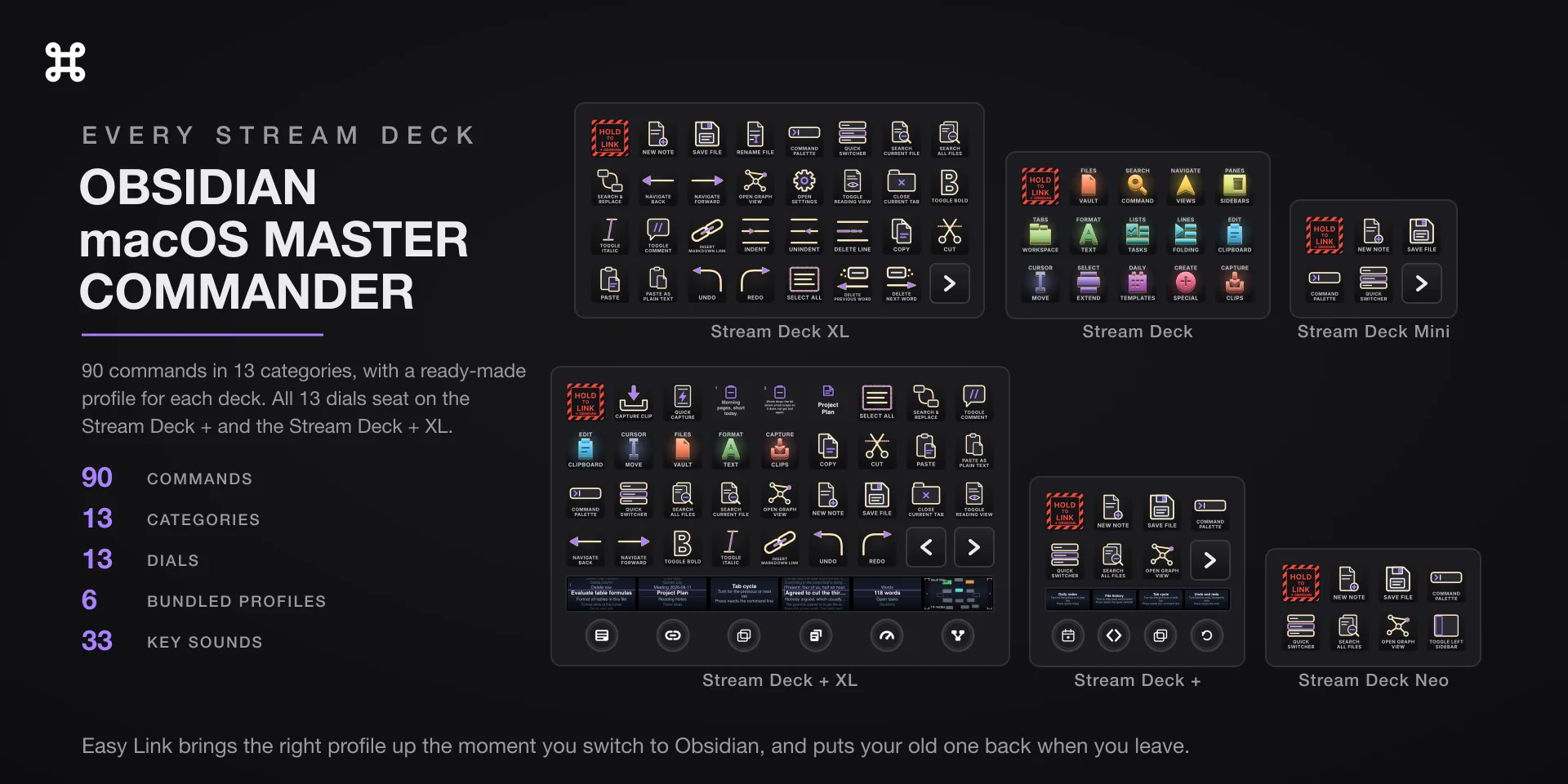
Knowledge work · 90 commands · 13 categories

  • Obsidian lets you rebind almost everything. If a key misfires, match it to your bindings in Settings, then use the hotkey capture on that key.
  • If a key alerts or a dial screen stays dim, the command line interface is off. Turn it on in Obsidian under Settings, General, Command line interface. It needs Obsidian 1.12.4 or later.

Obsidian Hotkeys plugin page →

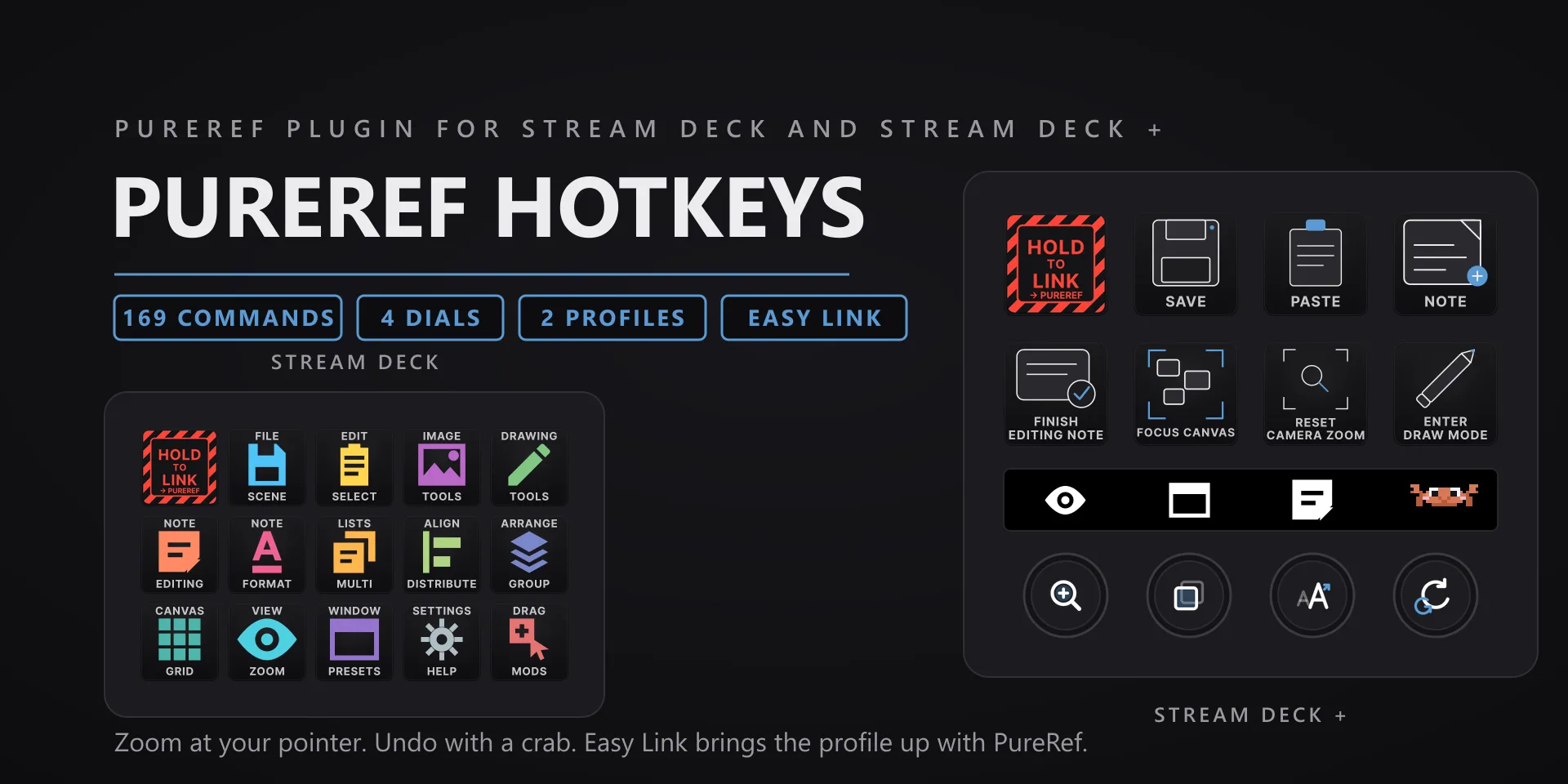
PureRef Hotkeys hero slide

PureRef Hotkeys

Reference boards · 169 commands · 14 categories

  • Draw keys follow PureRef's current tool mode, so the same key can behave differently while a drawing tool is active. That is by design.

PureRef Hotkeys plugin page →

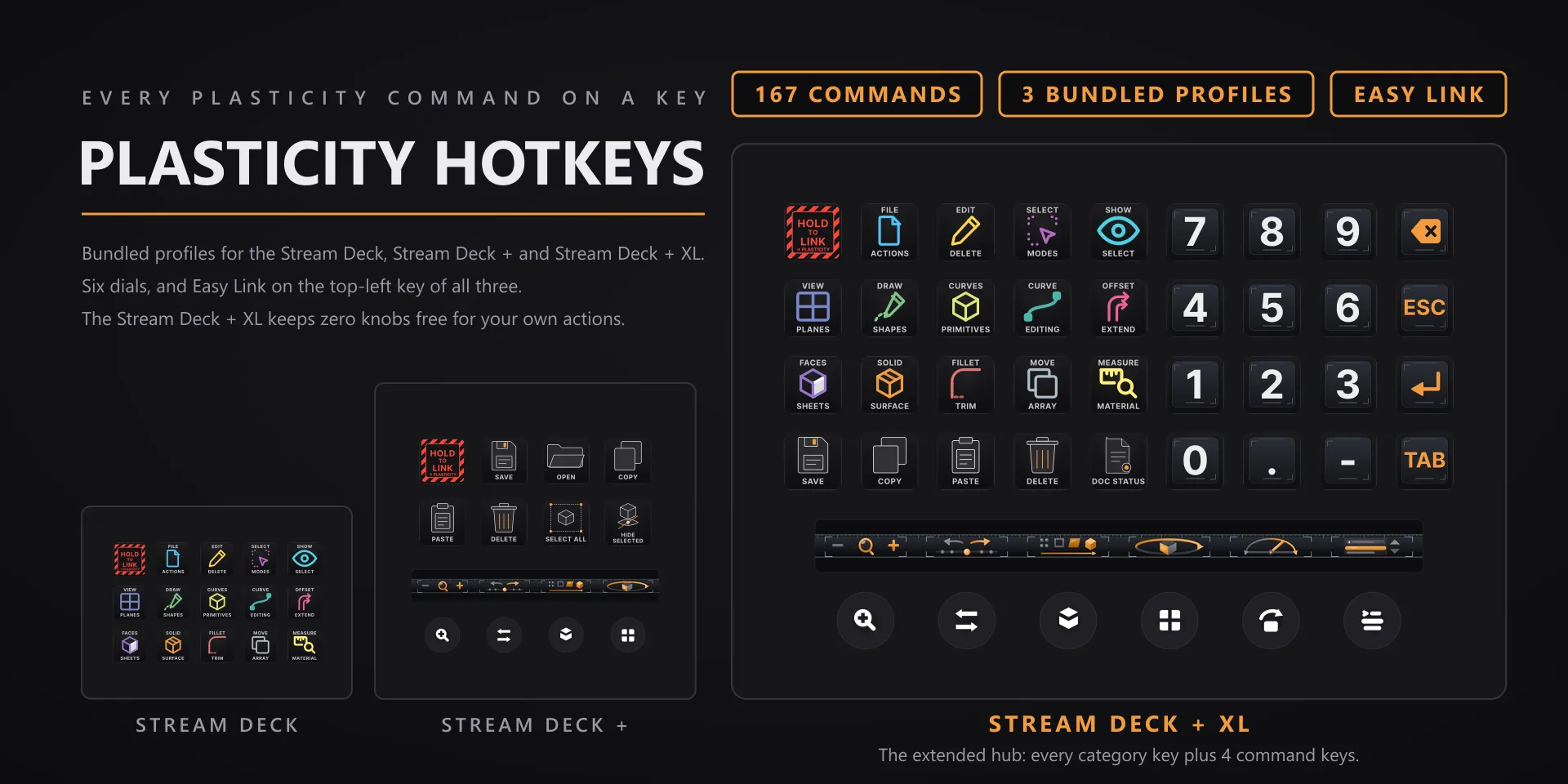
Plasticity Hotkeys hero slide

Plasticity Hotkeys

CAD modeling · 167 commands · 14 categories

  • 106 of the 167 commands fire on a shortcut Plasticity already ships. The other 61 have none. For 58 of those, any hotkey key's settings carry a one-click Install Plasticity key bindings button that merges frozen F13 to F20 chords into Plasticity's own keymap. It backs that file up first, never overwrites a shortcut you set, and undoes cleanly. Restart Plasticity afterward.
  • Until you install those bindings, the affected keys show the deck's alert and send nothing. That is deliberate: a key that quietly does nothing is worse than one that tells you.
  • Per-key sounds play through the system default output device.
  • Plasticity's keymap is user-editable; remapped commands need the hotkey capture, same as everywhere else.

Plasticity Hotkeys plugin page →

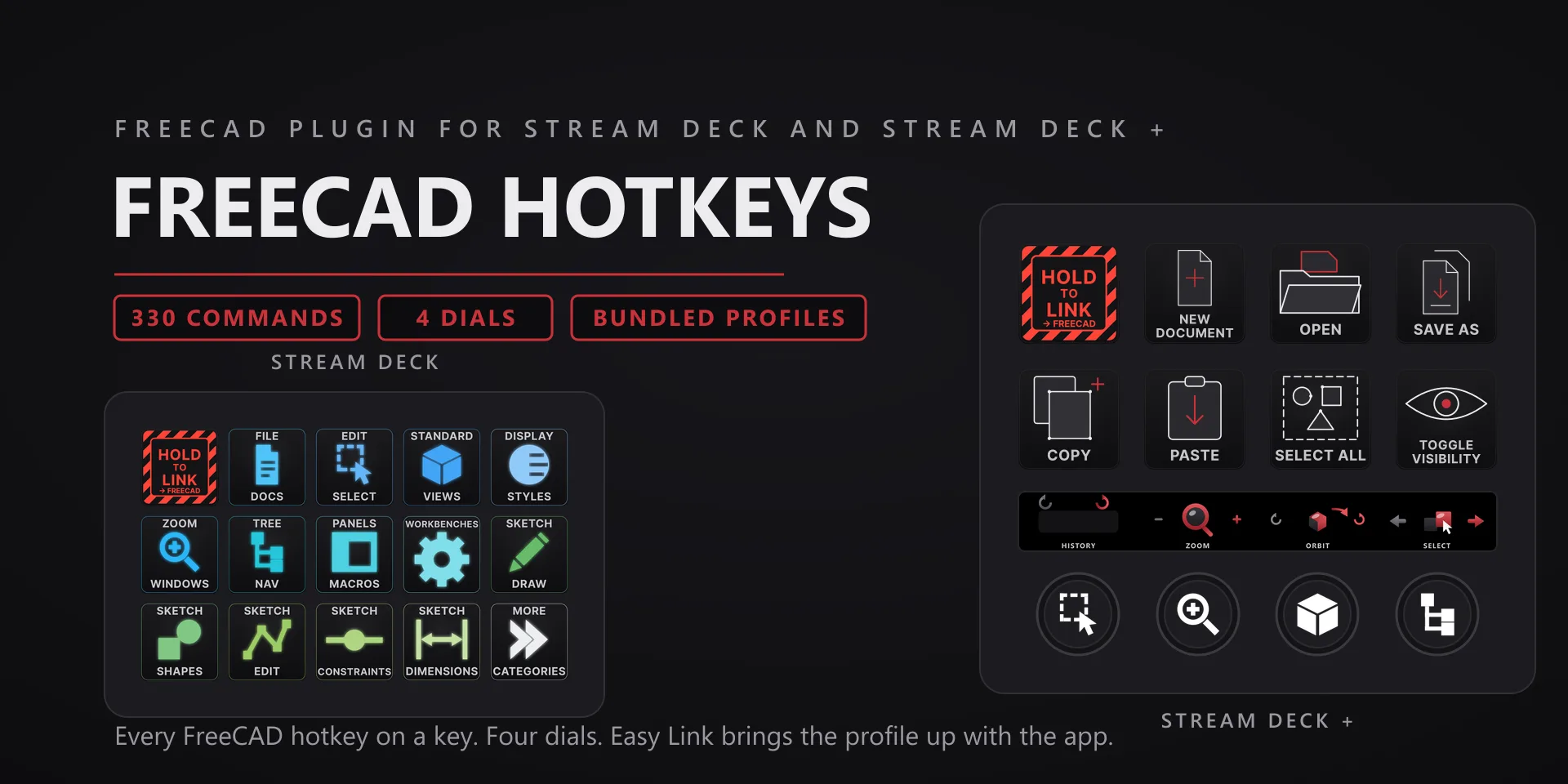
FreeCAD Hotkeys hero slide

FreeCAD Hotkeys

Parametric CAD · 330 commands · 27 categories

  • Commands are grouped by workbench; a command does nothing if its workbench is not active in FreeCAD.
  • The Status key reflects the active document state read from FreeCAD itself.
  • FreeCAD's 3D view needs keyboard focus (one click inside it) before single-letter shortcuts register, and an active tool captures the keyboard until you press Esc. Both are FreeCAD behaviors that apply to a physical keyboard too.

FreeCAD Hotkeys plugin page →

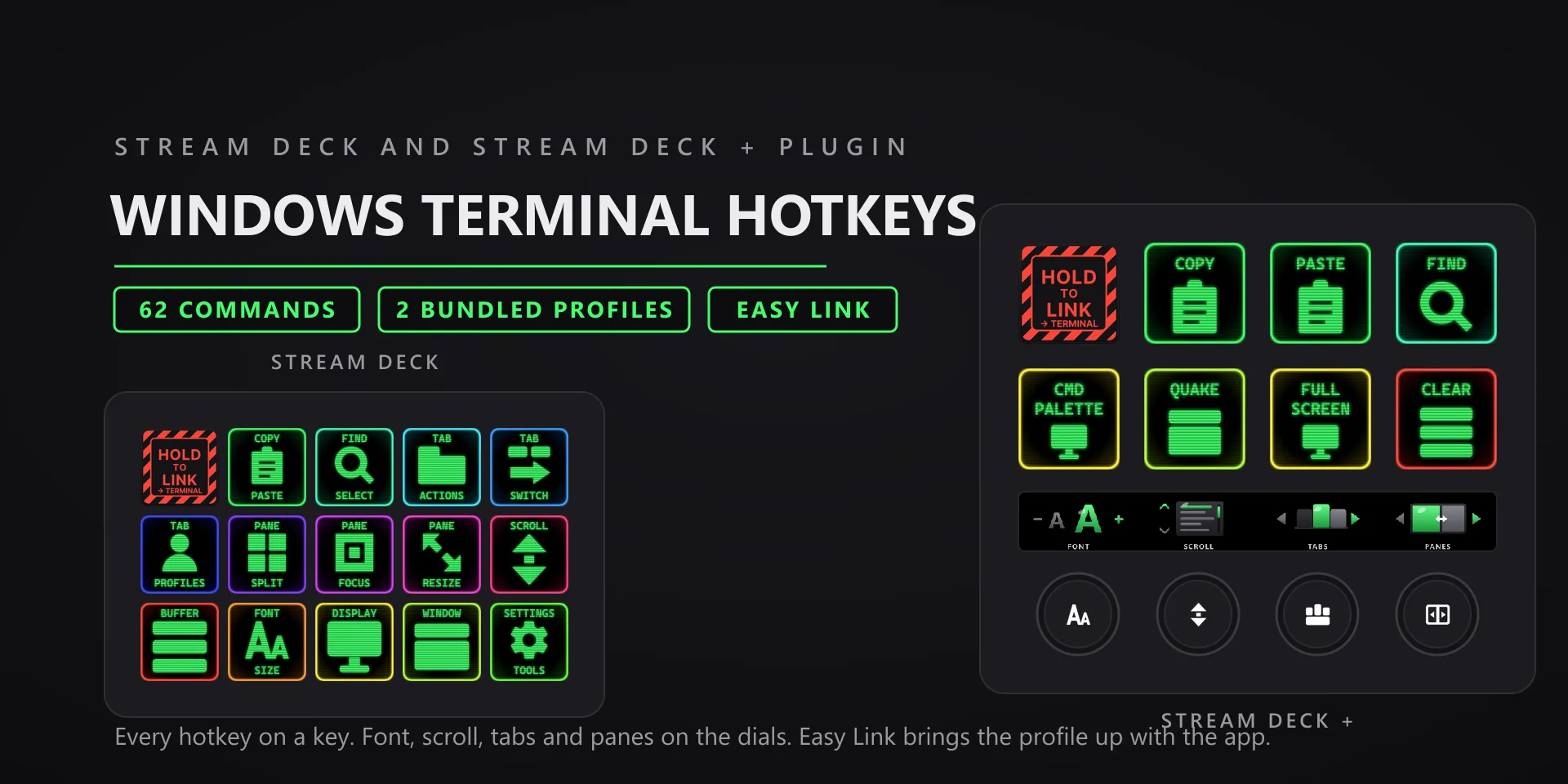
Windows Terminal Hotkeys hero slide

Windows Terminal Hotkeys

Development · 62 commands · 14 categories

  • Keys send Windows Terminal's default bindings. If you customized actions in settings, remap the affected keys with the hotkey capture.
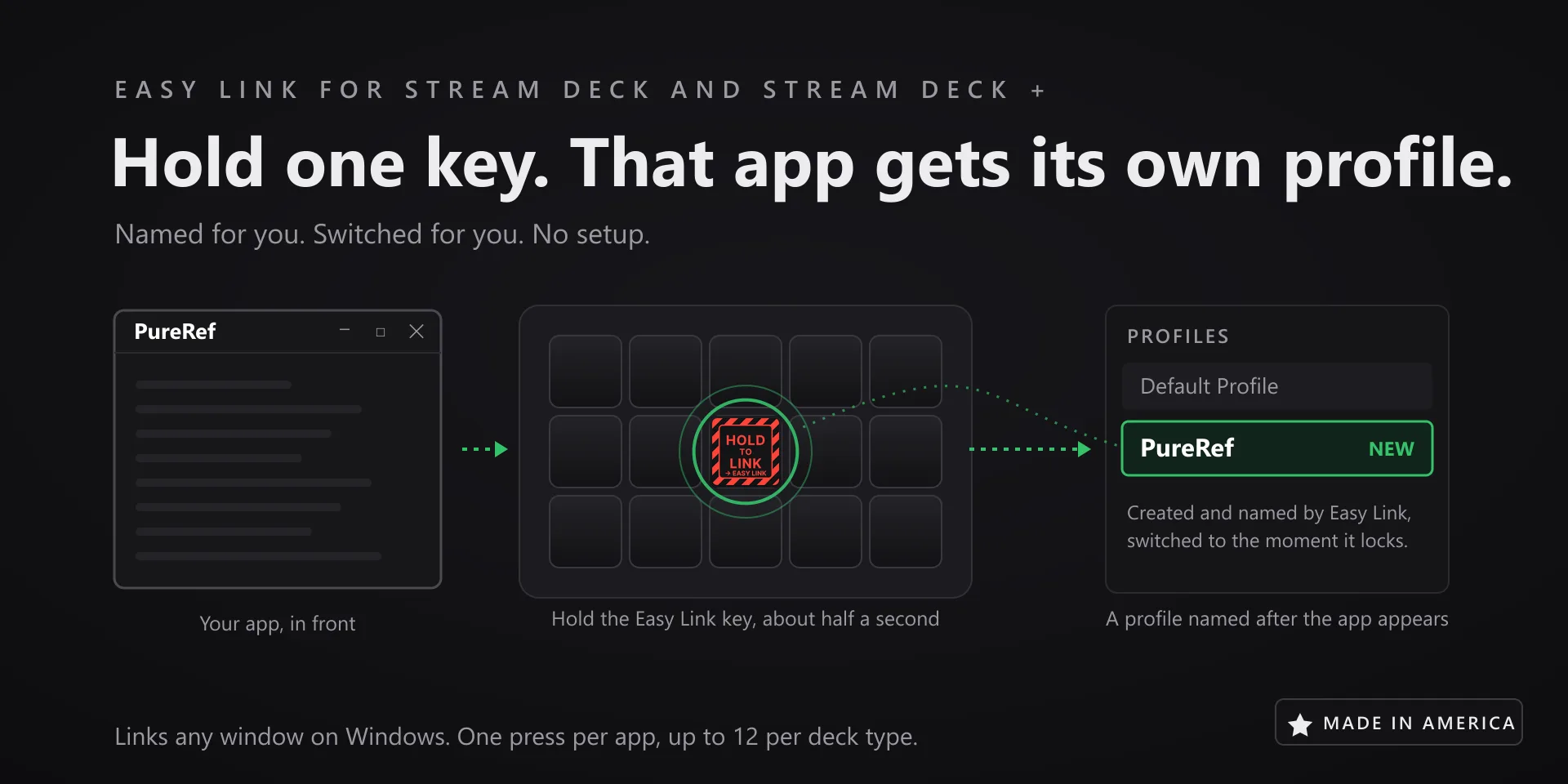
  • Auto profile switching: hold the Easy Link key, top-left on both bundled profiles, for about a second while Windows Terminal is in front, and the deck follows Terminal from then on. A short press does nothing, so a stray tap never relinks. Prefer the Stream Deck app's own smart profiles? That still works: open Preferences, pick the profile under Profiles, and set its Application to Windows Terminal, with a normal Terminal window open so it appears in the list.
  • Target the non-admin Terminal. A Terminal launched with "Run as administrator" is invisible to the Stream Deck software, which runs without admin rights: Windows blocks it from reading elevated windows, so profile switching will not trigger and keystrokes will not land there. Run Terminal normally and everything works. If you truly need an admin terminal on the deck, the only route is running the Stream Deck app itself as administrator, with all the caveats that carries.

Windows Terminal Hotkeys plugin page →

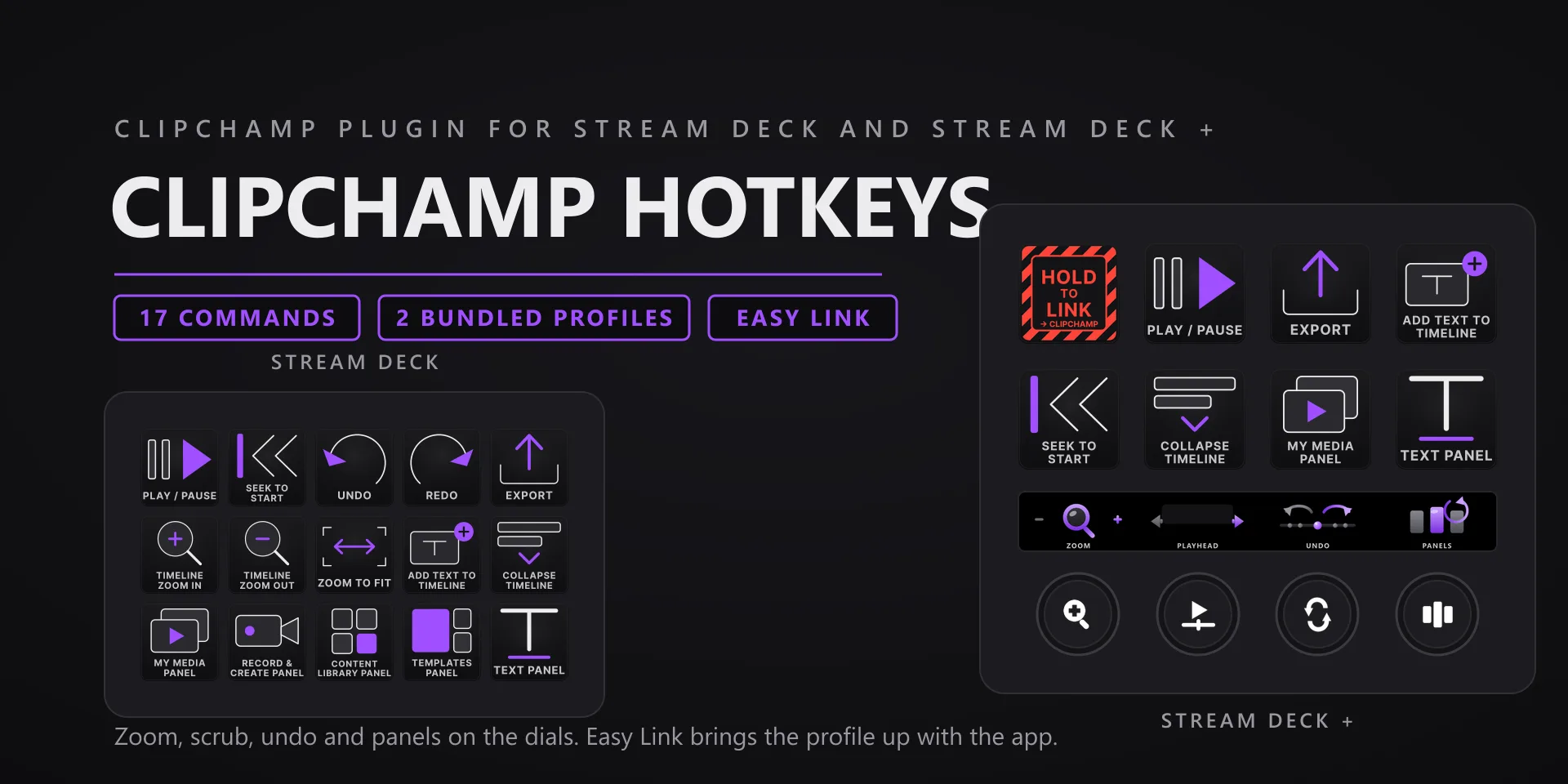
Clipchamp Hotkeys hero slide

Clipchamp Hotkeys

Video editing · 17 commands · 5 categories

  • Built for the Clipchamp Windows app, not Clipchamp in a browser tab.
  • Clipchamp updates frequently; if a key stops landing after a Clipchamp update, tell us and we ship a fix.

Clipchamp Hotkeys plugin page →

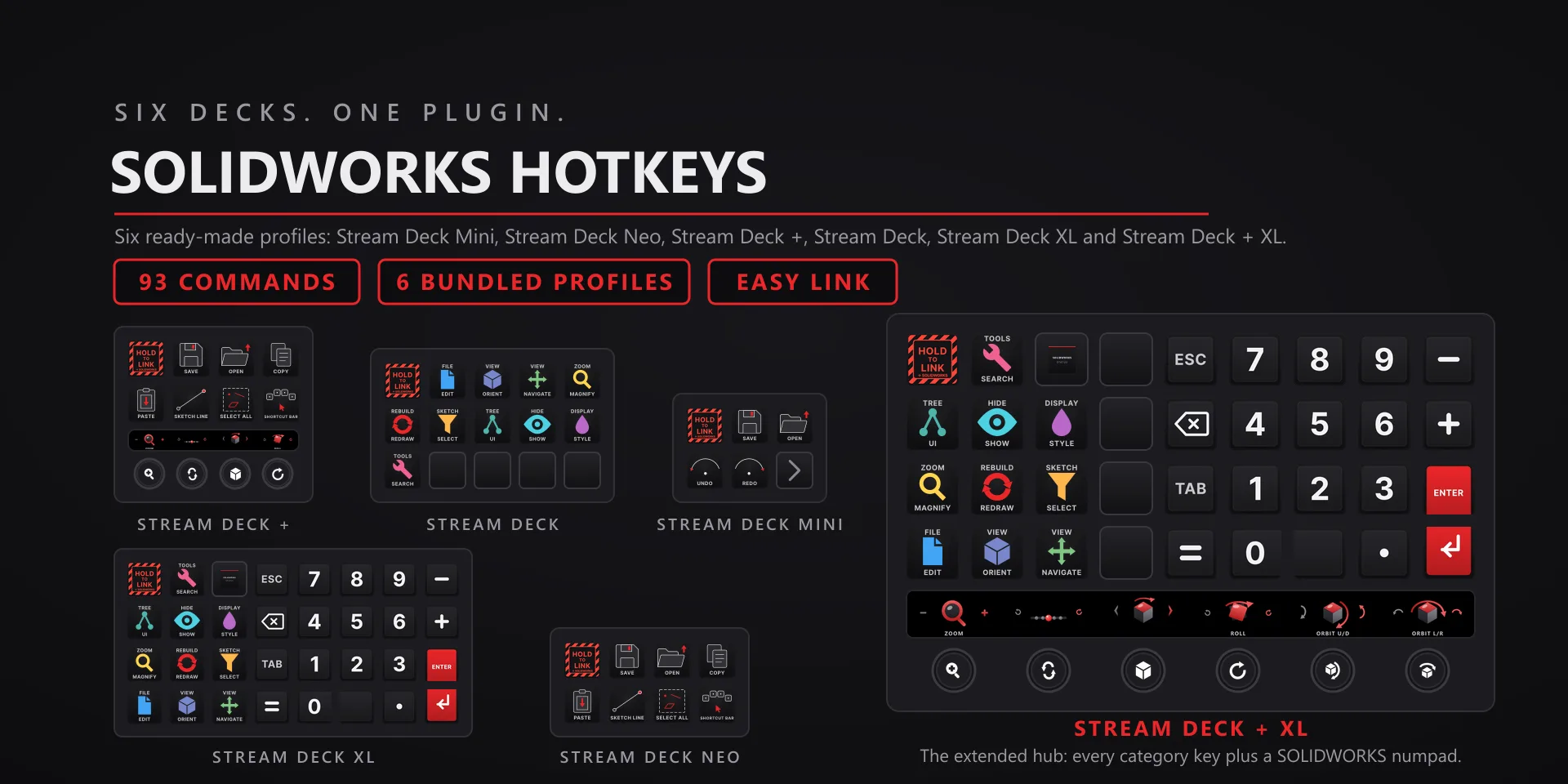
SOLIDWORKS Hotkeys hero slide

SOLIDWORKS Hotkeys

Mechanical CAD · 93 commands · 10 categories

  • SOLIDWORKS must be running with a document open; several commands route through SOLIDWORKS' own API and need an active session.
  • Profiles are bundled for six decks: the 15-key Stream Deck, the Stream Deck +, the Stream Deck + XL, the 32-key Stream Deck XL, the Mini, and the Neo. The Stream Deck Studio is not one of them. All eight dial actions are available to place; a Stream Deck + holds four at a time and a Stream Deck + XL holds six, which is every encoder each of those decks has.

SOLIDWORKS Hotkeys plugin page →

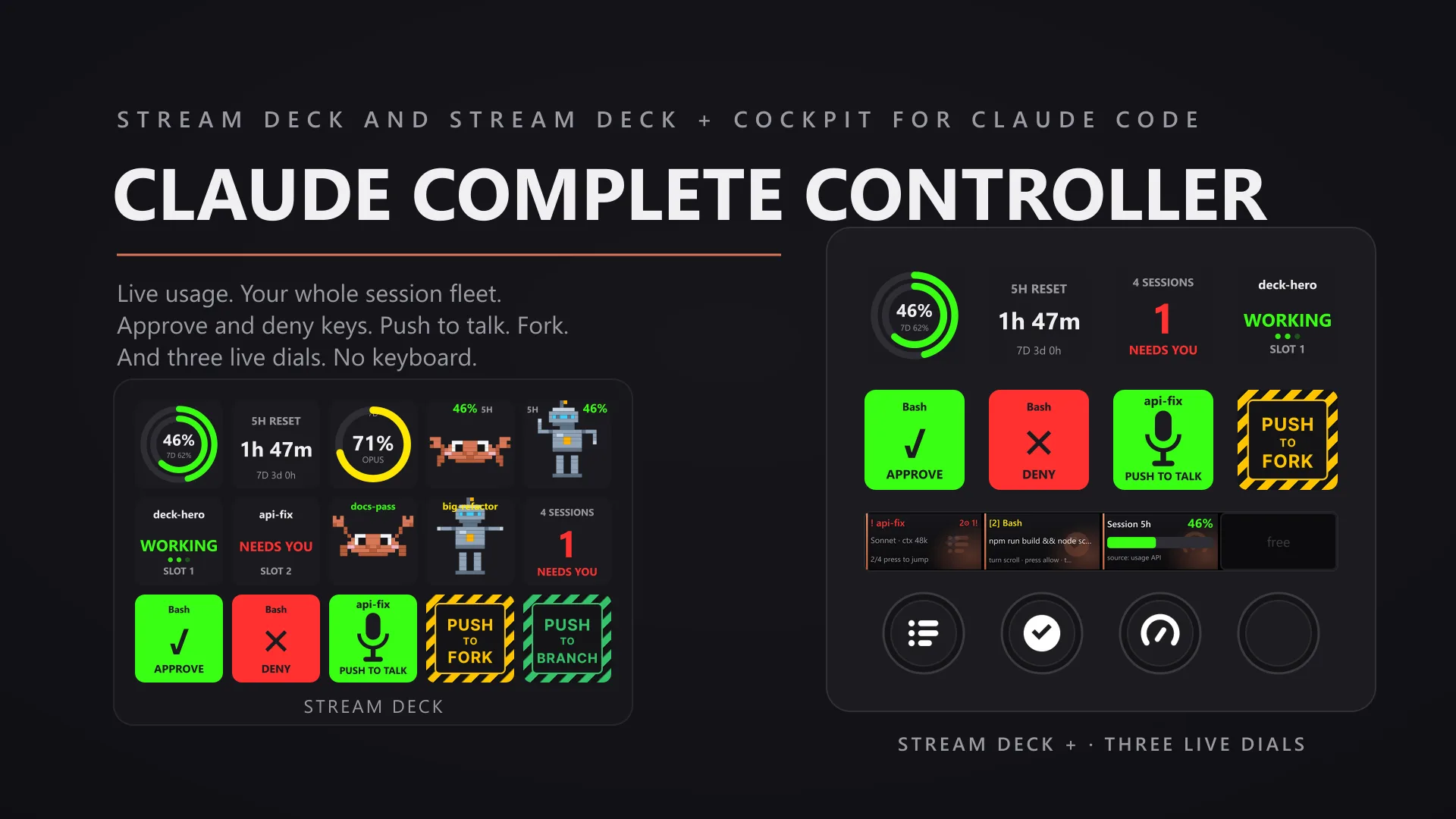
Claude Complete Controller hero slide

Claude Complete Controller

AI tooling · 9 actions

  • Requires Claude Code installed; the plugin's session monitoring connects to a local helper that starts with the plugin.

Claude Complete Controller plugin page →

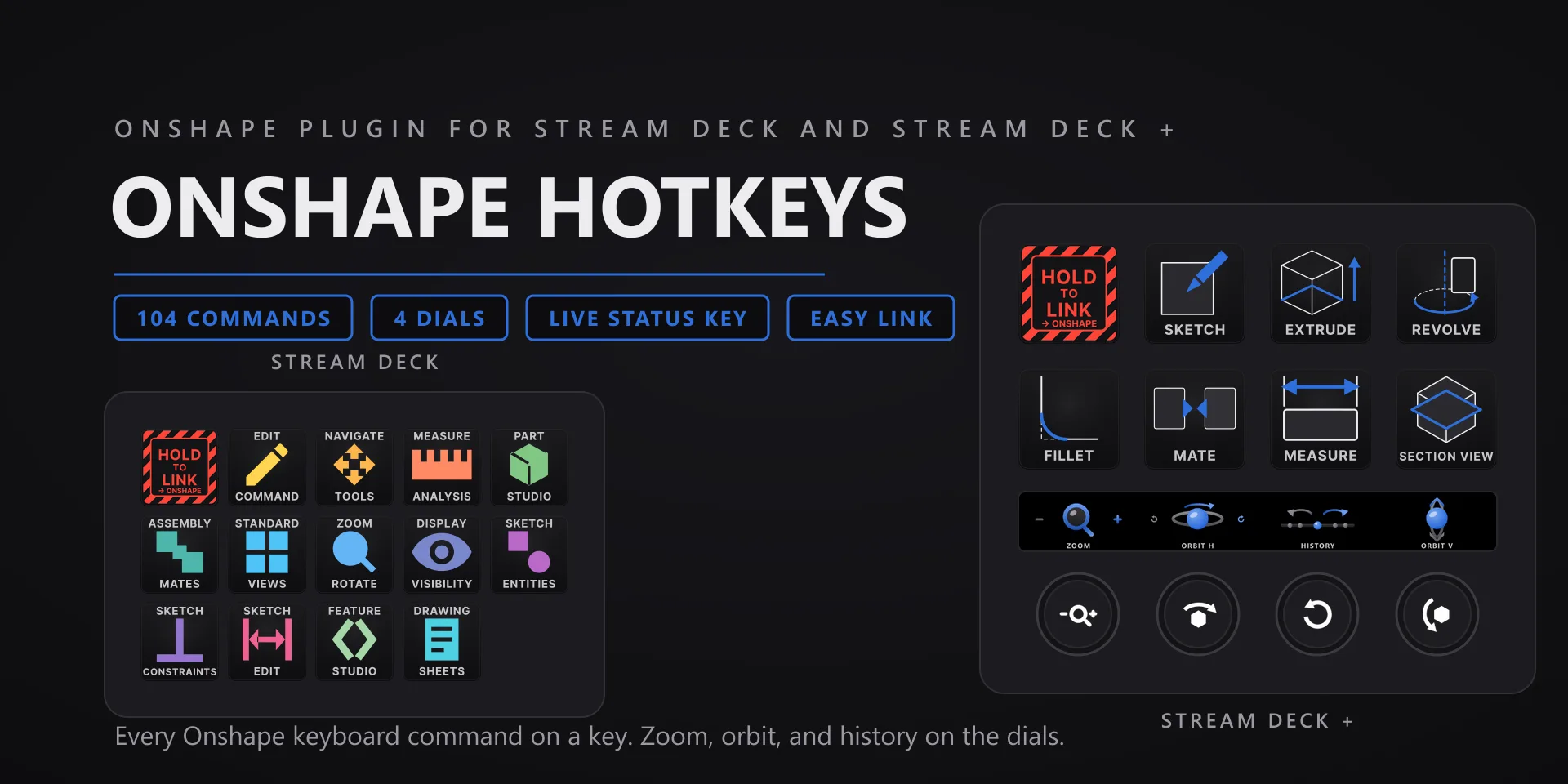
Onshape Hotkeys hero slide

Onshape Hotkeys

Cloud CAD · 104 commands · 13 categories

  • Onshape runs in a Chromium browser (Chrome, Edge) or as an installed PWA. That window must be focused when you press, and the model area needs a click first so keystrokes reach Onshape instead of the page.
  • Two keys ship without a pre-assigned shortcut on purpose: Feature Studio Commit and the Drawing sheet menu both default to Ctrl+S, which the browser takes for Save Page first. Rebind them in Onshape, then capture the new combination on the key.
  • The Status key identifies Onshape by page address, so it keeps working in a PWA window with no address bar.

Onshape Hotkeys plugin page →

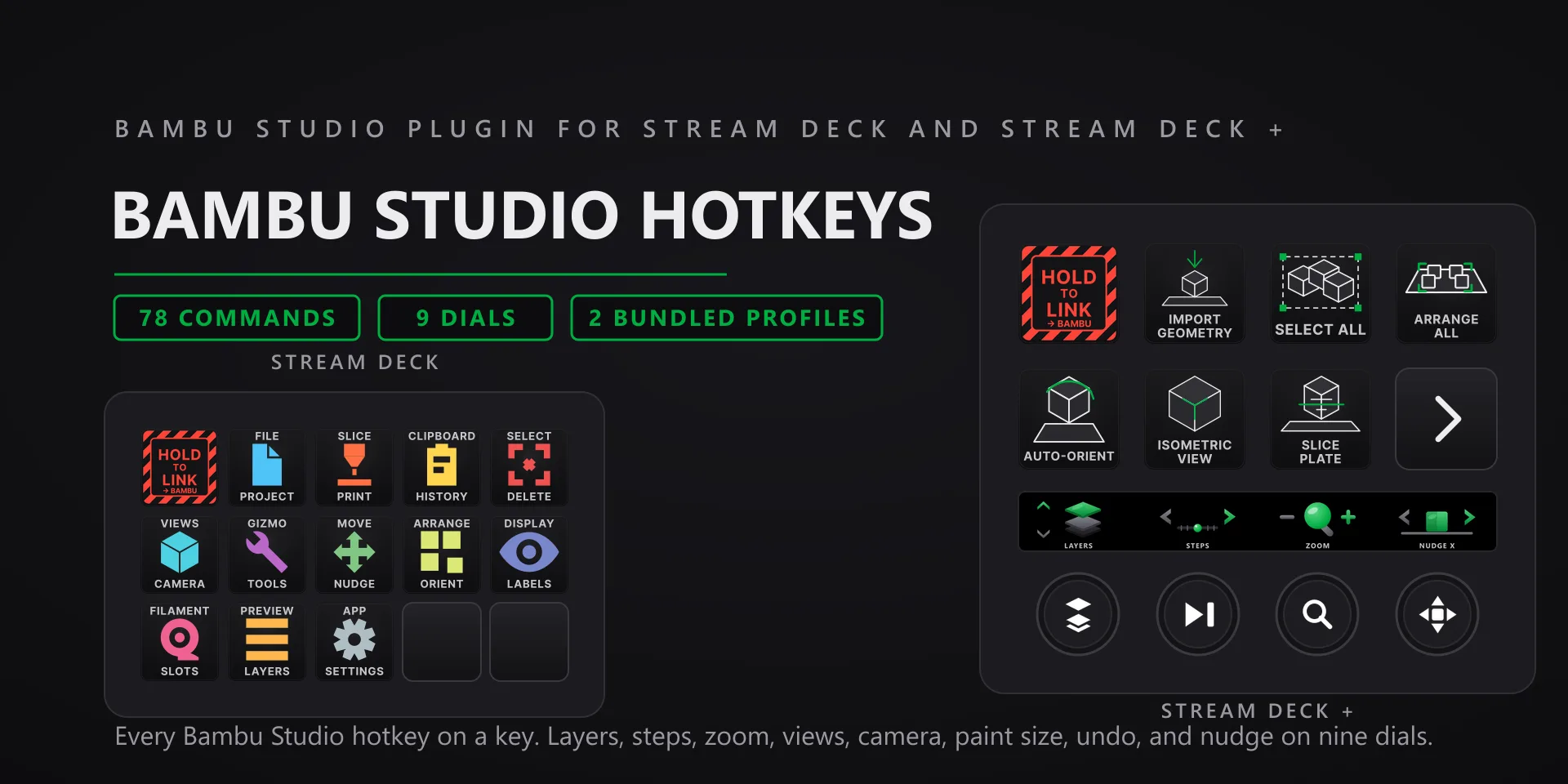
Bambu Studio Hotkeys hero slide

Bambu Studio Hotkeys

3D printing · 78 commands · 12 categories

  • Keys go to the focused window, so Bambu Studio needs to be the active app when you press.
  • The status key reads Bambu Studio's current view and follows it. Turn on the follow option if you want the deck to switch pages with the app.

Bambu Studio Hotkeys plugin page →

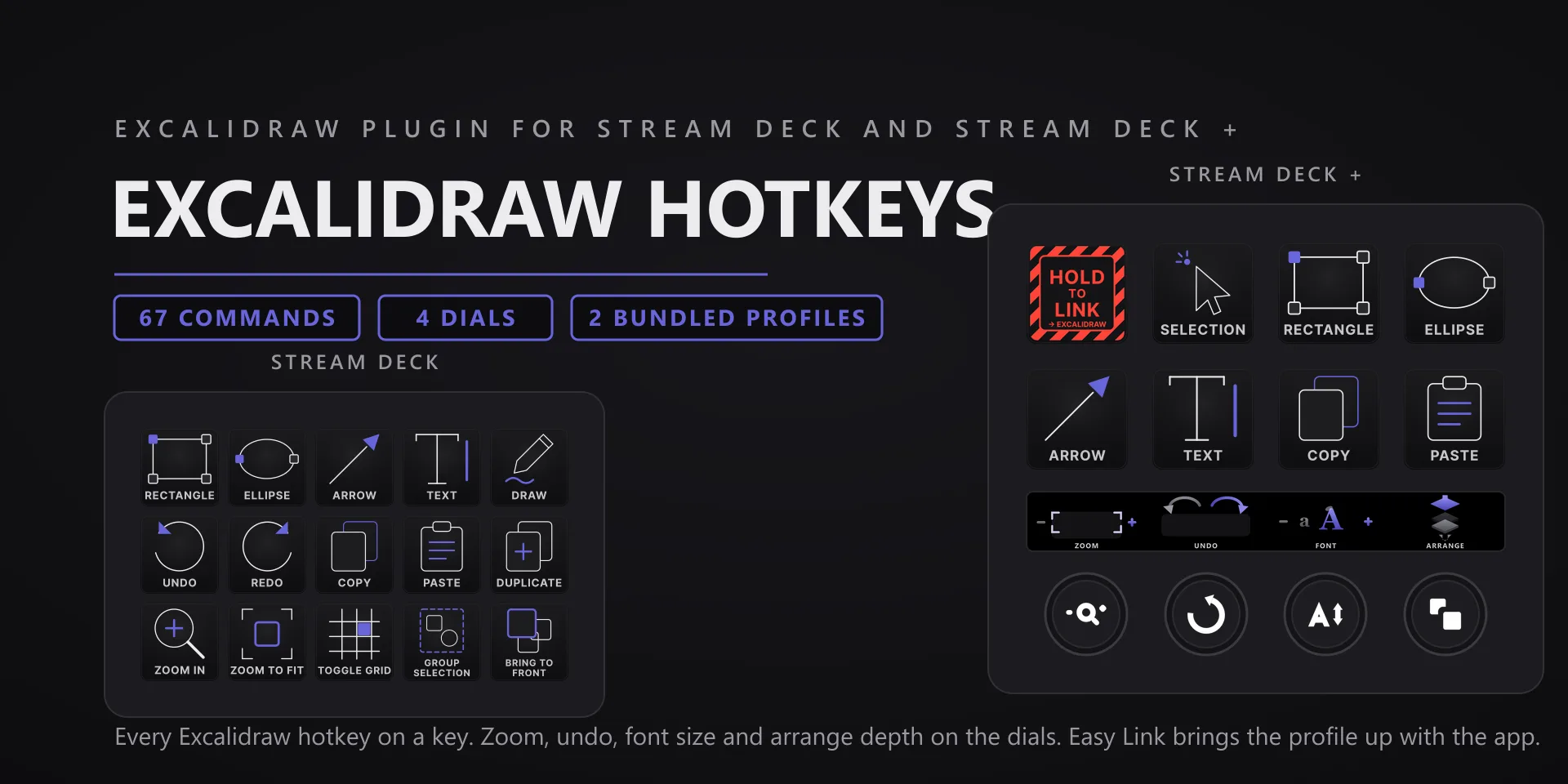
Excalidraw Hotkeys hero slide

Excalidraw Hotkeys

Whiteboarding · 67 commands · 6 categories

  • Excalidraw runs in a browser tab. That tab must be focused, and the canvas itself needs a click first so keystrokes land on the drawing and not the page.
  • The status key reads the active tool live off the canvas. If it looks stuck, click the canvas once and it resyncs.

Excalidraw Hotkeys plugin page →

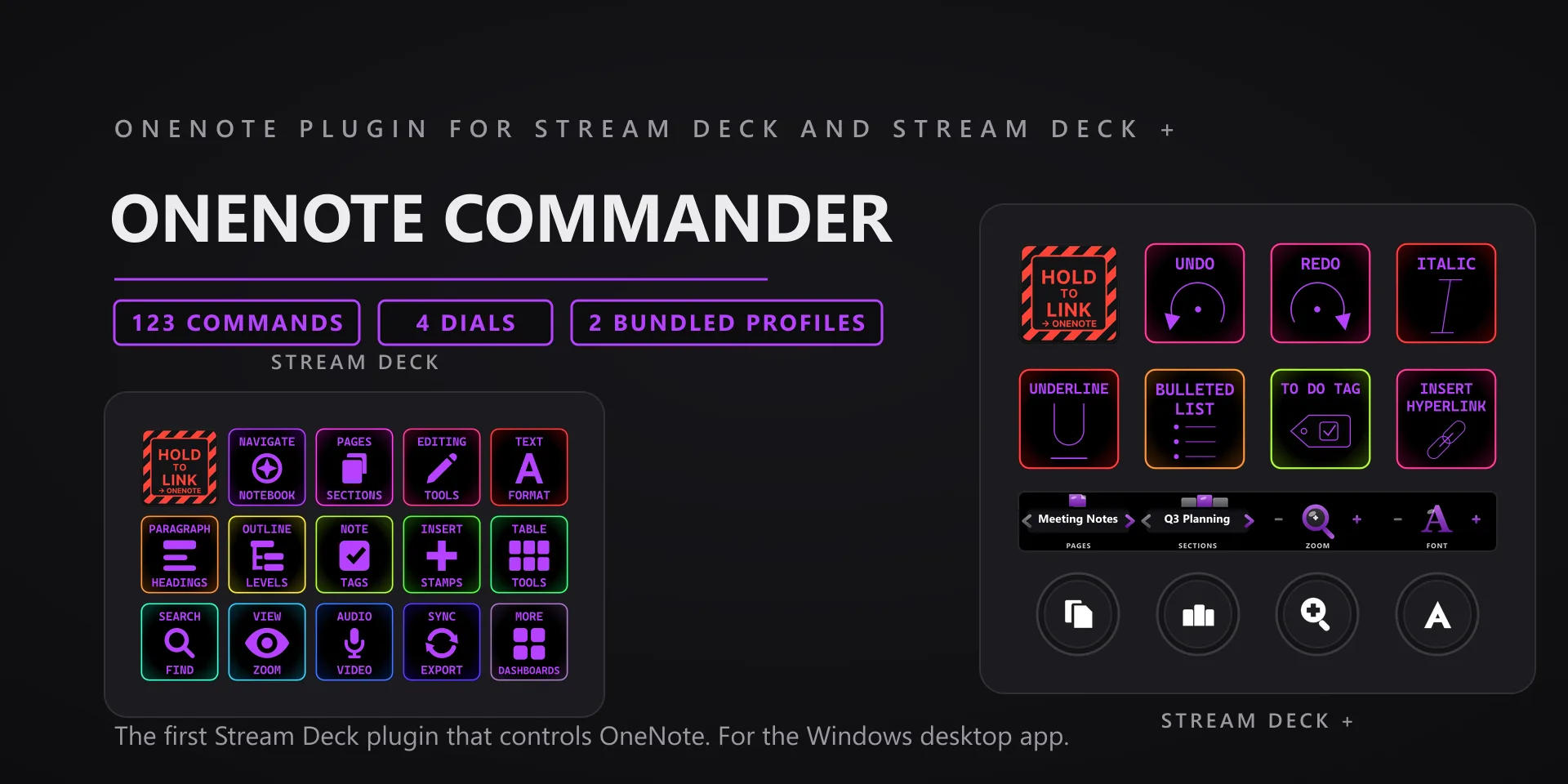
OneNote Commander hero slide

OneNote Commander

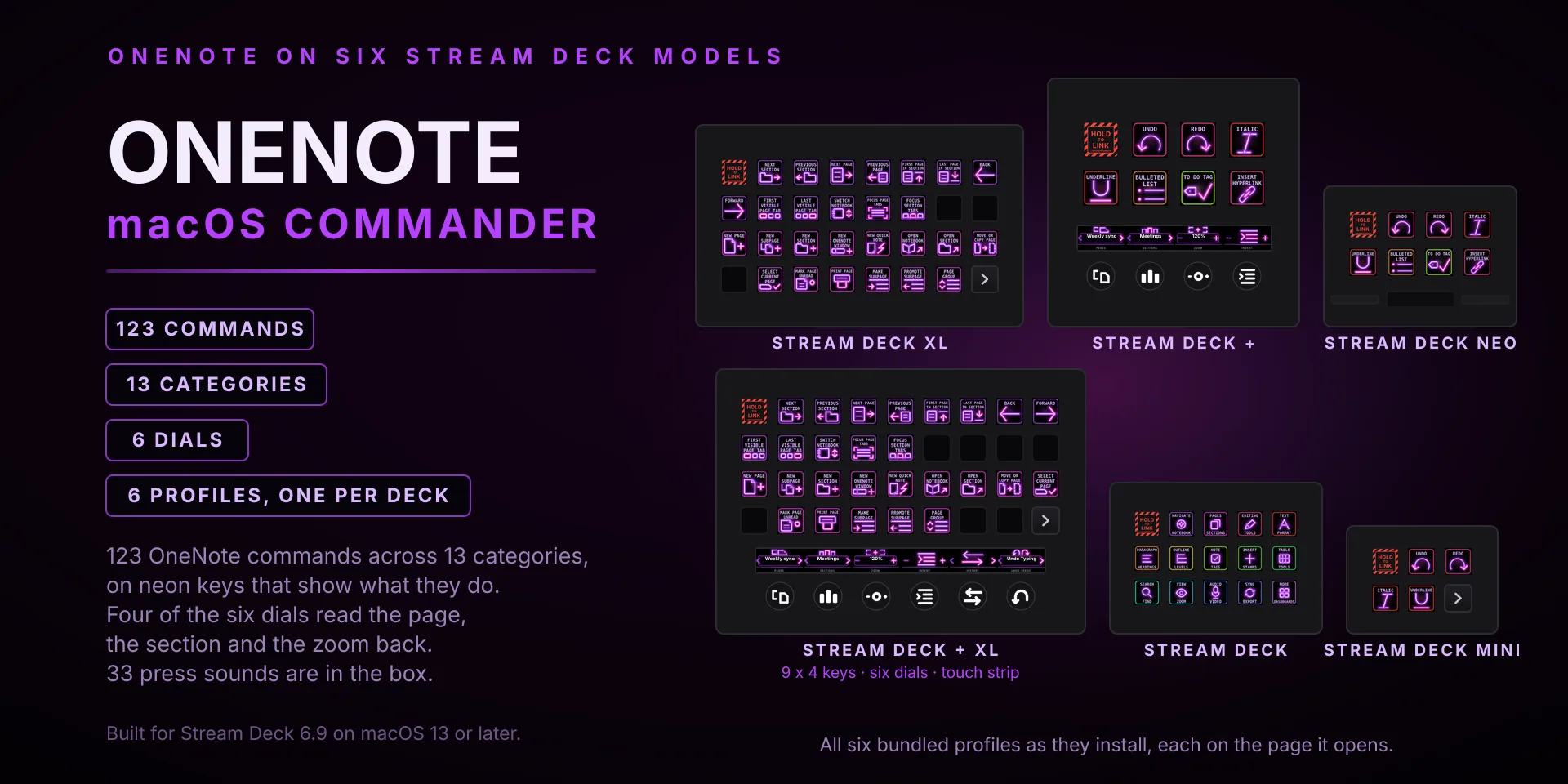
Note taking · 123 commands · 13 categories

  • Works with the OneNote desktop app for Windows: the current Microsoft 365 version or the free desktop app, which are the same program today. It does not work with the retired OneNote for Windows 10 store app, OneNote for the web, or OneNote for Mac.
  • Keystroke commands go to the active window, so OneNote has to be focused when you press. The live keys (Status breadcrumb, Jump to Page, To-Do Dashboard, Search, PDF export) read and drive OneNote through its automation API in the background, so they work even when OneNote is not in front.
  • Audio and video capture is driven through OneNote itself. The record, pause, and stop keys fire, but OneNote's own recorder can behave inconsistently depending on your machine and audio devices. If a recording will not start, check the capture in OneNote directly.

OneNote Commander plugin page →

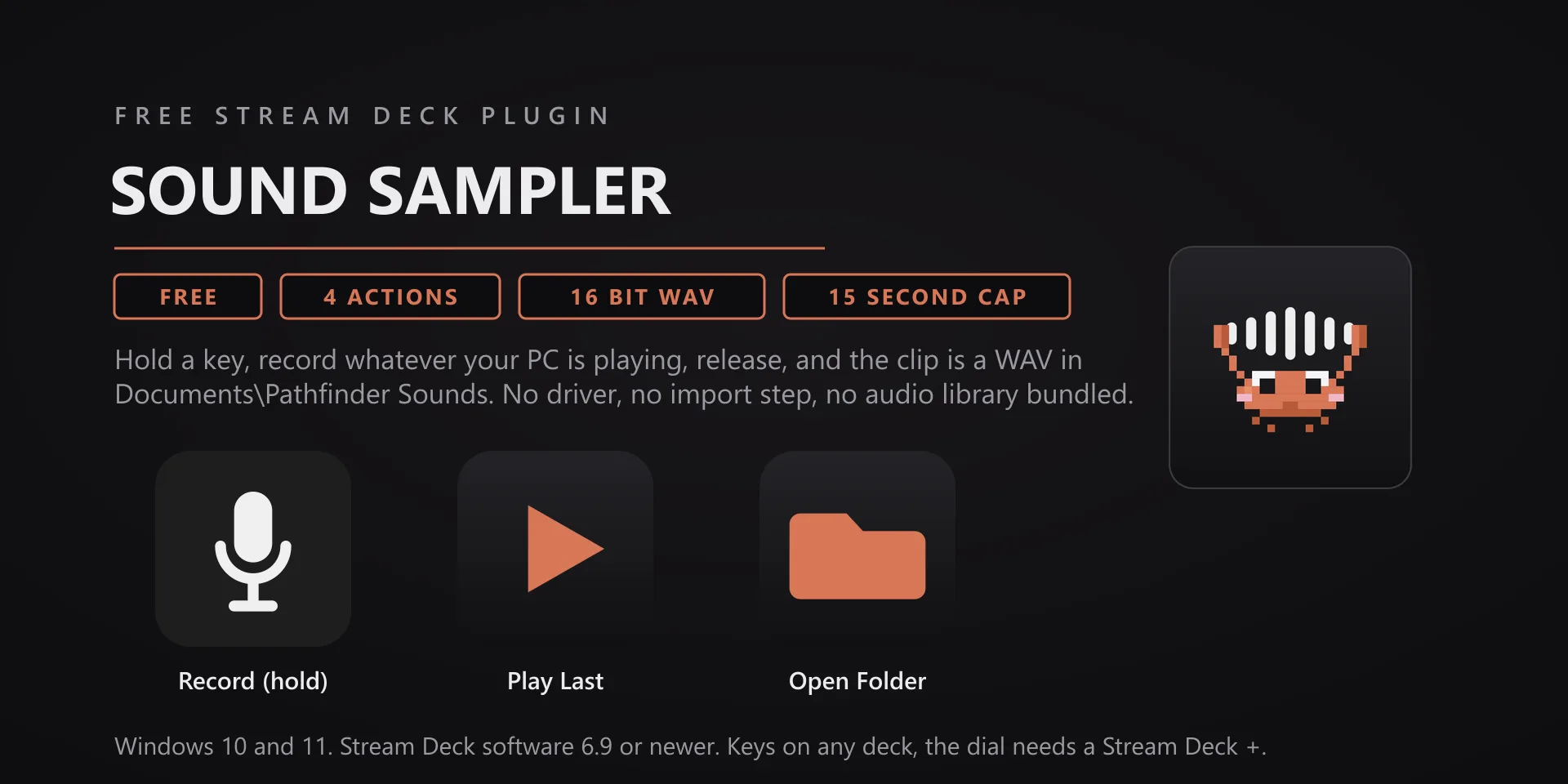
Sound Sampler hero slide

Sound Sampler

Audio capture · 4 actions · free

  • Hold Record to capture what your PC is playing, release to save. Play Last plays the newest clip so you can audition it from the deck. Open Folder opens the folder in Explorer. Clips land in Documents\Pathfinder Sounds as sample-YYYYMMDD-HHmmss.wav: 16-bit WAV, trimmed and peak normalized. A hold you never release stops itself at 15 seconds.
  • Picking the source. On a normal PC, leave Capture Source on Default playback device and record what you hear. On Voicemeeter or another virtual mixer, pick the playback device your audio actually plays through, for example a VAIO channel. An idle virtual channel records nothing. Capture inputs and microphones are in the same list, so those work too.
  • A silent result means no audio came through the device you picked, and the key says so rather than leaving a dead file behind. Play something through that device, or switch to the one your sound is really on.
  • Device is in use by another app (exclusive mode) means another program has claimed that endpoint. Pick a different source. On a Voicemeeter rig the physical outputs read this way because Voicemeeter holds them, so record the virtual channel instead.
  • Recordings appear in the Key Sound picker of every Pathfinder Prototyping hotkeys plugin, grouped under Your recordings. There is no import step.
  • Windows 10 or 11 with Stream Deck software 6.9 or later, and no target app to install. No profile is bundled: place the actions wherever you want them.

Sound Sampler plugin page →

Krita Complete hero slide

Krita Complete

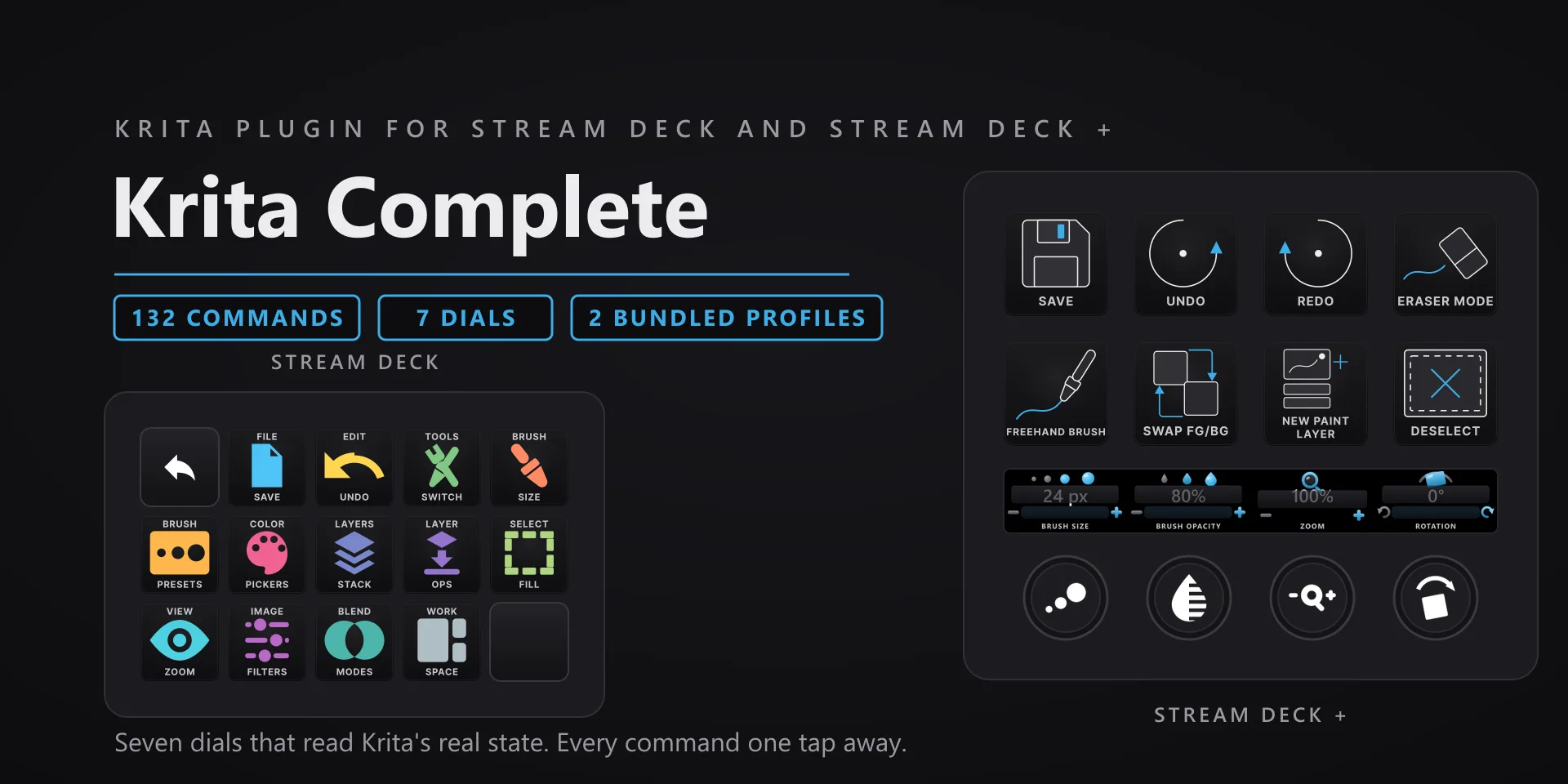
Digital painting · 132 commands · 13 categories

  • Built and tested against Krita 5.3.2 desktop on Windows 10 and 11. Requires the Windows Stream Deck app 6.9 or later. The seven dials need a Stream Deck +; every key action works on any Stream Deck model.
  • Command keys send keystrokes to the active window, so Krita has to be focused when you press one. The dials read and write Krita's own controls over UI automation, so their readouts stay correct without Krita in front.
  • The value dials read Krita's own widgets. Brush Size uses the Brushes and Stuff toolbar, Canvas Zoom and Canvas Rotation use the status bar, and the layer dials use the Layers docker. All three are visible in Krita's default workspace. If you have hidden one, that dial's readout goes blank until you bring it back.
  • A dash on the touch strip means Krita is not running. The dials show a dash instead of the last value they saw, so a number on the strip is always current.
  • Remapped your Krita shortcuts? Every key has a Capture field in the property inspector: press your combination once and that key sends exactly that from then on. It works inside Multi Actions too.

Krita Complete plugin page →

Darktable Complete hero slide

Darktable Complete

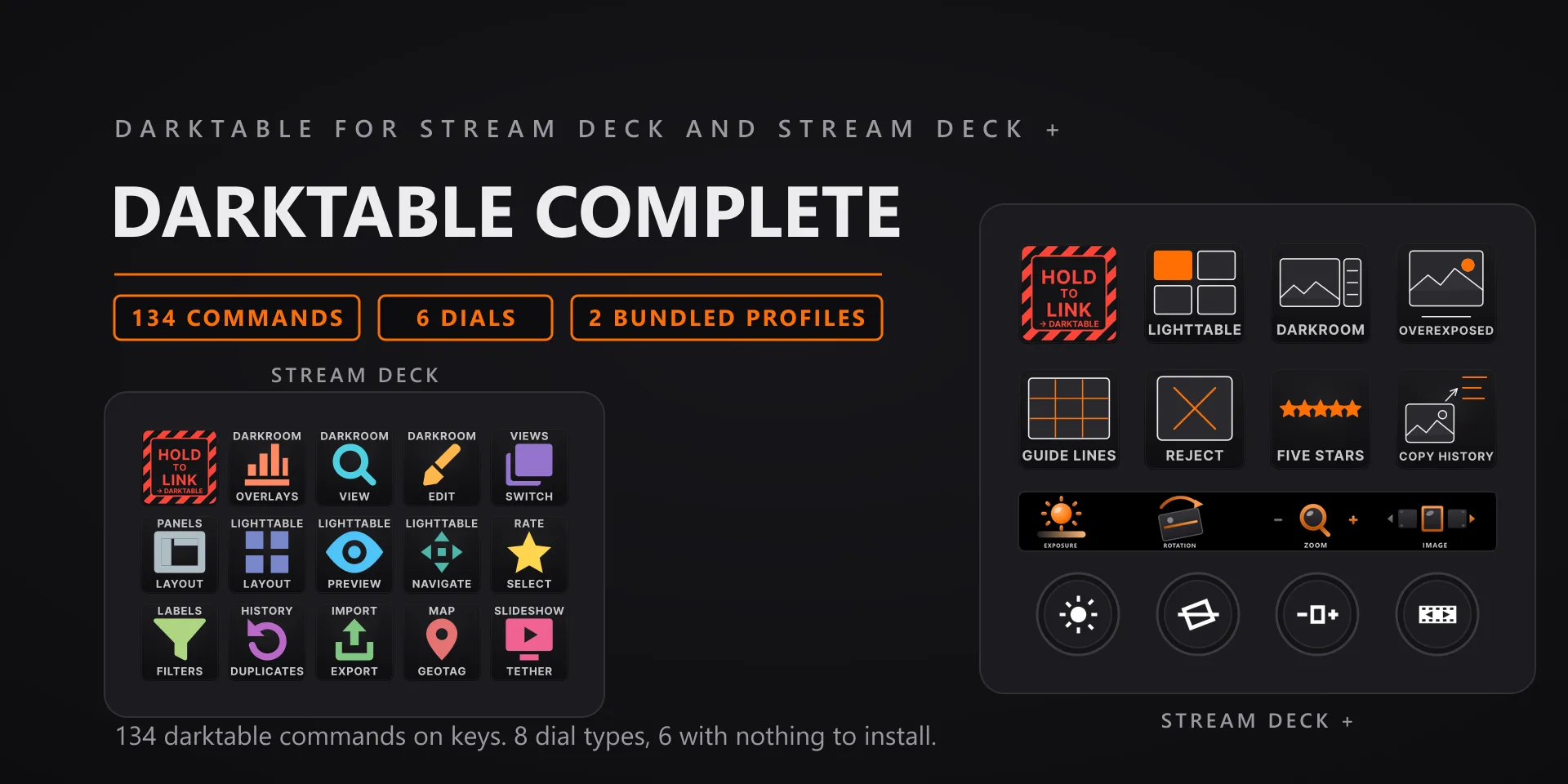
Photo editing · 134 commands · 14 categories

  • Built and tested against darktable 5.6.0 on Windows 10 and 11. Requires the Windows Stream Deck app 6.9 or later. Dials require a Stream Deck +; keys work on every Stream Deck model.
  • Keystrokes go to the active window, so keep darktable in front when you press a key or turn a dial.
  • Many commands act in one view only, and each key's property inspector says which. The view keys toggle the way darktable's own shortcuts do: pressing Darkroom while already in the darkroom returns you to the lighttable.
  • The Contrast and White Balance dials need the optional Lua bridge. It runs in darktable's own built-in Lua engine, nothing else to fetch: install it from any dial's property inspector and restart darktable once; Remove takes the script and its luarc line back out. Without the bridge those two dials alert rather than pretend.
  • Four commands are press and hold, not press and fire: Full preview, Force pan and zoom, Preview while held, Preview with focus. The key stays down as long as you hold it.
  • Remapped your darktable shortcuts? Every key has a Capture field in the property inspector: press your combination once and that key sends exactly that from then on. It works inside Multi Actions too.

Darktable Complete plugin page →

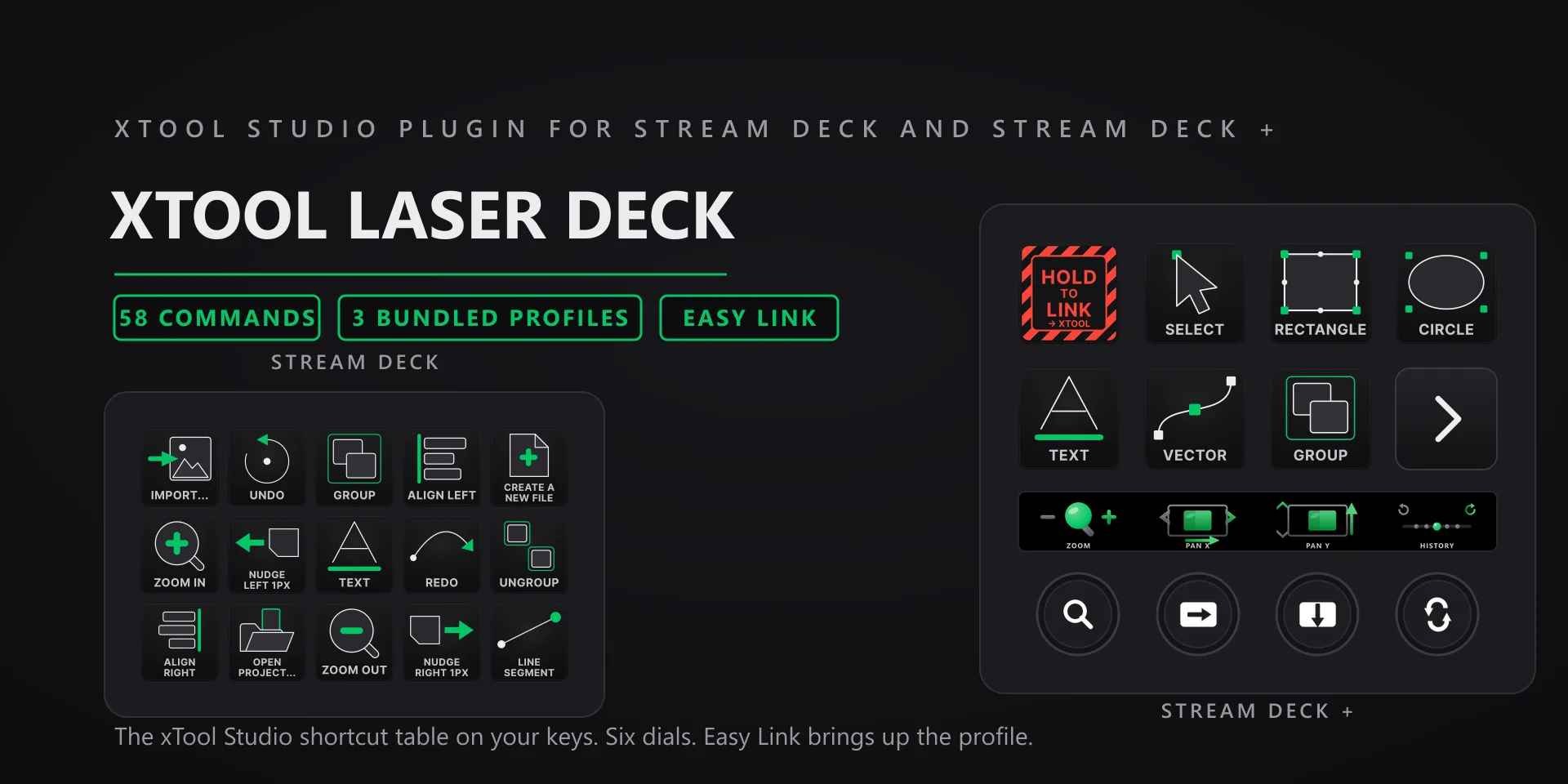
xTool Laser Deck hero slide

xTool Laser Deck

Laser design · 58 commands · 7 categories

  • Built and tested against xTool Studio 1.8.14 on Windows 10 and 11. Requires the Windows Stream Deck app 6.9 or later. The dials need a Stream Deck +; keys work on every Stream Deck model.
  • Keystrokes go to the active window, so keep xTool Studio in front when you press a key.
  • The Zoom, Pan X and Pan Y dials send a real mouse wheel event, the same way xTool Studio itself scrolls, so the pointer has to sit over the xTool Studio window. If it is somewhere else the dial refuses the send rather than scroll the wrong app. Pressing any of the three fits the drawing on screen.
  • The zoom keys send Ctrl with plus and minus. xTool's own published shortcut table lists the bare plus and minus keys, but the app does not answer those, so the plugin sends the combination that actually works.
  • Three keys are toggles the app keeps to itself: Lock / Unlock, Show / Hide and Auto-Snap. The key sends the flip, but xTool Studio exposes no way to read which state it landed in, so these keys do not display on or off.
  • The xTool Status key shows whether xTool Studio is running and whether it has focus, and nothing more. Pressing it does nothing.
  • xTool Studio's own shortcuts cannot be reassigned, so every key already sends what the app binds. The Capture field in the property inspector is there when you want a key to send something different instead.

xTool Laser Deck plugin page →

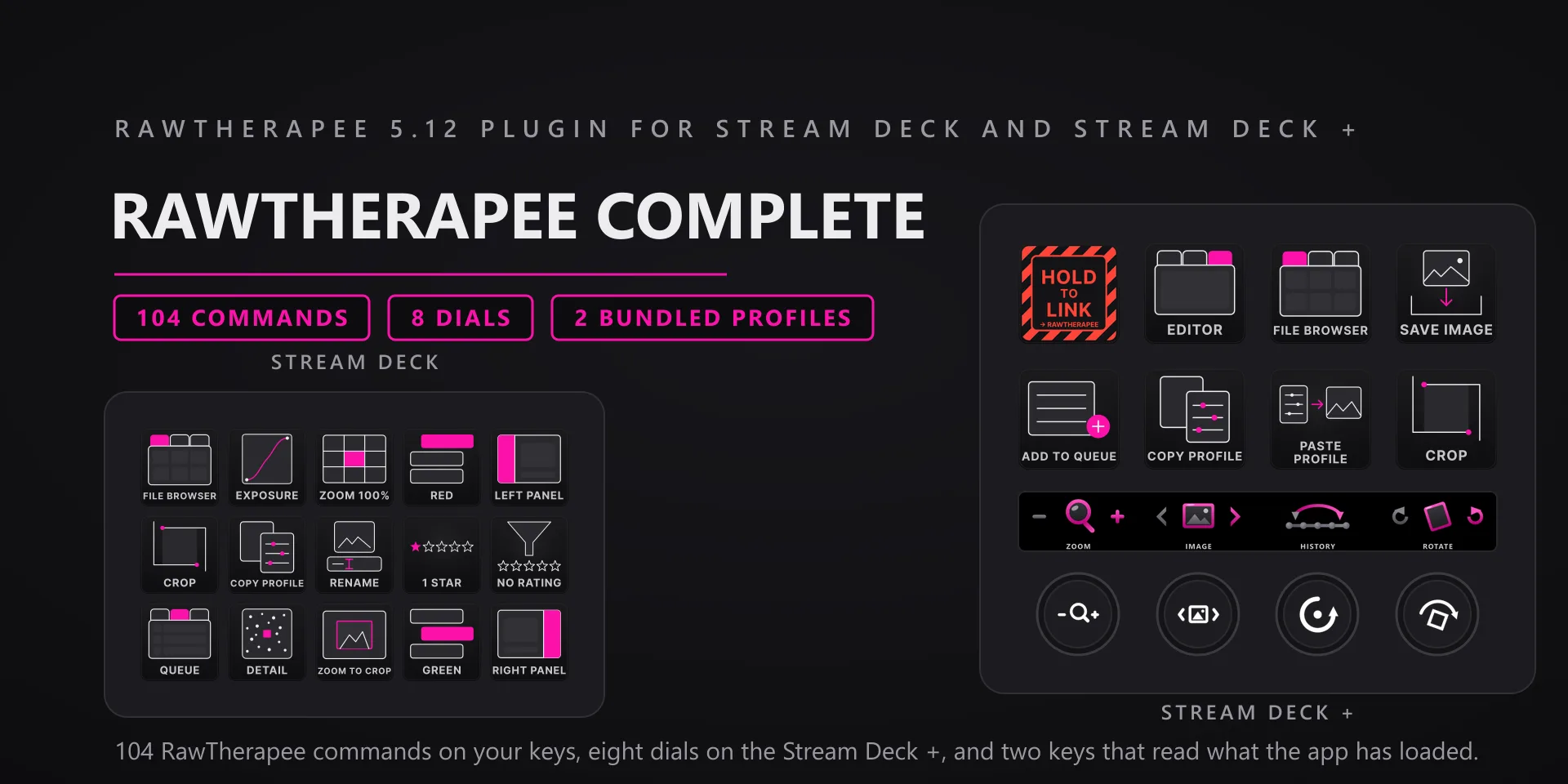
RawTherapee Complete hero slide

RawTherapee Complete

Raw developing · 104 commands · 10 categories

  • Built and tested against RawTherapee 5.12, the 64-bit Windows desktop build, on Windows 10 and 11. Requires the Windows Stream Deck app 6.9 or newer. Dials need a Stream Deck +; the keys work on every Stream Deck model.
  • Keys go to whatever window is in front, so bring RawTherapee forward before pressing.
  • The Tool Tab and Preview Mode dials cycle open loop. RawTherapee offers no way to read back which tool tab or preview mode is active, so those two faces name the step they just sent and never claim a current state.
  • The Tone Readout key is labelled as loaded because that is exactly what it is. It reads the processing profile sitting on disk beside your raw, and that file lags the sliders until RawTherapee writes it. The key re-reads on press and never forces a save, so it cannot touch your edit history.
  • The Zoom dial turns the scroll wheel over the preview, so RawTherapee zooms at your pointer. Fast spins fold into a single send.
  • The Filters page in the bundled 15-key profile carries 14 of the 16 filter commands, which is what fits beside the Home key. The other two are one dropdown pick away on any spare key.
  • Remapped RawTherapee, or running a build with different bindings? Every key has a Capture field in the property inspector: press your combination once and that key sends exactly that from then on.

RawTherapee Complete plugin page →

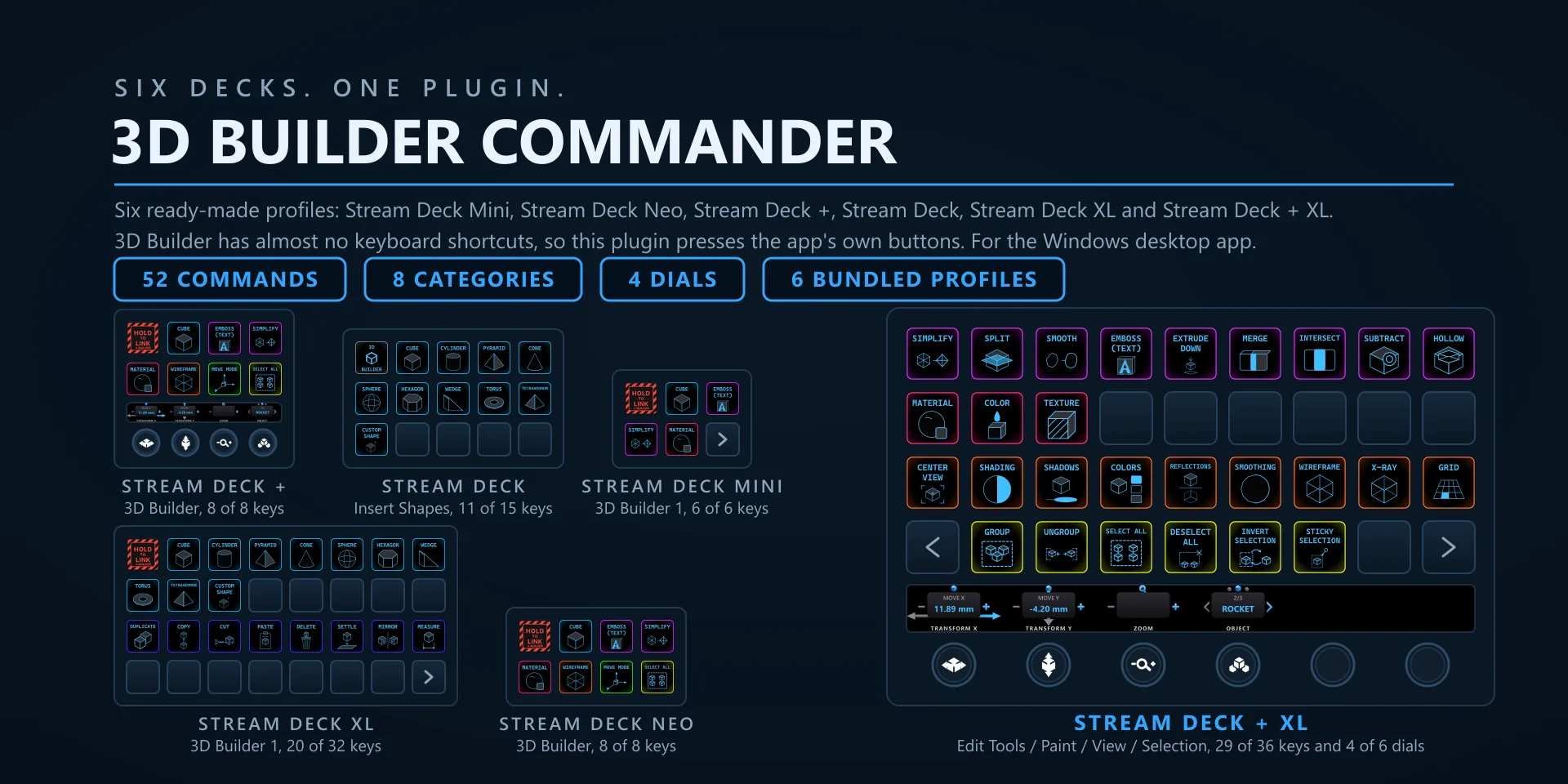
3D Builder Commander hero slide

3D Builder Commander

3D modeling · 52 commands · 8 categories

  • Works with the Microsoft 3D Builder desktop app for Windows 10 and Windows 11, version 20.x, which is the last version Microsoft released. 3D Builder is gone from the Store, but it keeps working if you already have it installed. Requires the Windows Stream Deck app 6.9 or later. The dials need a Stream Deck + or a Stream Deck + XL. Profiles are bundled for six decks: the 15-key Stream Deck, the Stream Deck +, the Stream Deck + XL, the 32-key Stream Deck XL, the Mini, and the Neo.
  • 3D Builder has almost no keyboard shortcuts, so these keys do not send one. A background helper finds the running 3D Builder window, switches to the right ribbon tab when a command needs it, and presses the app's own button. Two things follow from that. 3D Builder does not have to be the front window for a key to work, and pressing a key never pulls focus away from what you are doing. It does have to be running: with the app closed the keys have nothing to drive. Undo and Redo are the exceptions and fall back to Ctrl+Z and Ctrl+Y.
  • Keys dim when the action is genuinely unavailable. Undo and Redo dim with nothing to undo or redo, Save dims when there are no unsaved changes, and Intersect and Subtract dim until two objects are selected. Move, Rotate and Scale light up to show the active manipulator, and the View toggles light up when their effect is on.
  • The Zoom dial is the one control that sends a real mouse wheel event, so the pointer has to be over the 3D Builder window. It stays quiet when the pointer is somewhere else, so it cannot scroll the wrong app by mistake. Transform X, Transform Y and Object read and write the app's own values instead, so those three work wherever the pointer is.
  • The Status key shows the scene name, the object count and an unsaved-changes badge, or the active manipulator mode instead. There is an optional setting that makes the deck page follow the app's active ribbon tab.

3D Builder Commander plugin page →

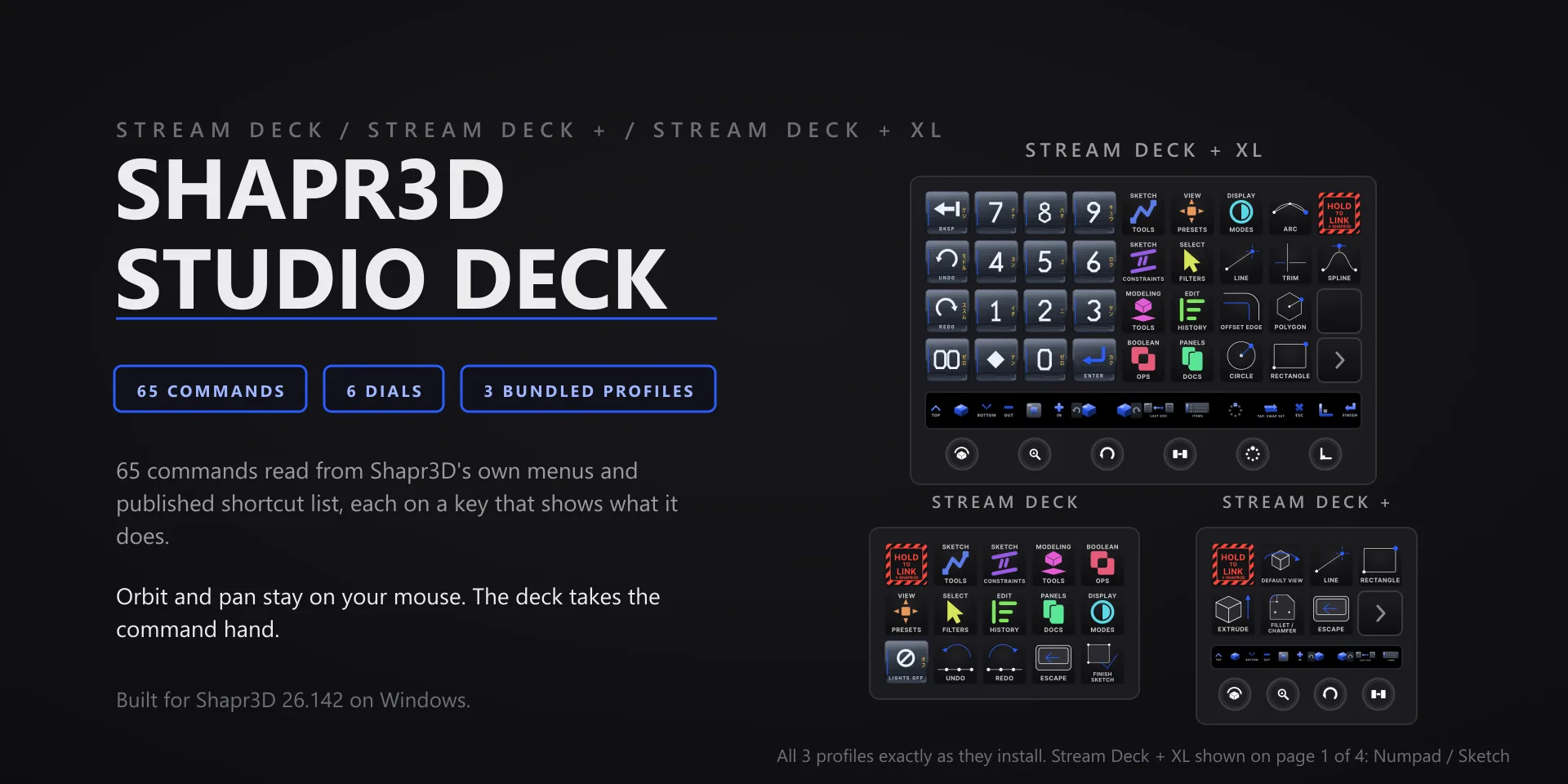
Shapr3D Studio Deck hero slide

Shapr3D Studio Deck

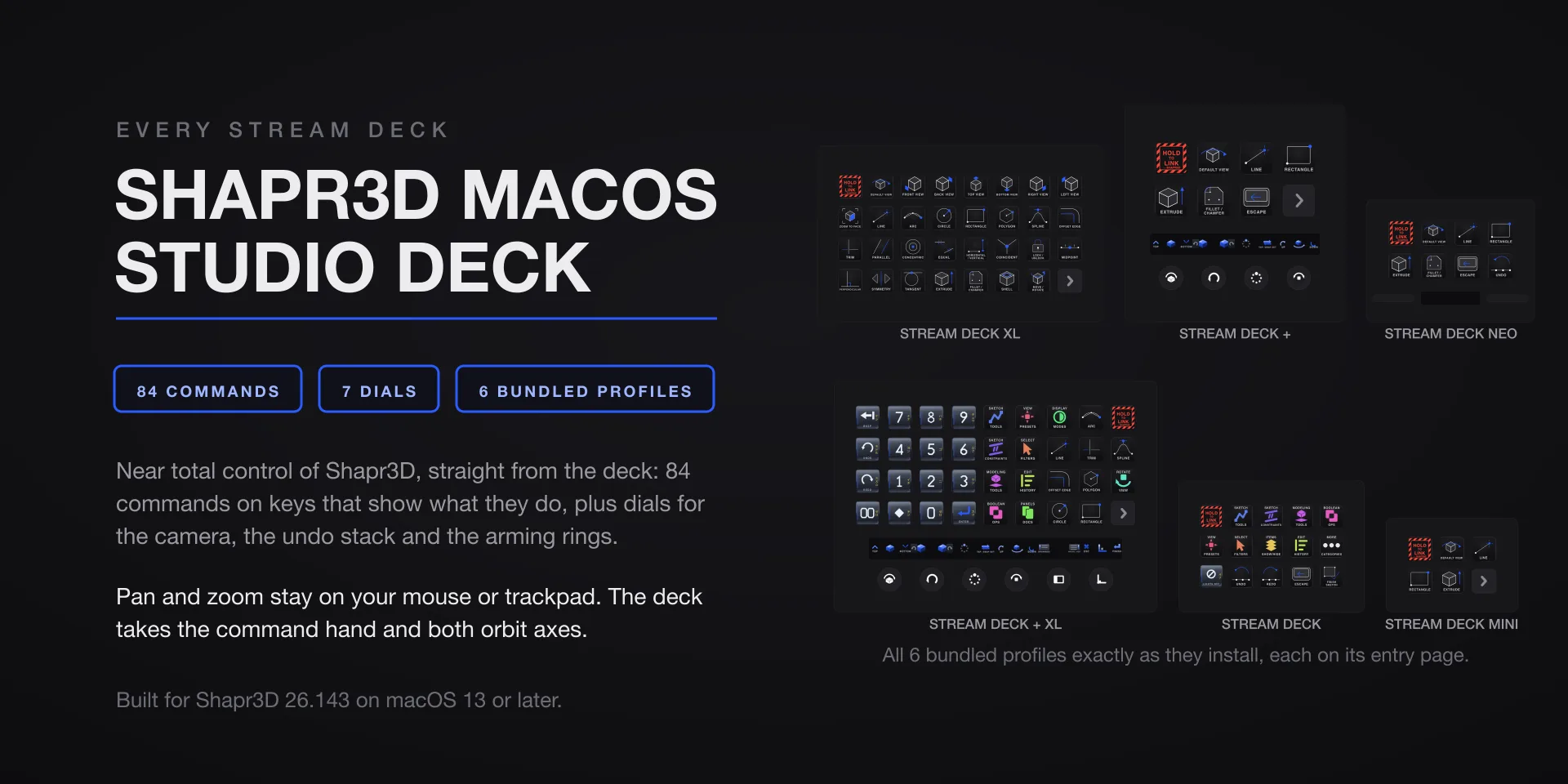
Direct modeling · 65 commands · 9 categories

  • Built for Shapr3D 26.142 on Windows 10 and 11. Requires the Windows Stream Deck app 6.9 or later. Profiles are bundled for three decks: the 15-key Stream Deck, the Stream Deck +, and the Stream Deck + XL. The six dials need one of the two Stream Deck + models.
  • Orbit and pan stay on your mouse. Continuous orbit is not reachable from the keyboard in Shapr3D on Windows, so those two are deliberately absent rather than shipped as keys that would do nothing.
  • Runs entirely on your own machine. No account, no subscription, no telemetry.

Shapr3D Studio Deck plugin page →

Paint.NET Studio Deck hero slide

Paint.NET Studio Deck

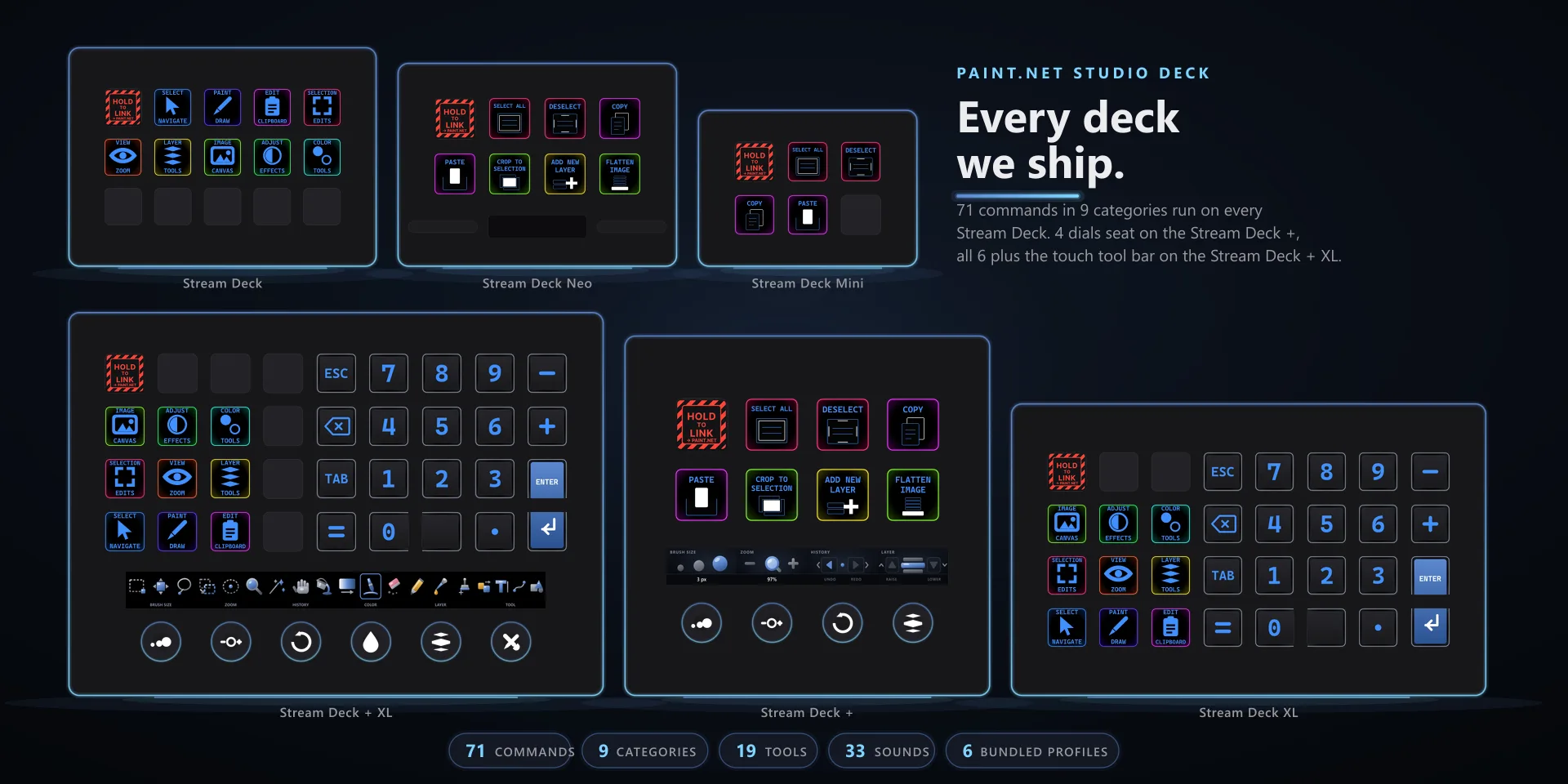
Image editing · 71 commands · 9 categories

  • Built for Paint.NET 5.1.12, the classic desktop edition from getpaint.net, on Windows 10 and 11. Requires the Windows Stream Deck app 6.9 or later. Profiles are bundled for six decks: the 15-key Stream Deck, the Stream Deck +, the Stream Deck + XL, the 32-key Stream Deck XL, the Mini, and the Neo.
  • Exact tool selection needs Paint.NET's Tools panel open. With it hidden, five of the nineteen tool keys say so rather than guessing, the other fourteen fall back to their plain keyboard shortcut, and the Tool Cycle dial face goes blank because the tool is genuinely unknown.
  • The Primary Color dial needs the Colors window open, and the Brush Size dial only acts while a brush-family tool is active. In both cases the dial says so and changes nothing, rather than writing a value blind.
  • A blank dial face means not readable, never zero. That is a non-brush tool, a hidden Tools panel, or Paint.NET closed or sitting in a modal. The first face after a profile switch can also take a beat to populate.

Paint.NET Studio Deck plugin page →

Still stuck?

Write us

Include the plugin name, your Stream Deck software version, and what you pressed vs. what happened. Screenshots help.

[email protected]