PathfinderPrototyping · St. Paul MN

Video editing · Stream Deck plugin

Clipchamp Hotkeys

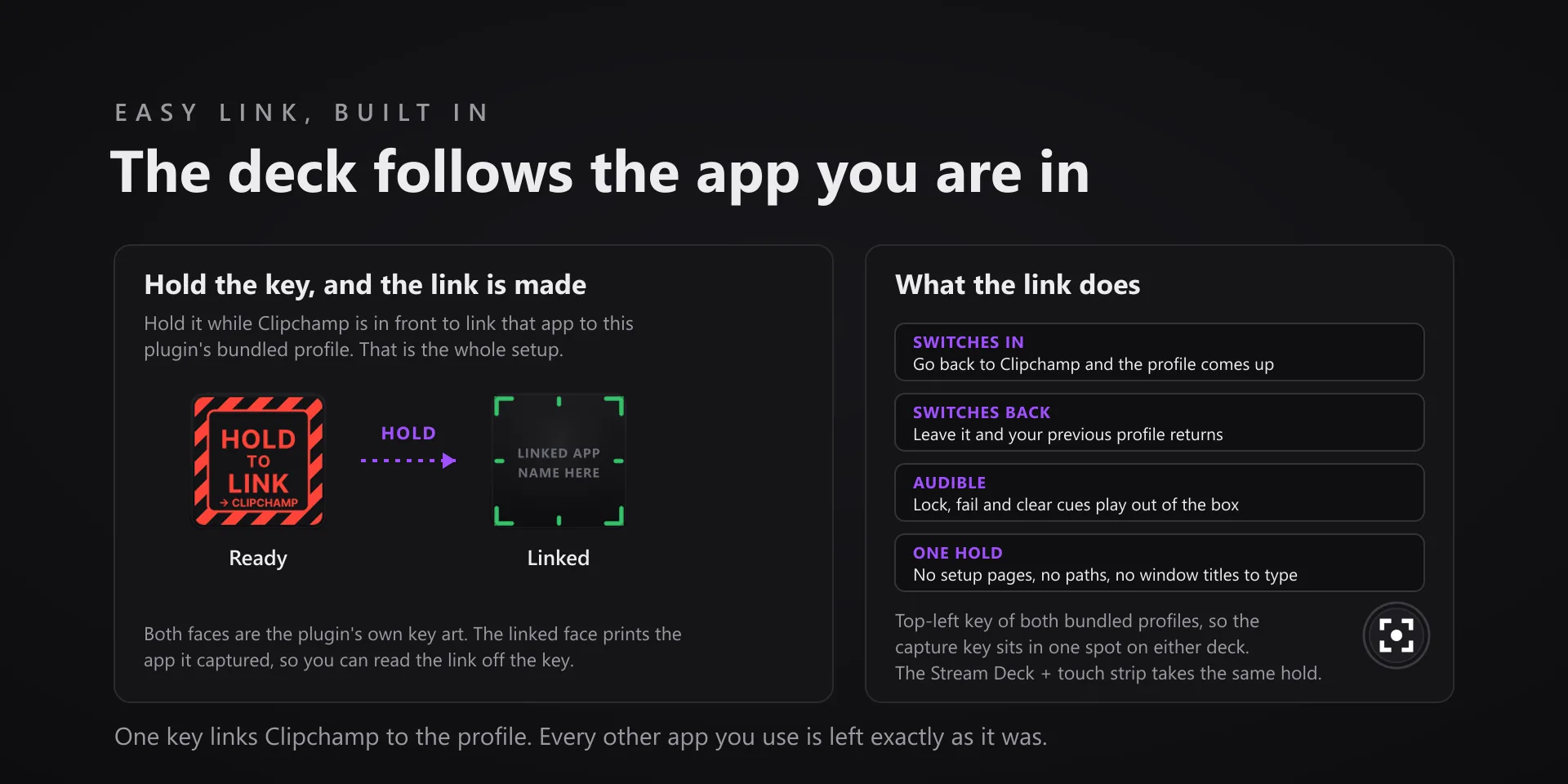
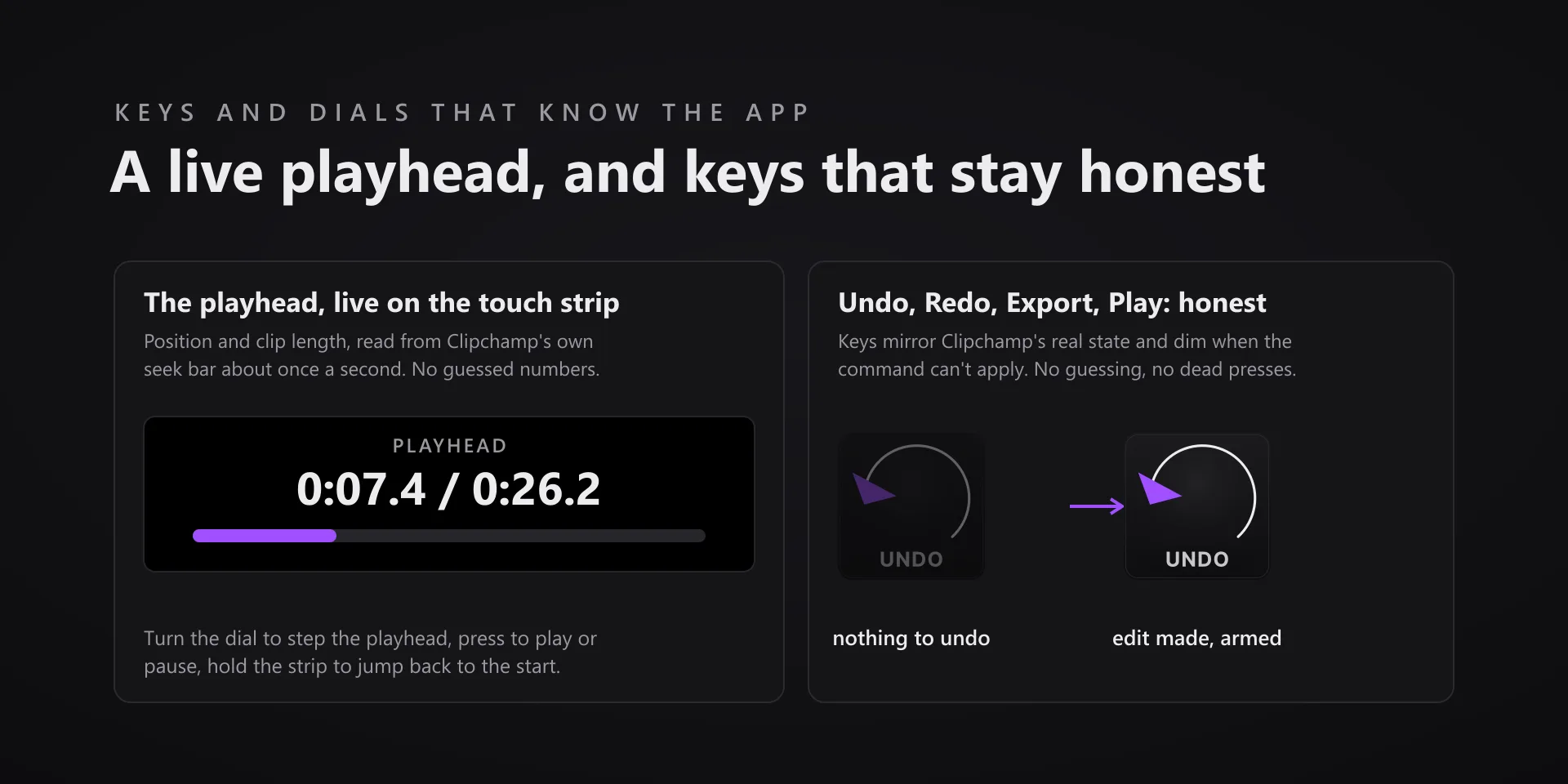
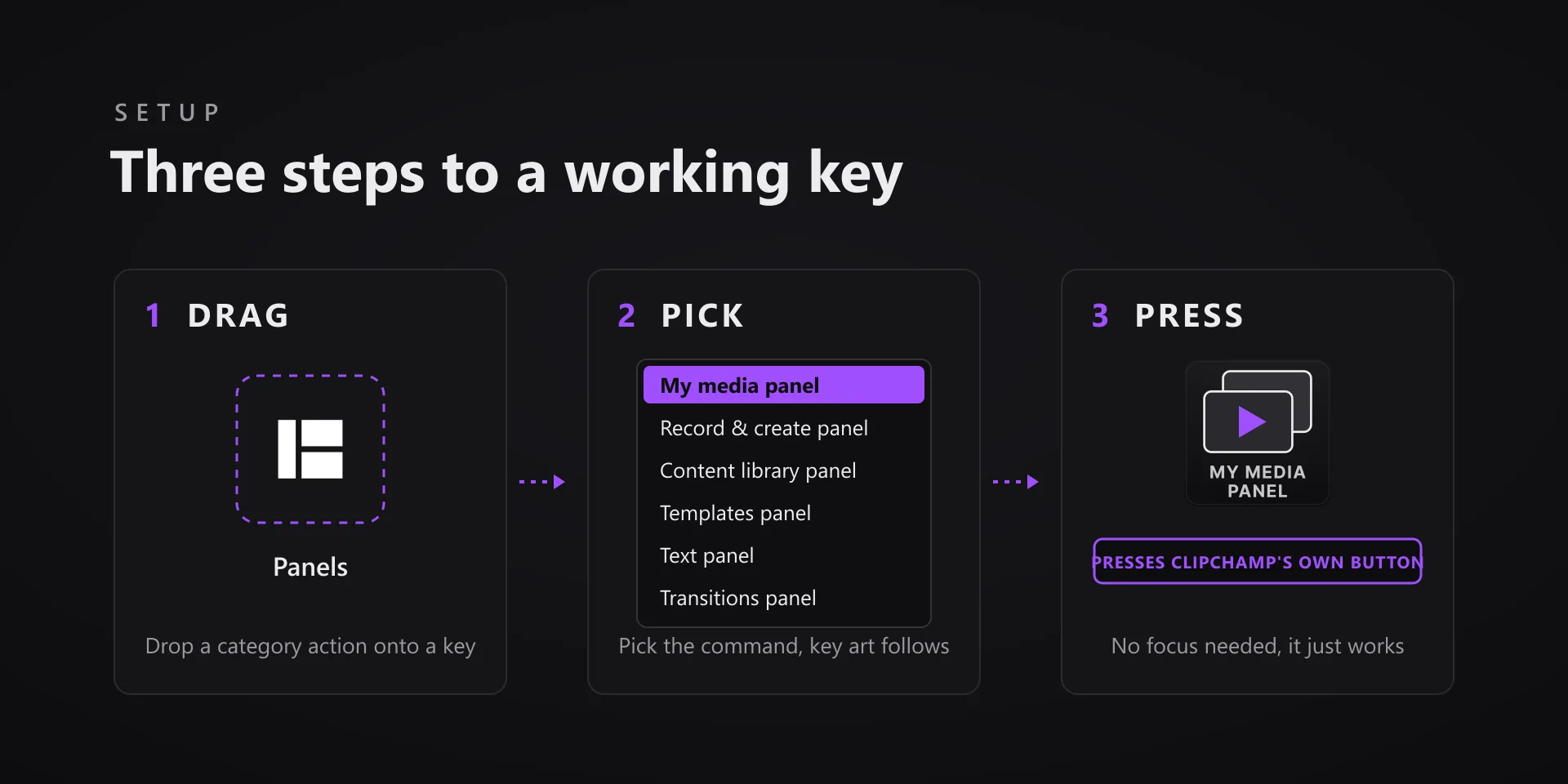
Clipchamp's editor does not accept simulated keystrokes at all, so this plugin drives Clipchamp the way Clipchamp drives itself: every key presses the app's own buttons through Windows UI Automation.

Download Now

On the Elgato Marketplace

What it does

What you need

Windows 10 or 11 with the Microsoft Store Clipchamp desktop app, built and tested against Clipchamp 4.5.10920.0, and Stream Deck software 6.9 or newer.

Support

Good to know

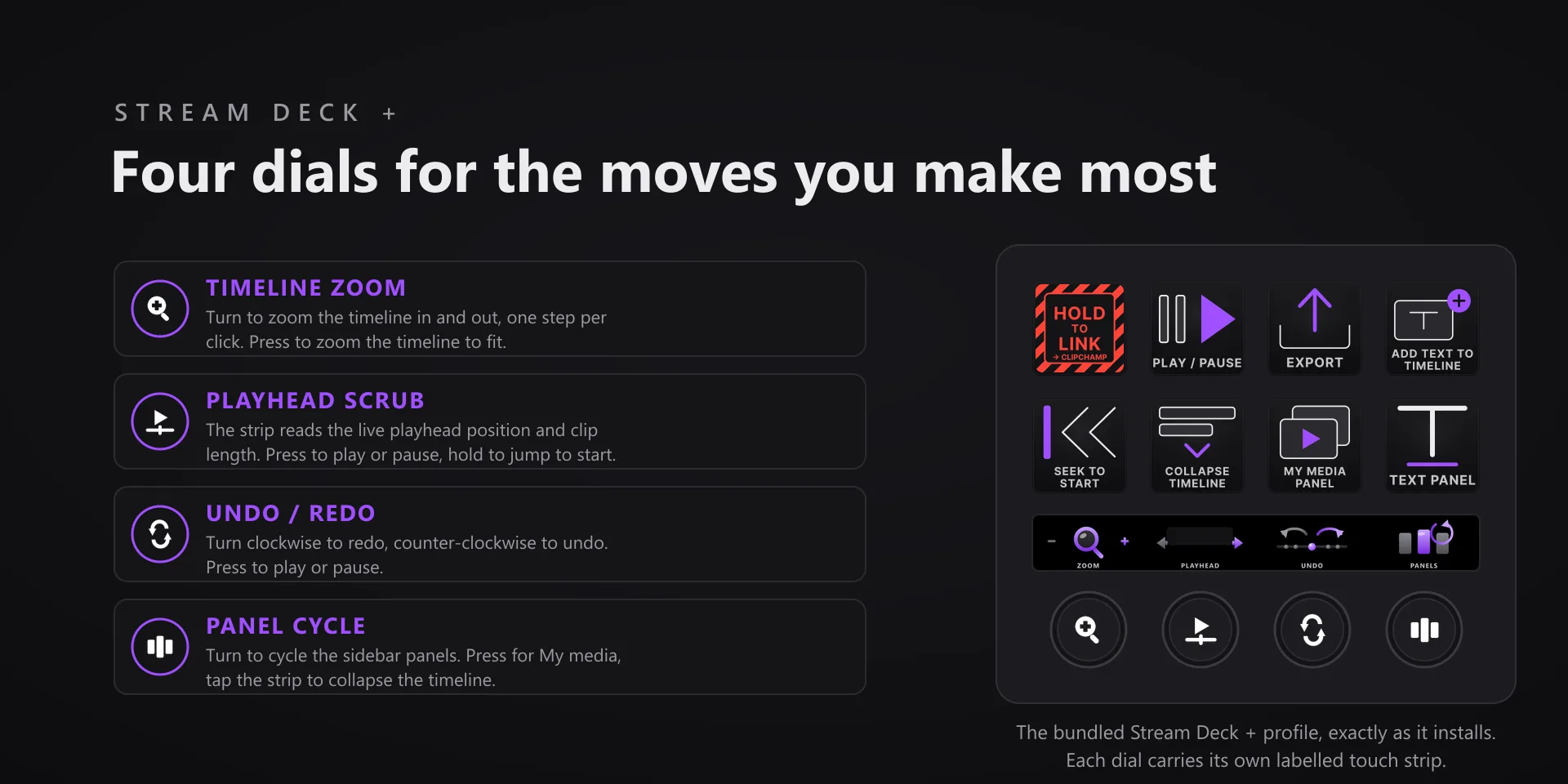
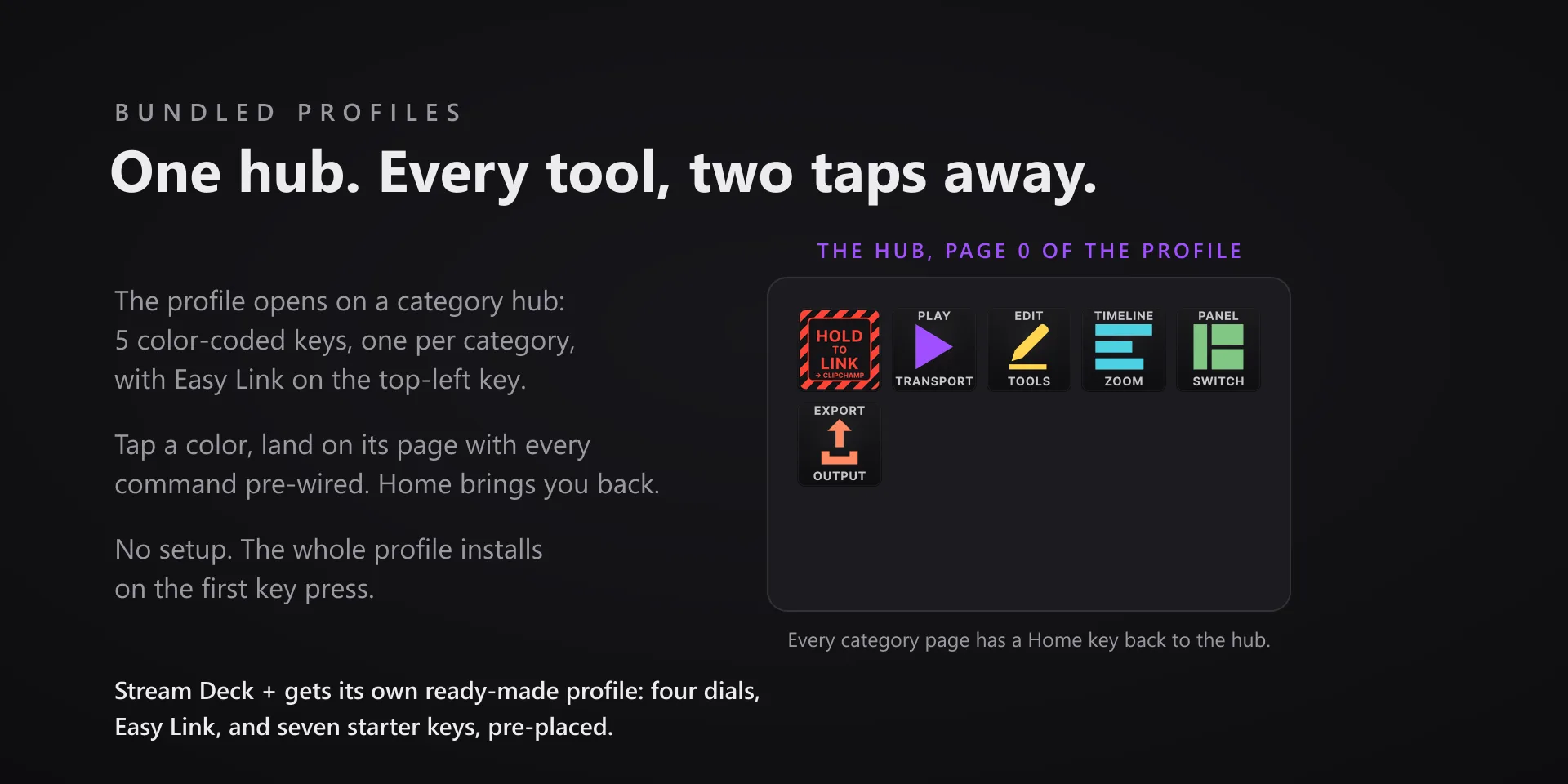
  • Built for the Clipchamp Windows app from the Microsoft Store, not Clipchamp in a browser tab, and tested against Clipchamp 4.5.10920.0. Requires the Stream Deck app 6.9 or newer. Profiles are bundled for six decks: the 15-key Stream Deck, the Stream Deck +, the Stream Deck + XL, the 32-key Stream Deck XL, the Stream Deck Mini and the Stream Deck Neo.
  • Commands act on the frontmost open Clipchamp project. The plugin ships a small Windows helper that drives the editor through Microsoft's UI Automation, the accessibility layer screen readers use; nothing installs system-wide.
  • The value pad writes the editor's own sliders, so it needs a clip selected. Set opens the panel it writes to, and a failed write keeps your entry so you can select a clip and press Set again.
  • Clipchamp updates frequently; if a key stops landing after a Clipchamp update, tell us and we ship a fix.

True of every plugin we make

  • Every key carries the app's own shortcut for that command, and every key is remappable. Type your combination into the key's property inspector (its settings panel in the Stream Deck app) or click Capture and press it once. Where an app leaves a command unbound, the key still reaches it by the route that app exposes.
  • Keystrokes go to the front window and nothing steals focus, so keep the target app in front when you press.
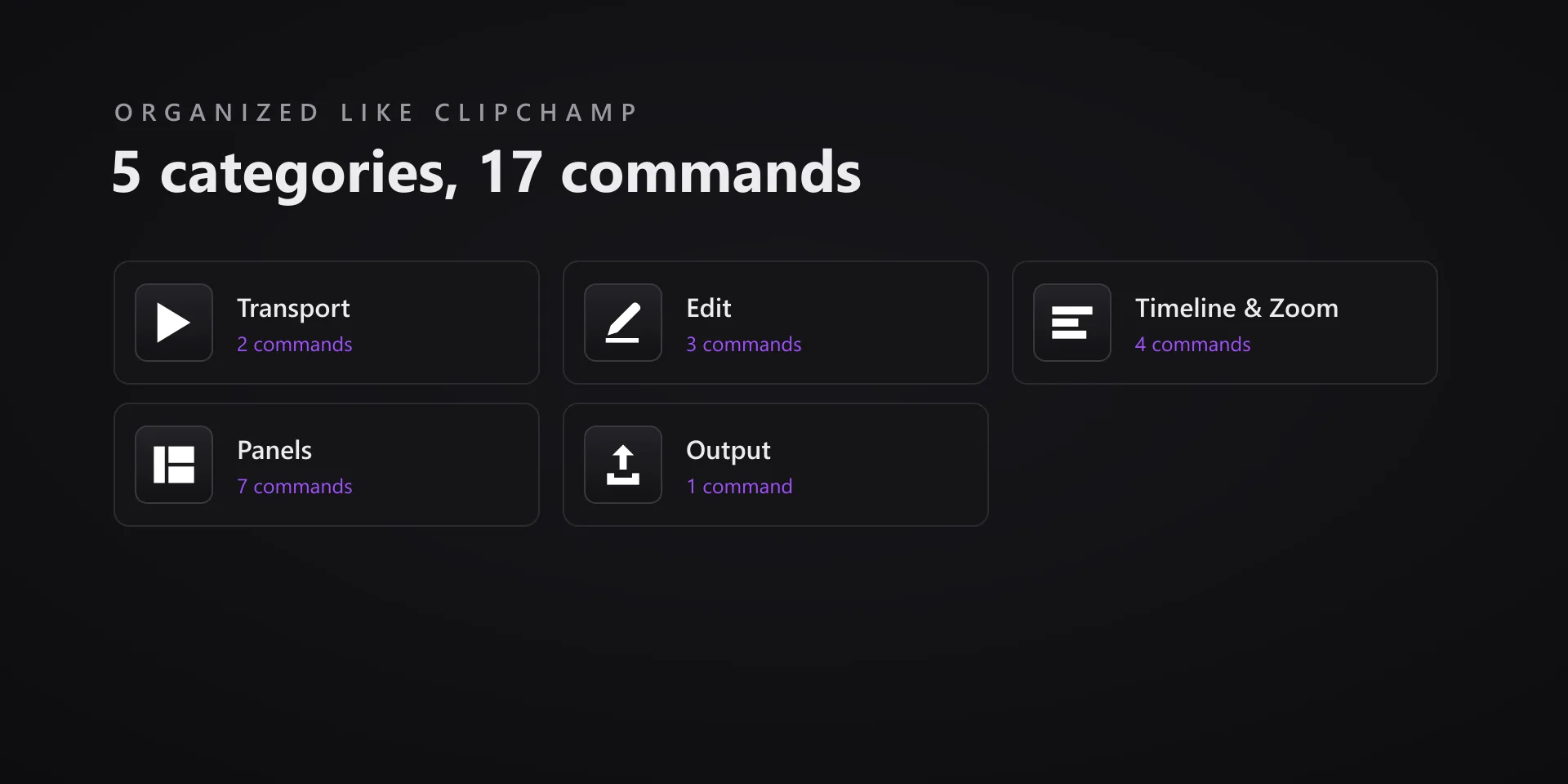
  • Every command has its own drawn key art, so the deck reads at a glance instead of listing shortcuts.

Read the full quick fixes, or see this plugin on the support hub.

Still stuck? Email [email protected] with the plugin name, your Stream Deck software version, and what you pressed versus what happened. A human answers.