PathfinderPrototyping · St. Paul MN

Development · Stream Deck plugin

Windows Terminal Hotkeys

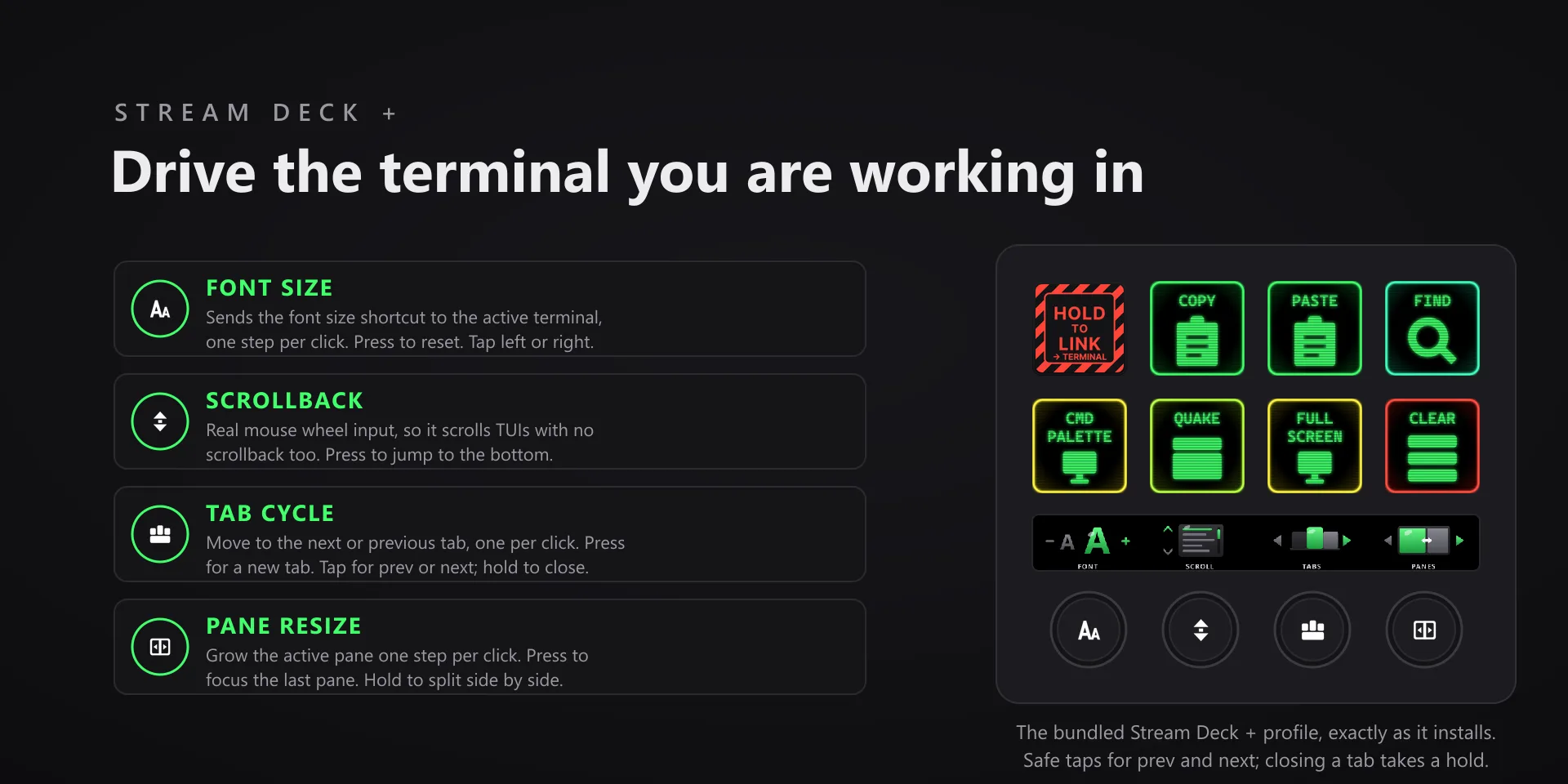
Terminal work is mostly window management. Moving it to hardware keeps it from interrupting whatever you were in the middle of typing.

Download Now

On the Elgato Marketplace

What it does

What you need

Windows 10 or later, Stream Deck software 6.9 or newer, and Windows Terminal. Built against Windows Terminal 1.24.

Support

Good to know

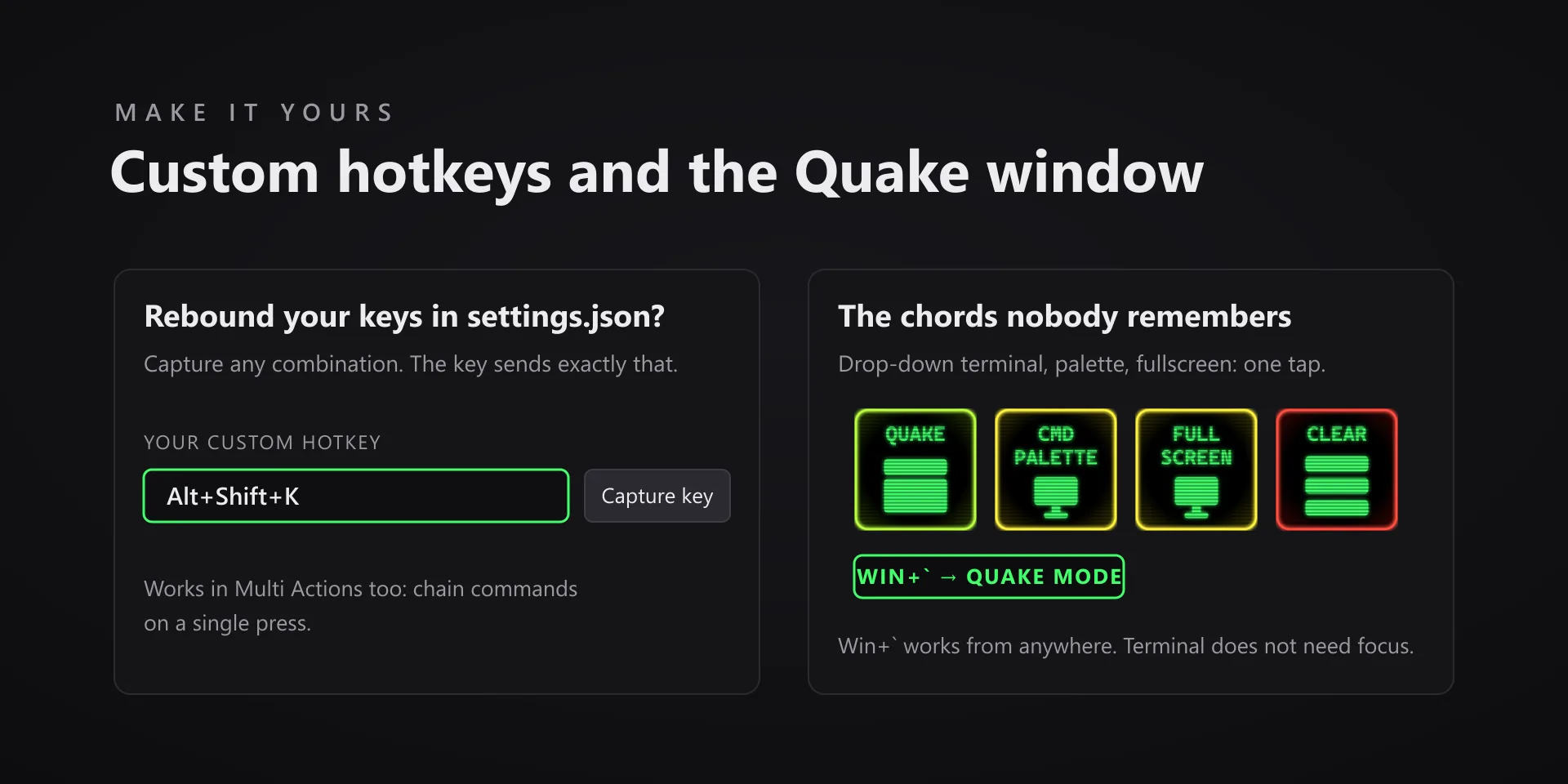
  • Keys send Windows Terminal's default bindings. If you customized actions in settings, remap the affected keys with the hotkey capture.
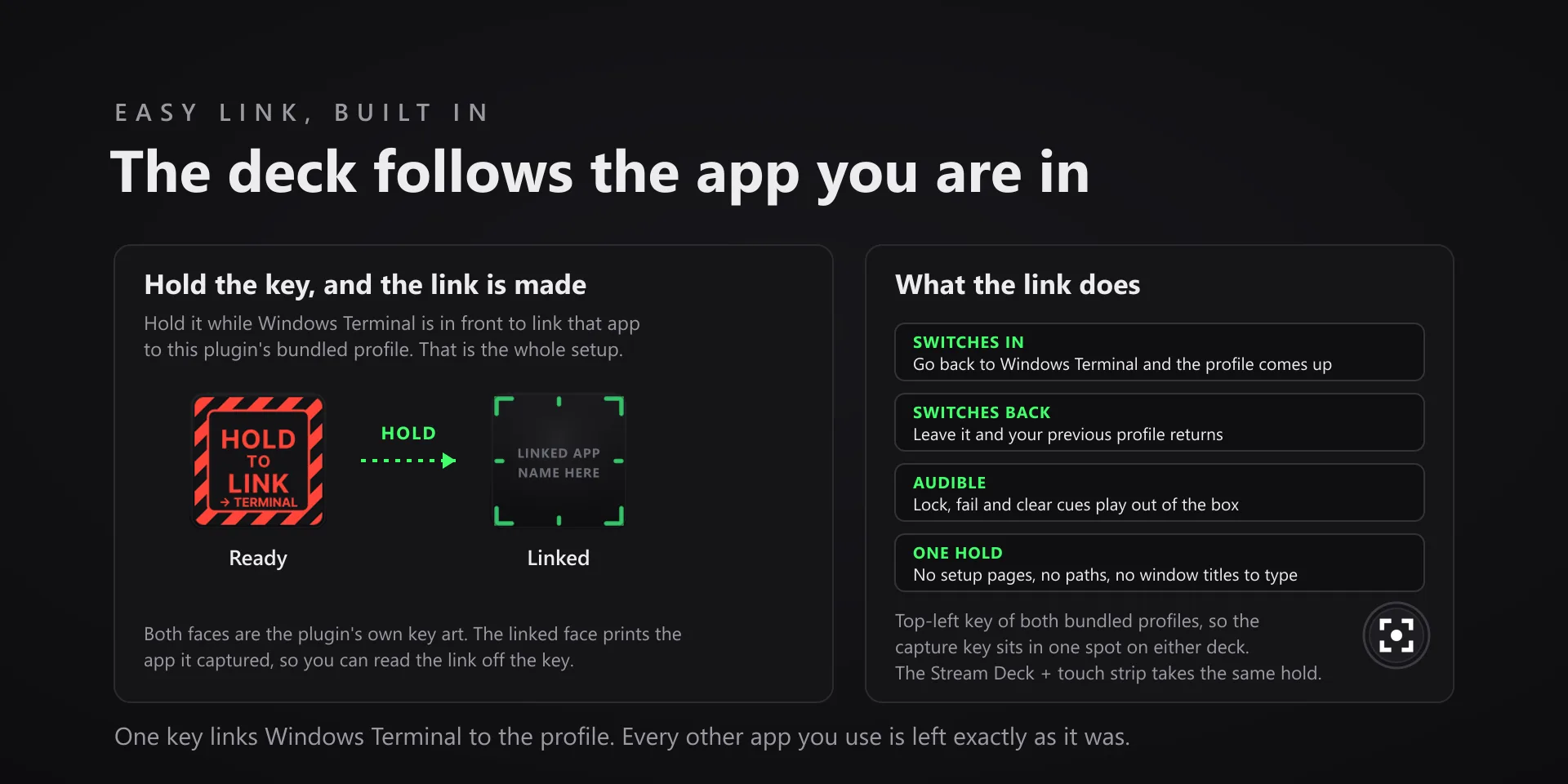
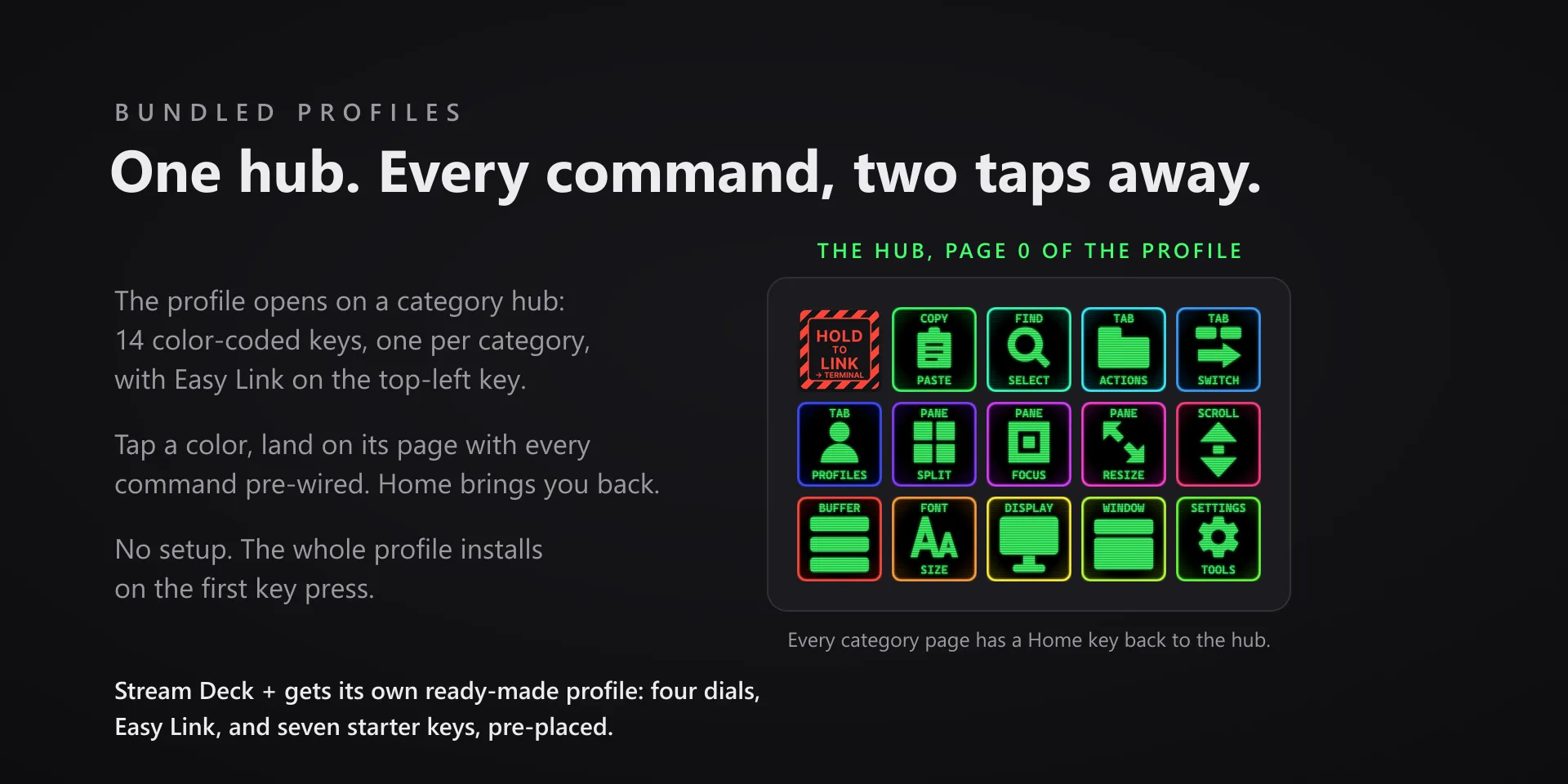
  • Auto profile switching: hold the Easy Link key, top-left on both bundled profiles, for about a second while Windows Terminal is in front, and the deck follows Terminal from then on. A short press does nothing, so a stray tap never relinks. Prefer the Stream Deck app's own smart profiles? That still works: open Preferences, pick the profile under Profiles, and set its Application to Windows Terminal, with a normal Terminal window open so it appears in the list.
  • Target the non-admin Terminal. A Terminal launched with "Run as administrator" is invisible to the Stream Deck software, which runs without admin rights: Windows blocks it from reading elevated windows, so profile switching will not trigger and keystrokes will not land there. Run Terminal normally and everything works. If you truly need an admin terminal on the deck, the only route is running the Stream Deck app itself as administrator, with all the caveats that carries.

True of every plugin we make

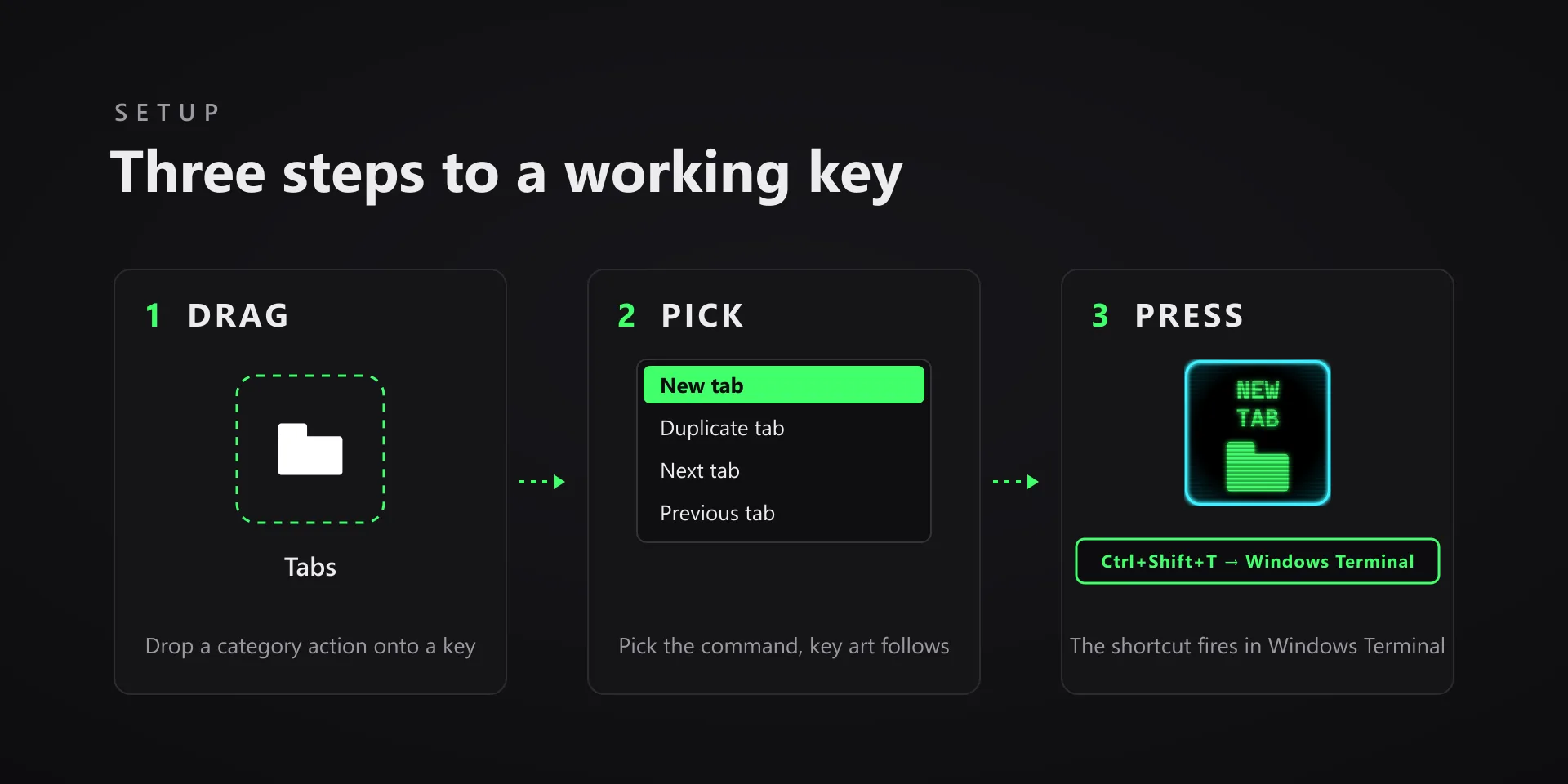
  • Every key ships with the app's stock default shortcut, and every key is remappable. Type your combination into the property inspector or click Capture and press it once.
  • Keystrokes go to the active window. The plugin never steals focus or targets a window, so keep the target app in front when you press.
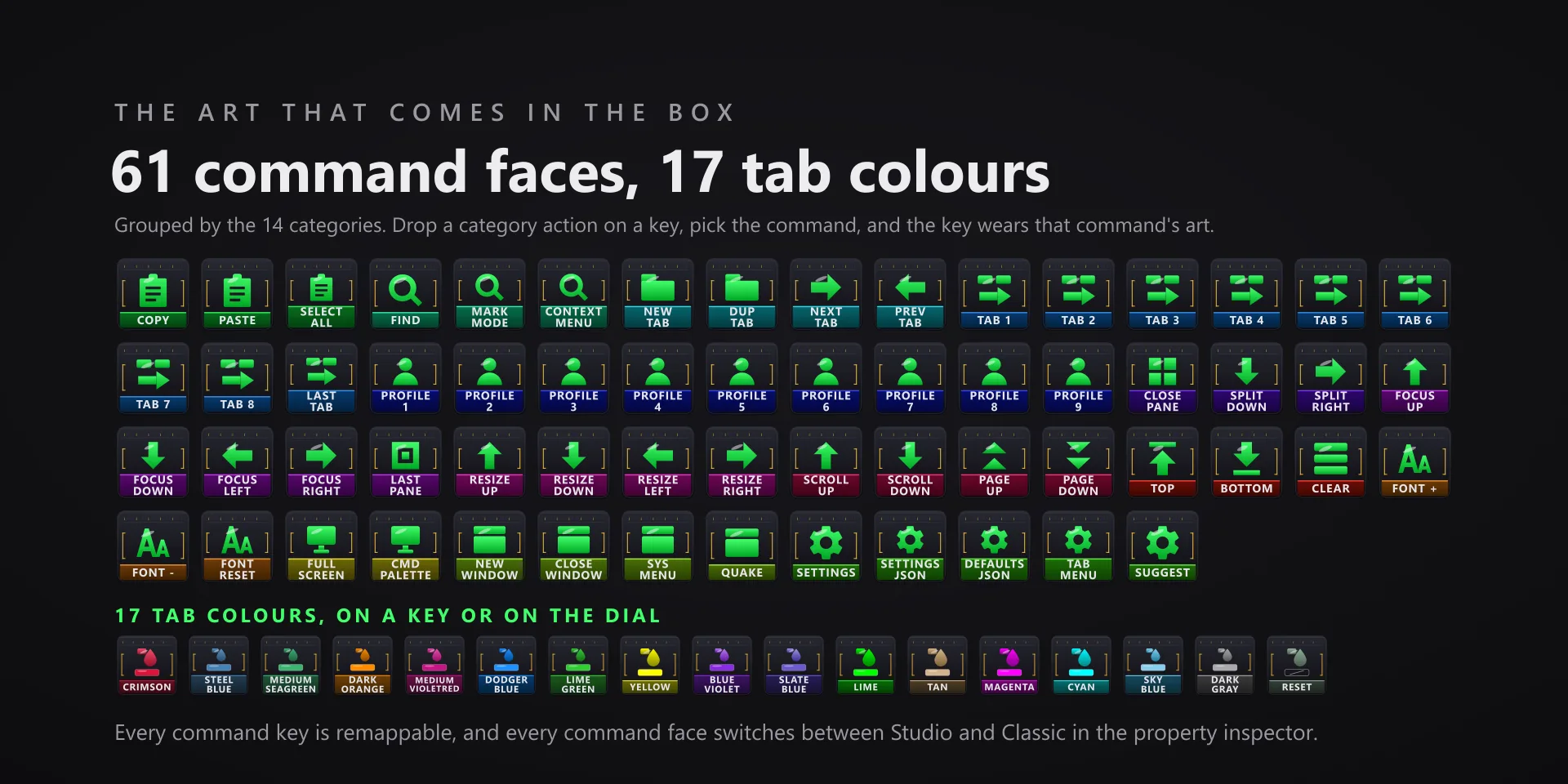
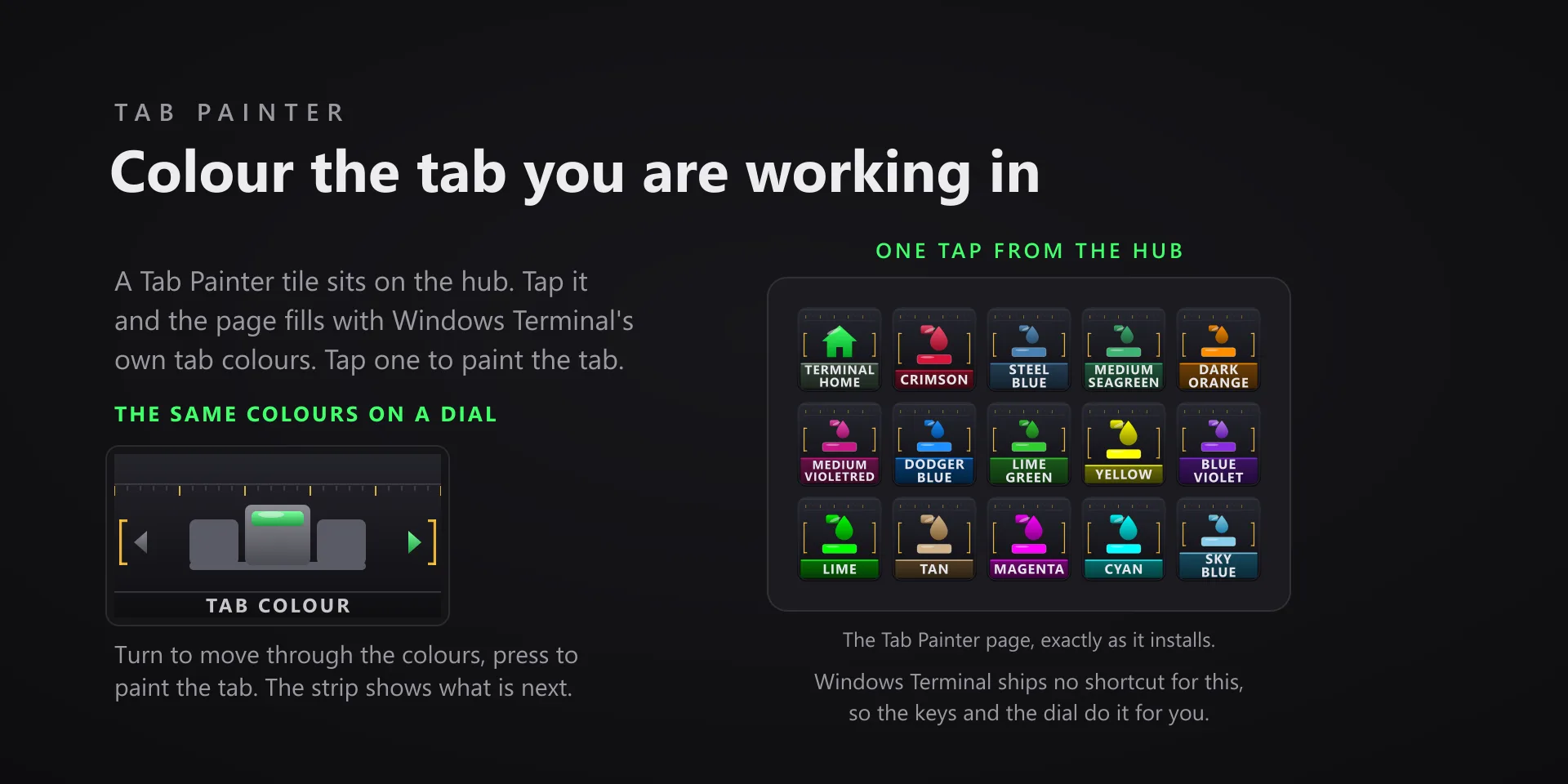
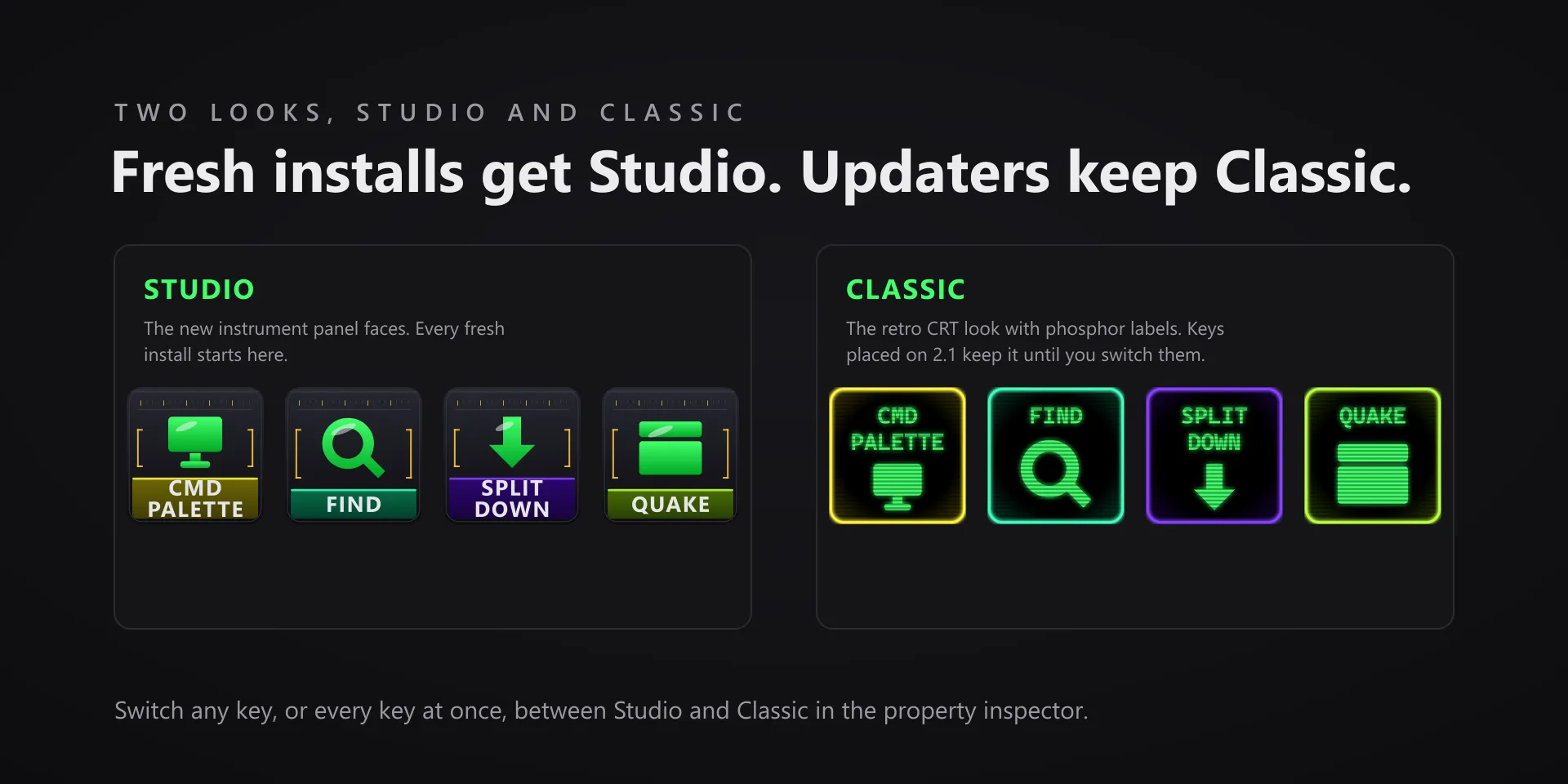
  • Every command has its own drawn key art, so the deck reads at a glance instead of listing shortcuts.

Read the full quick fixes, or see this plugin on the support hub.

Still stuck? Email [email protected] with the plugin name, your Stream Deck software version, and what you pressed versus what happened. A human answers.