PathfinderPrototyping · St. Paul MN

3D printing · Stream Deck plugin

OrcaSlicer Hotkeys

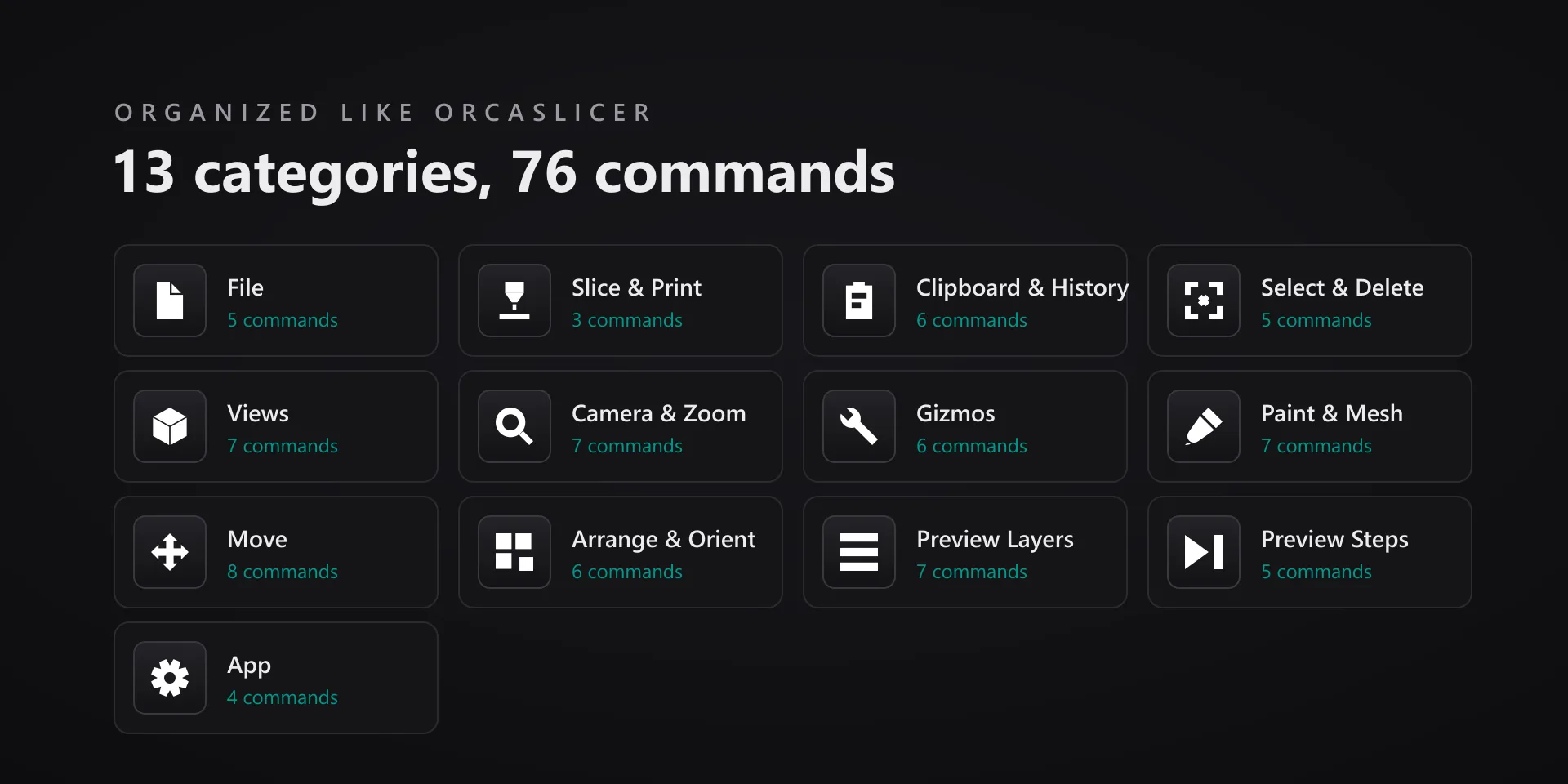
The whole path from plate to printer sits on the deck, so checking a slice does not mean walking a menu tree with the mouse.

Download Now

On the Elgato Marketplace

What it does

What you need

Windows 10 or later, Stream Deck software 6.9 or newer, and OrcaSlicer 2.4.2.

Support

Good to know

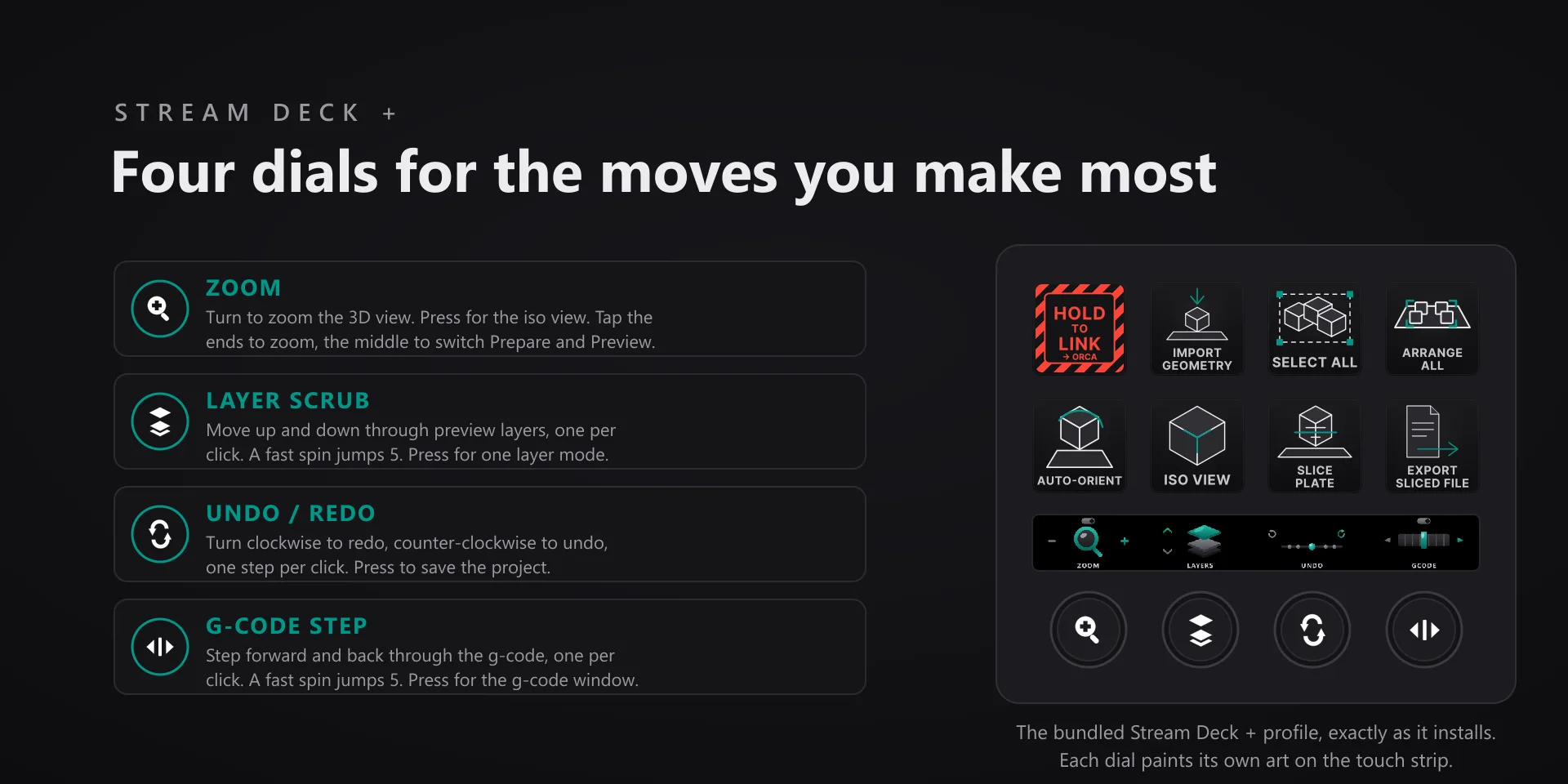
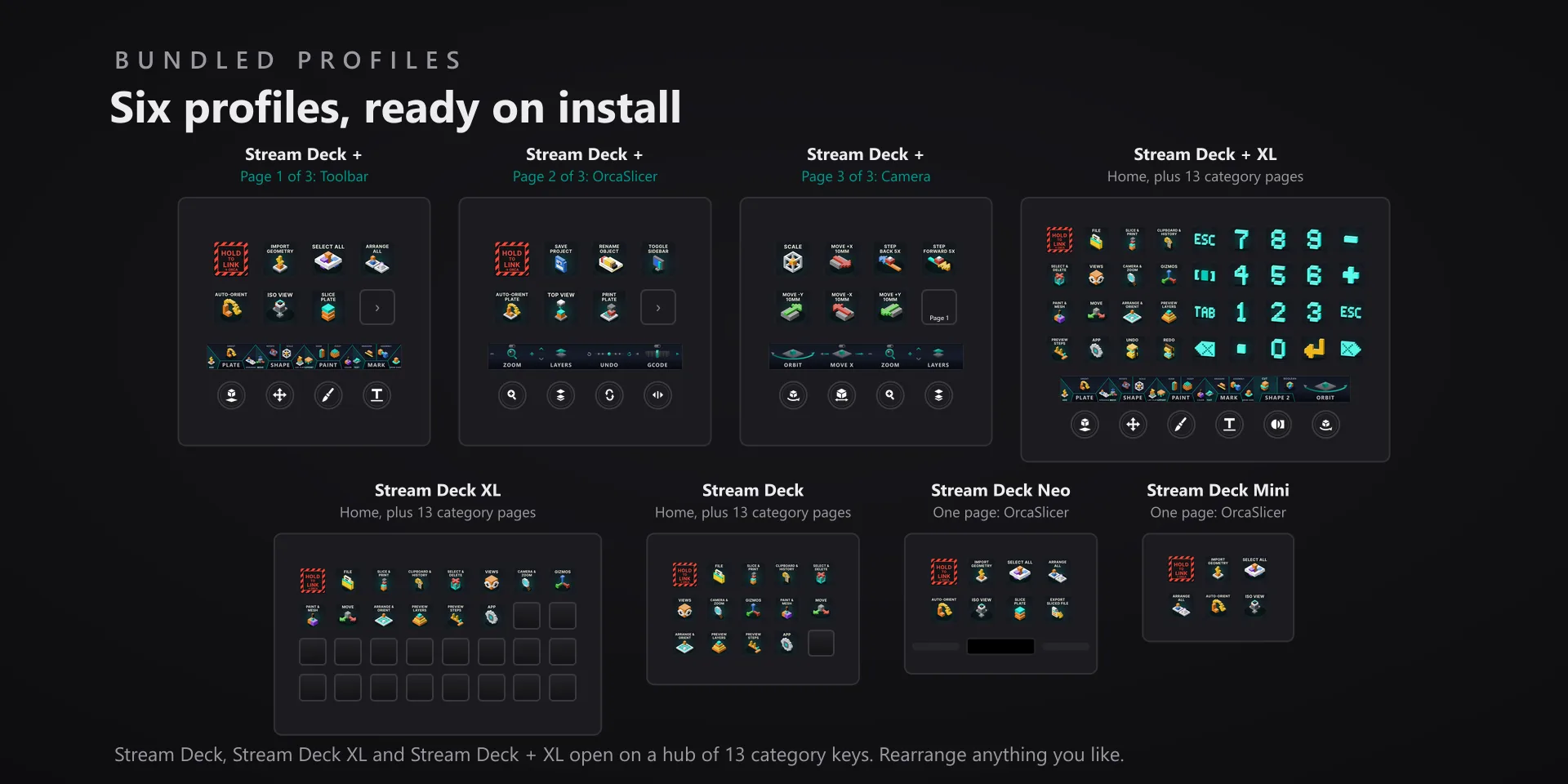
  • Works with OrcaSlicer 2.4.2 on Windows 10 or later. Requires the Windows Stream Deck app 6.9 or later. Profiles are bundled for six decks: the 15-key Stream Deck, the Stream Deck +, the Stream Deck + XL, the 32-key Stream Deck XL, the Stream Deck Mini and the Stream Deck Neo.
  • Keep OrcaSlicer in front when you press a key: the plugin types into the active window and never steals focus. Click the 3D viewport before firing view or selection keys.
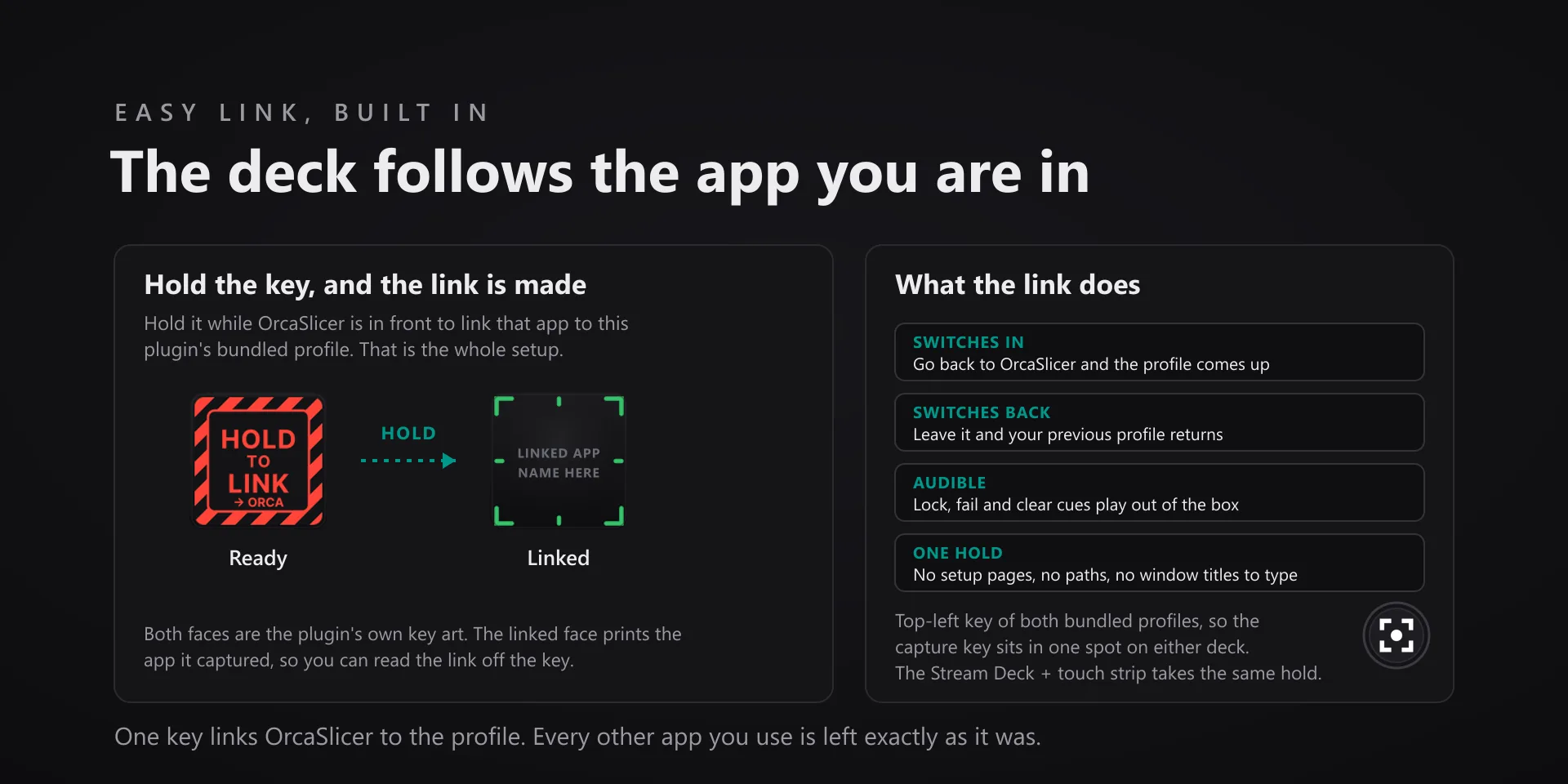
  • Coming from version 2? Stream Deck keeps a profile it already installed, so delete your old OrcaSlicer Hotkeys profile in the Stream Deck app to get the new layout. Stream Deck offers the new one the next time Easy Link brings OrcaSlicer's profile up.
  • The six dials and the five toolbar strips need a deck with dials. The Stream Deck + XL seats all five strips beside Camera Orbit and carries the six dials on every category page. The Stream Deck + seats four strips on its Toolbar page and the dials across its OrcaSlicer and Camera pages; Shape 2 sits on the Stream Deck + XL hub, and on a Stream Deck + you add it to any knob from the action list.
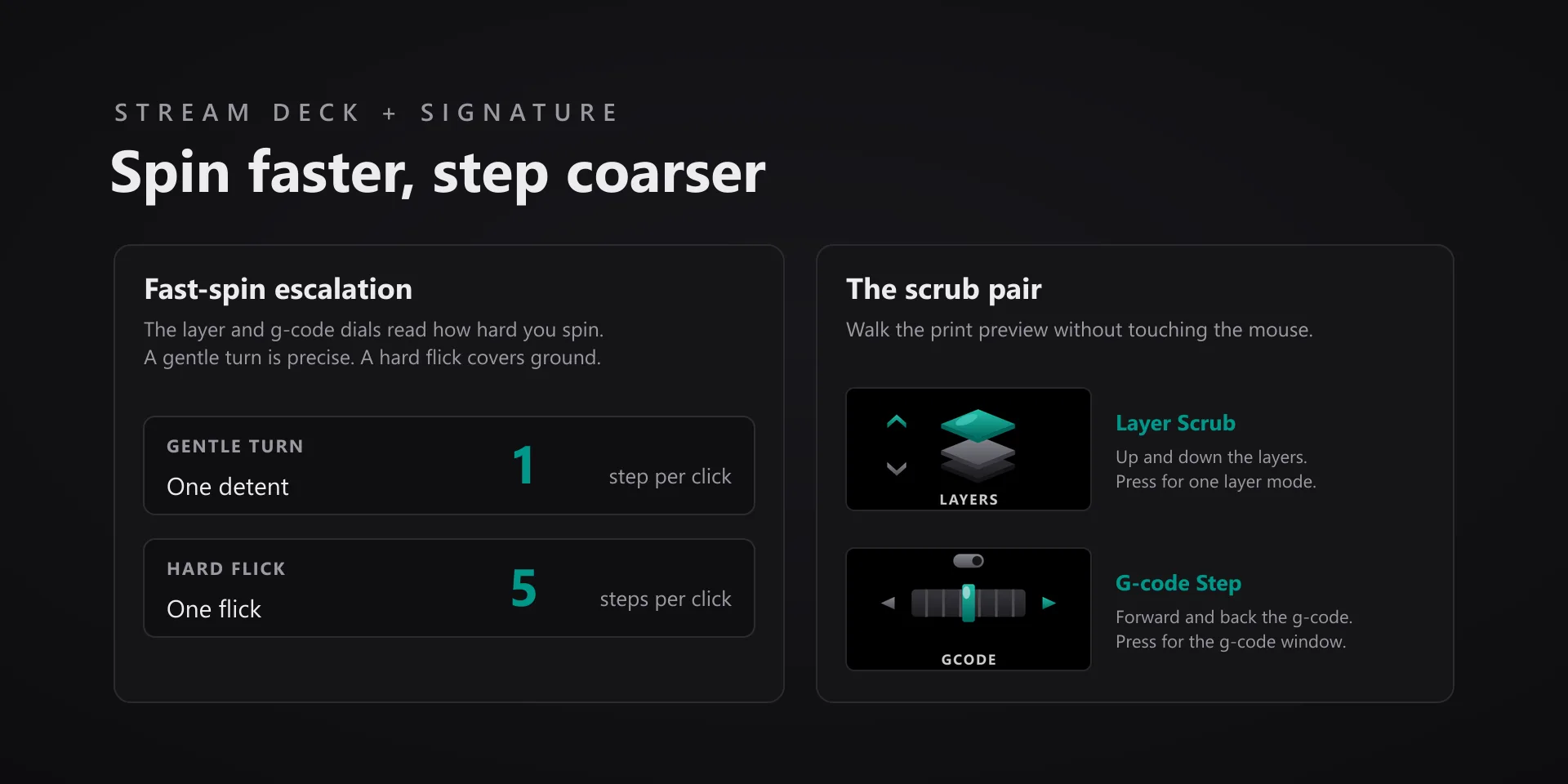
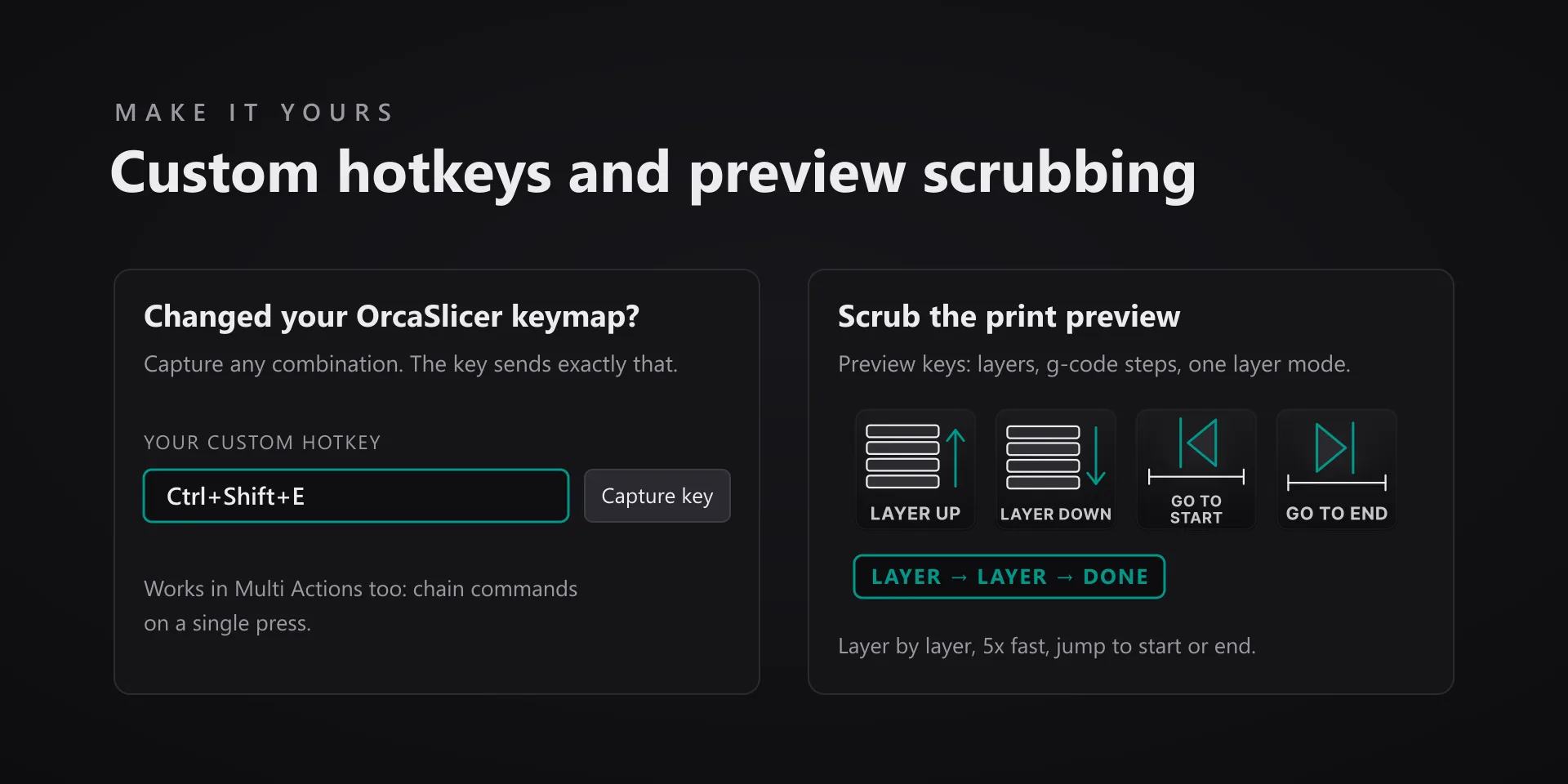
  • On the Prepare tab the layer and g-code dials move the selected part instead of scrubbing, and the strip face shows which job the dial is doing.

True of every plugin we make

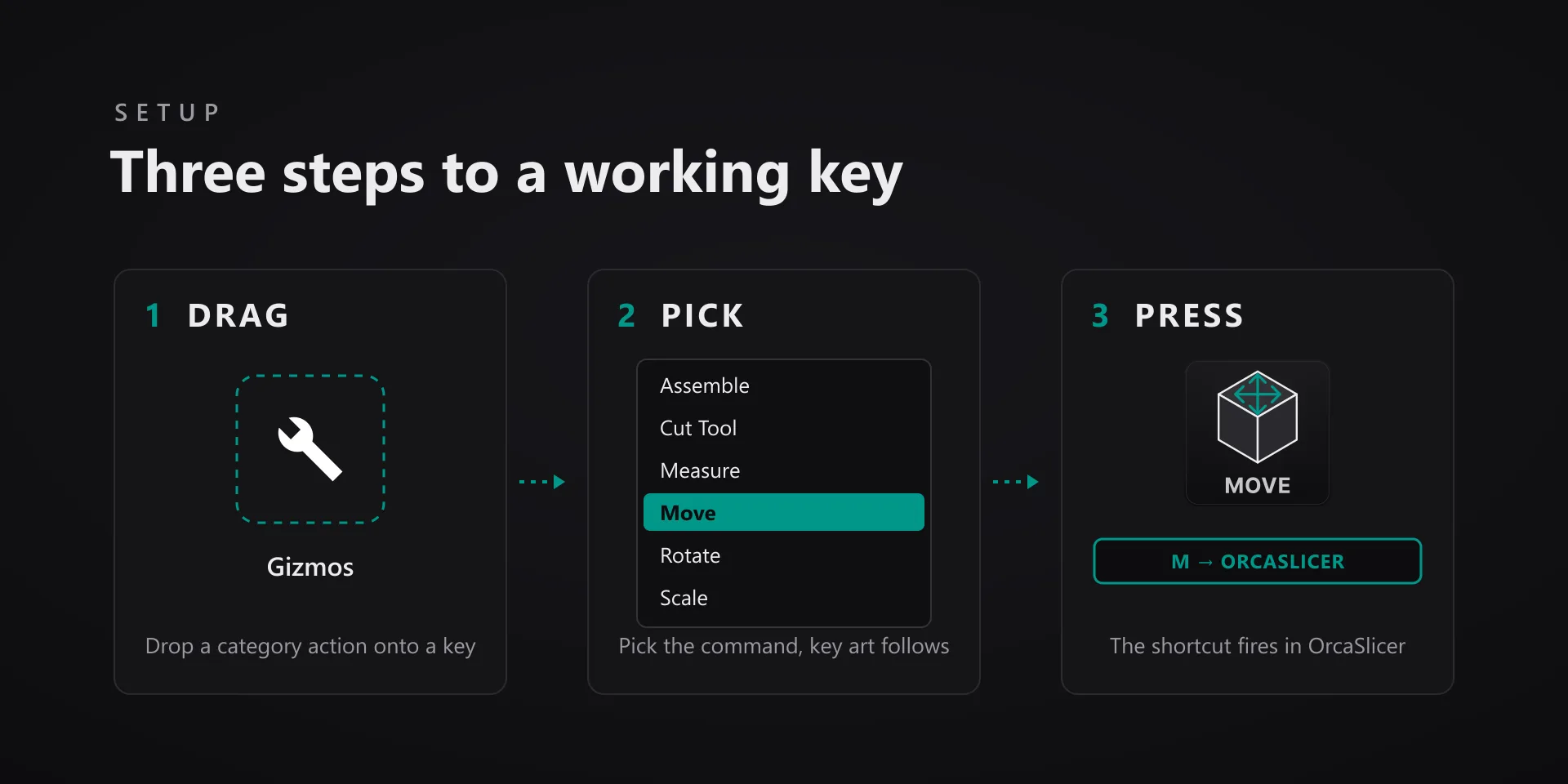
  • Every key carries the app's own shortcut for that command, and every key is remappable. Type your combination into the key's property inspector (its settings panel in the Stream Deck app) or click Capture and press it once. Where an app leaves a command unbound, the key still reaches it by the route that app exposes.
  • Keystrokes go to the front window and nothing steals focus, so keep the target app in front when you press.
  • Every command has its own drawn key art, so the deck reads at a glance instead of listing shortcuts.

Read the full quick fixes, or see this plugin on the support hub.

Still stuck? Email [email protected] with the plugin name, your Stream Deck software version, and what you pressed versus what happened. A human answers.