PathfinderPrototyping · St. Paul MN

Photo editing · Stream Deck plugin

Darktable Complete

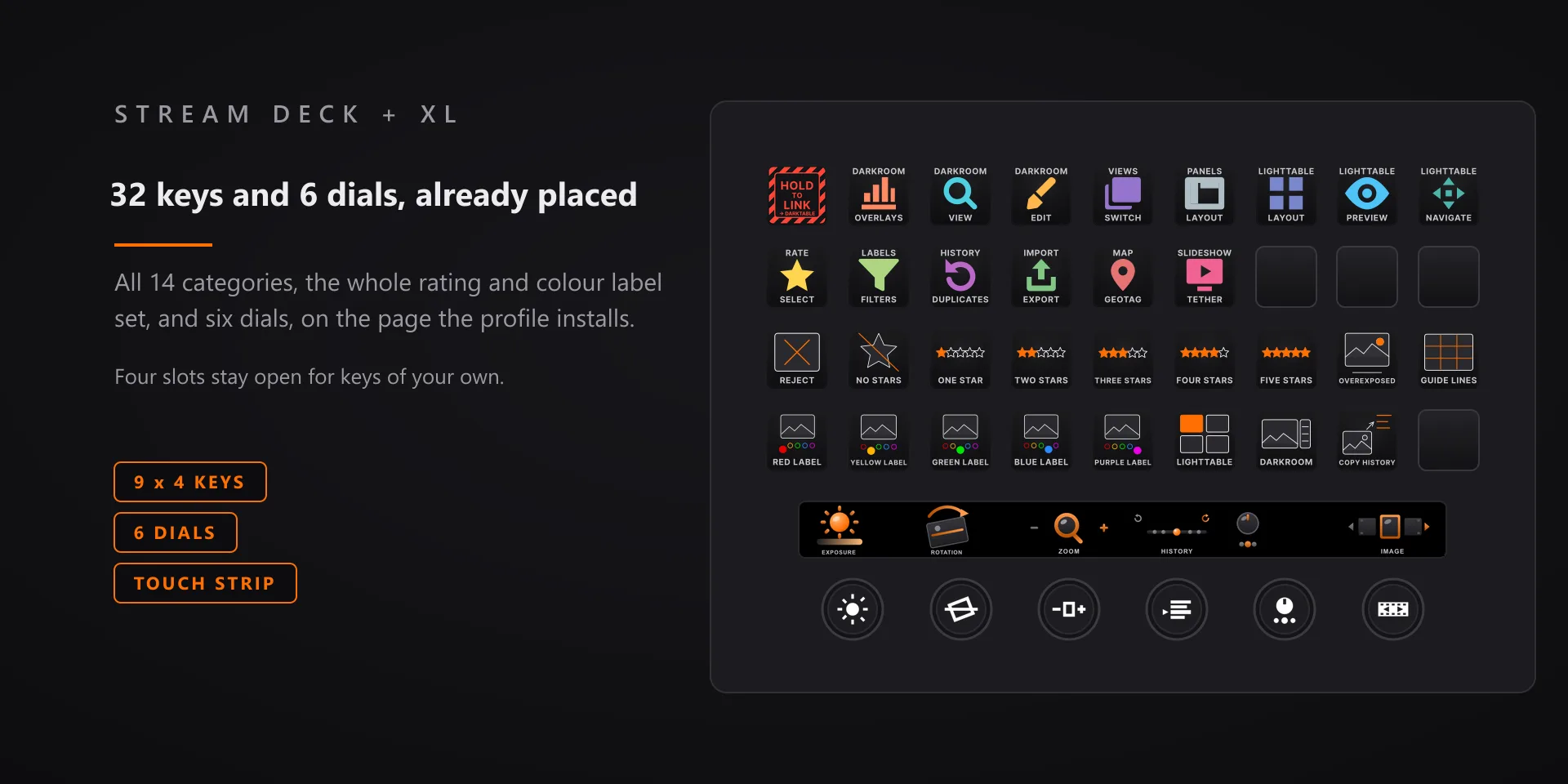
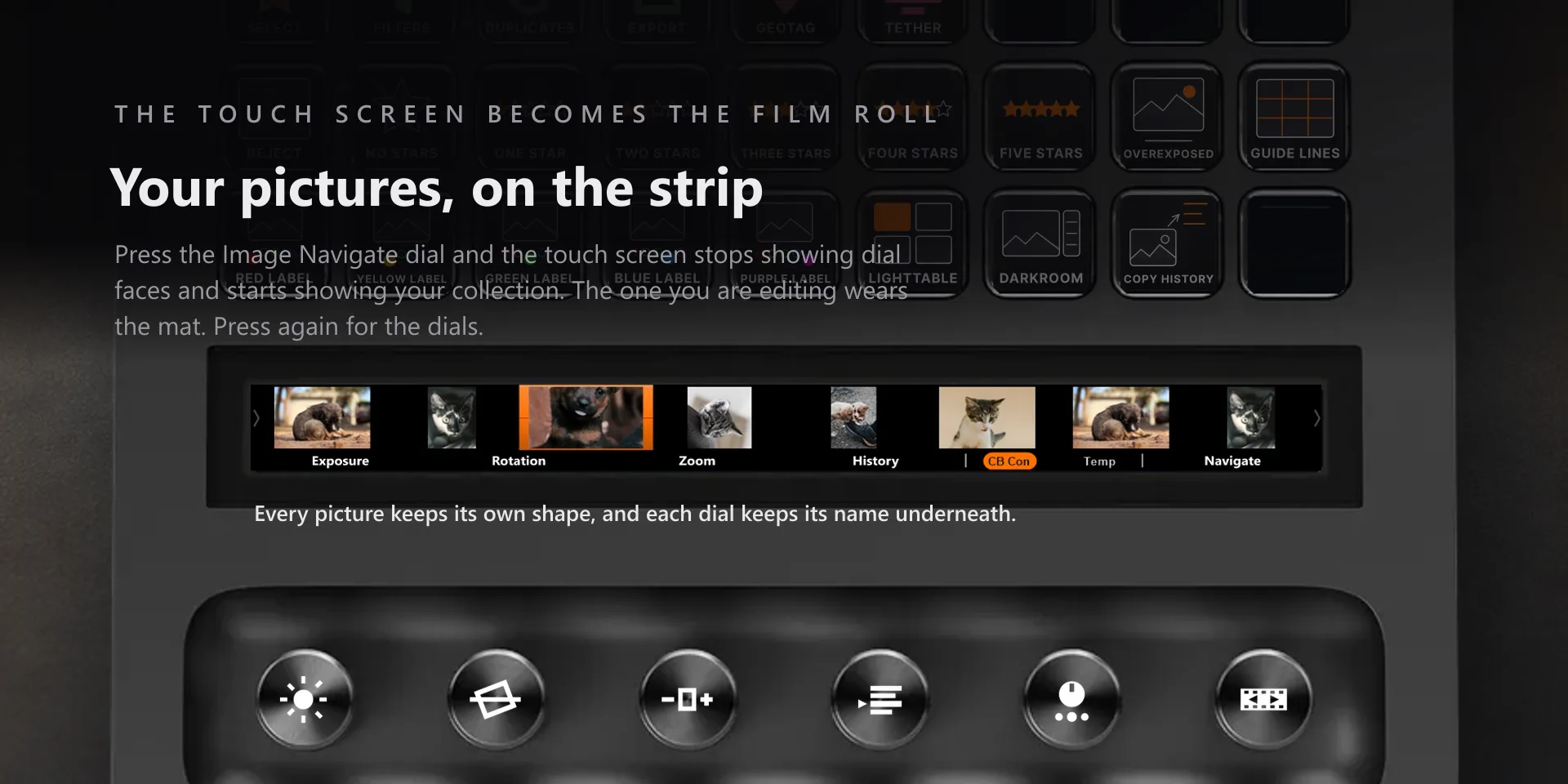
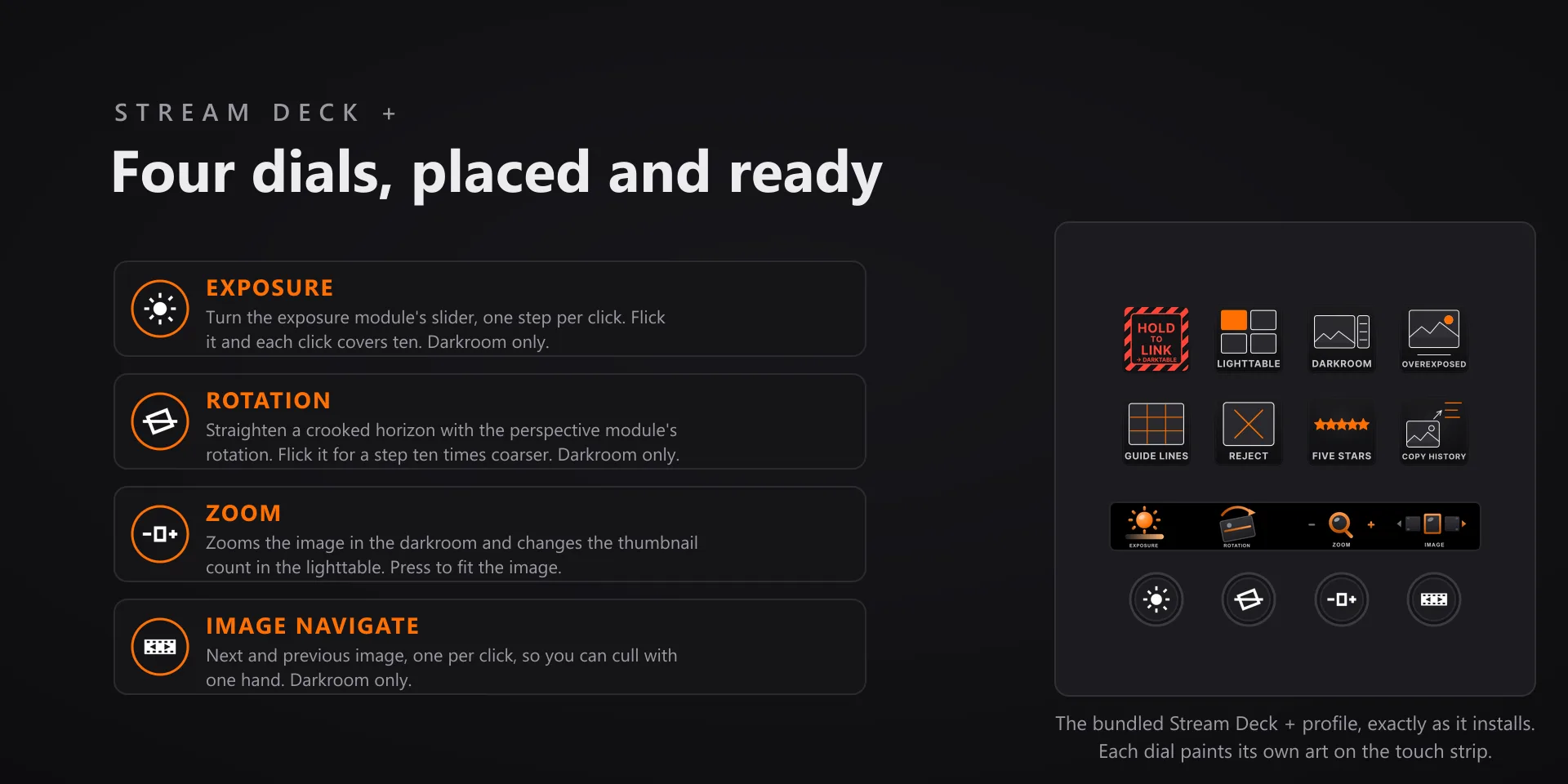
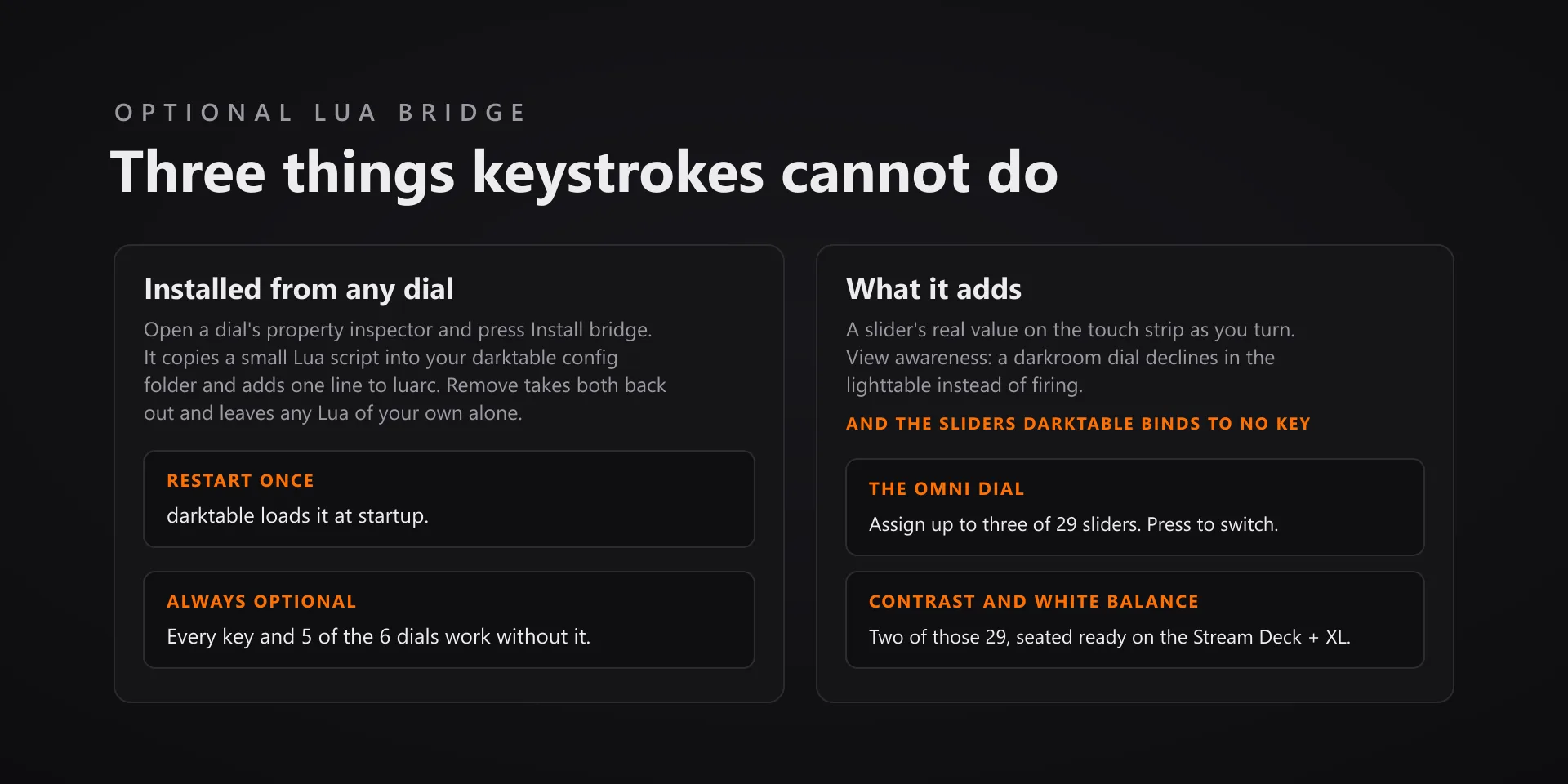
The darkroom is slider work, and sliders are what dials are for. One click of the exposure dial is one of darktable's own finest steps, a fast flick makes each click worth about ten, and the Omni dial holds up to three sliders you pick from 29.

Download Now

On the Elgato Marketplace

What it does

What you need

darktable 5.6.1 on macOS 13 or newer or on Windows 10 or 11, and Stream Deck software 6.9 or later. Dials and the touch strip need a Stream Deck + or a Stream Deck + XL; every key works on any Stream Deck model.

Support

Good to know

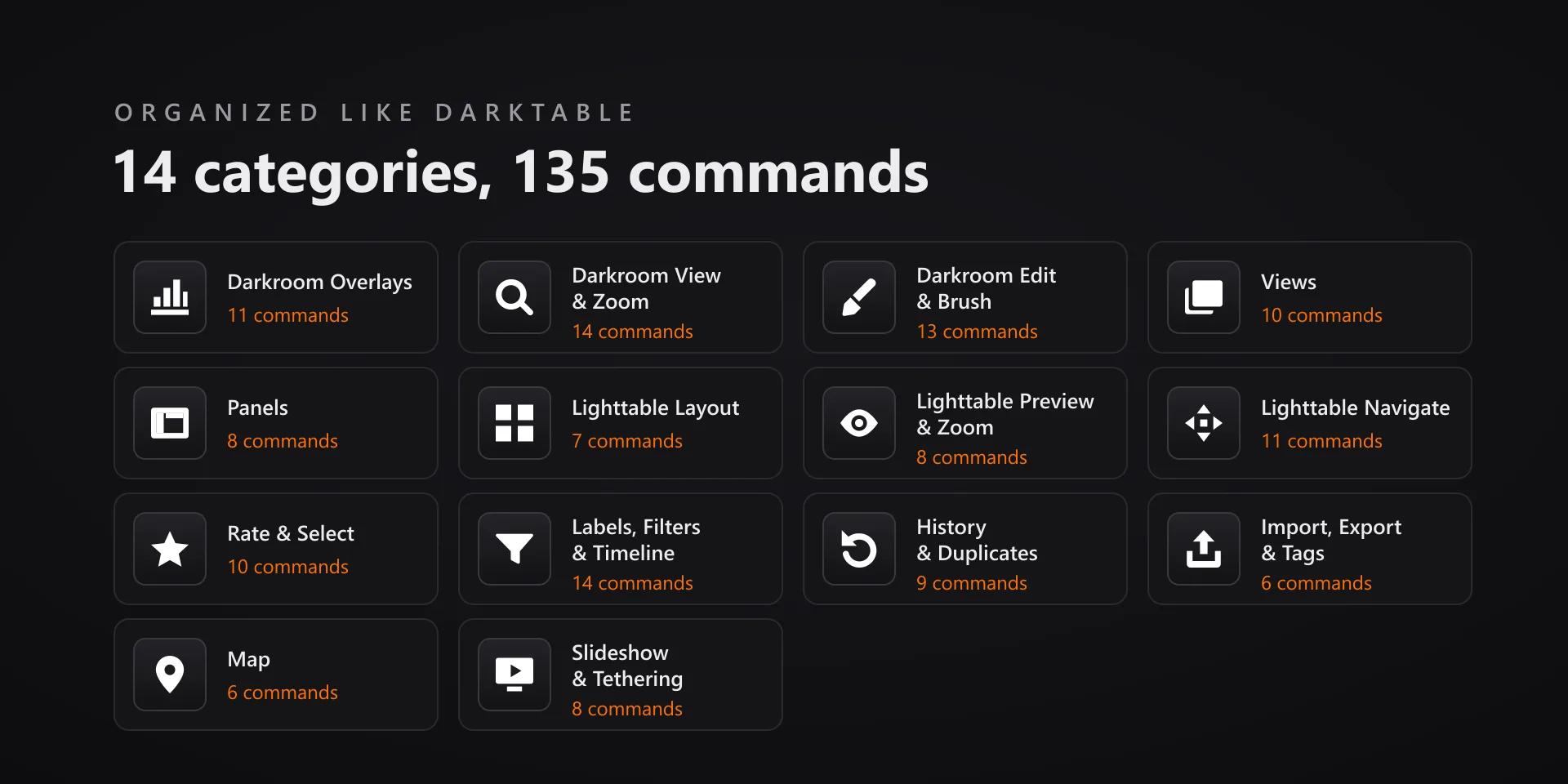
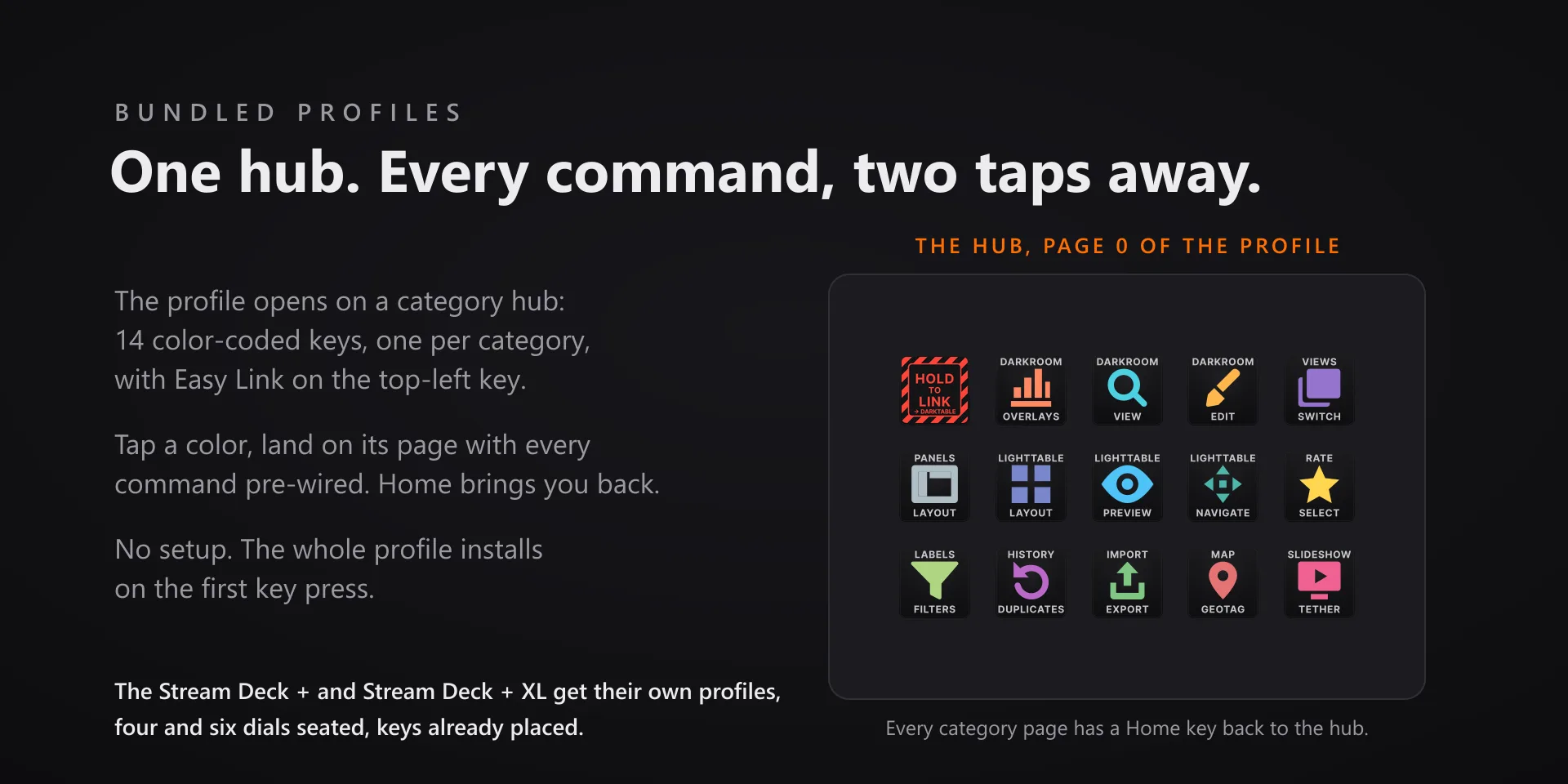
  • Built and tested against darktable 5.6.1 on macOS 13 or newer and on Windows 10 and 11. Requires the Stream Deck app 6.9 or later. Profiles are bundled for six decks: the 15-key Stream Deck, the Stream Deck +, the Stream Deck + XL, the 32-key Stream Deck XL, the Stream Deck Mini and the Stream Deck Neo. Dials and the touch strip need a Stream Deck + or a Stream Deck + XL; keys work on every model.
  • Keystrokes go to the active window, so keep darktable in front when you press a key or turn a dial. The plugin never steals focus.
  • Many commands act in one view only, and each key's property inspector says which. The view keys toggle the way darktable's own shortcuts do: pressing Darkroom while already in the darkroom returns you to the lighttable.
  • The Lua bridge installs itself when the plugin starts, into darktable's own built-in Lua engine, and needs one darktable restart to load. The Install and Remove buttons in any dial's property inspector stay as the manual override. Without the bridge the Omni dial alerts rather than pretends, and the other five dials work as before.
  • Updating from 1.x? The Contrast, White Balance and Lighttable Page dials no longer exist. Contrast and white balance are two of the 29 sliders the Omni dial offers, so add an Omni dial and pick the slider. Neither bundled 1.x profile seated any of the three, so only a dial you dragged onto an encoder by hand is affected.
  • Four commands are press and hold, not press and fire: Full preview, Force pan and zoom, Preview while held, Preview with focus. The key stays down as long as you hold it.
  • Remapped your darktable shortcuts? Every key has a Capture field in the property inspector: press your combination once and that key sends exactly that from then on. It works inside Multi Actions too.

True of every plugin we make

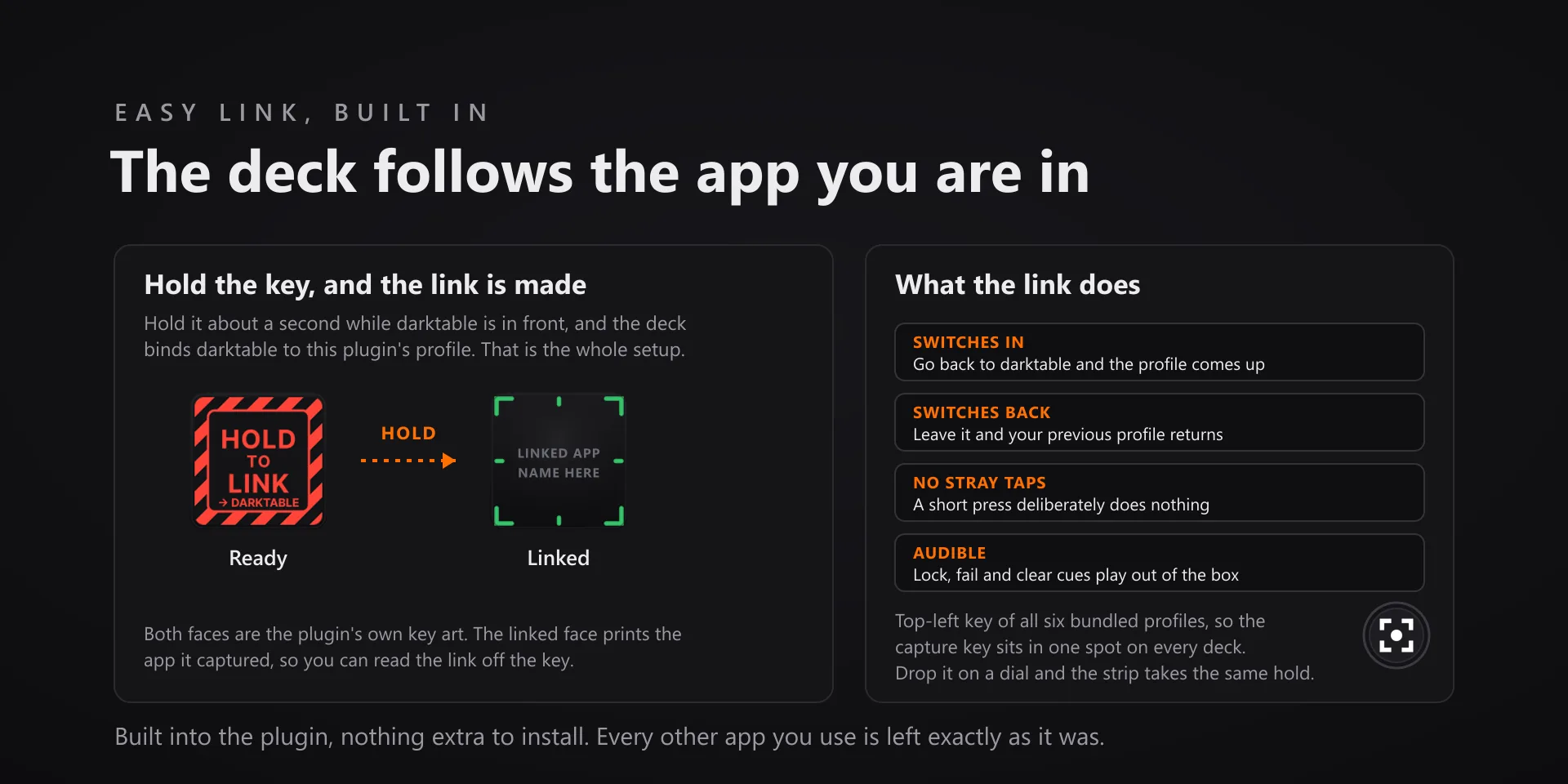
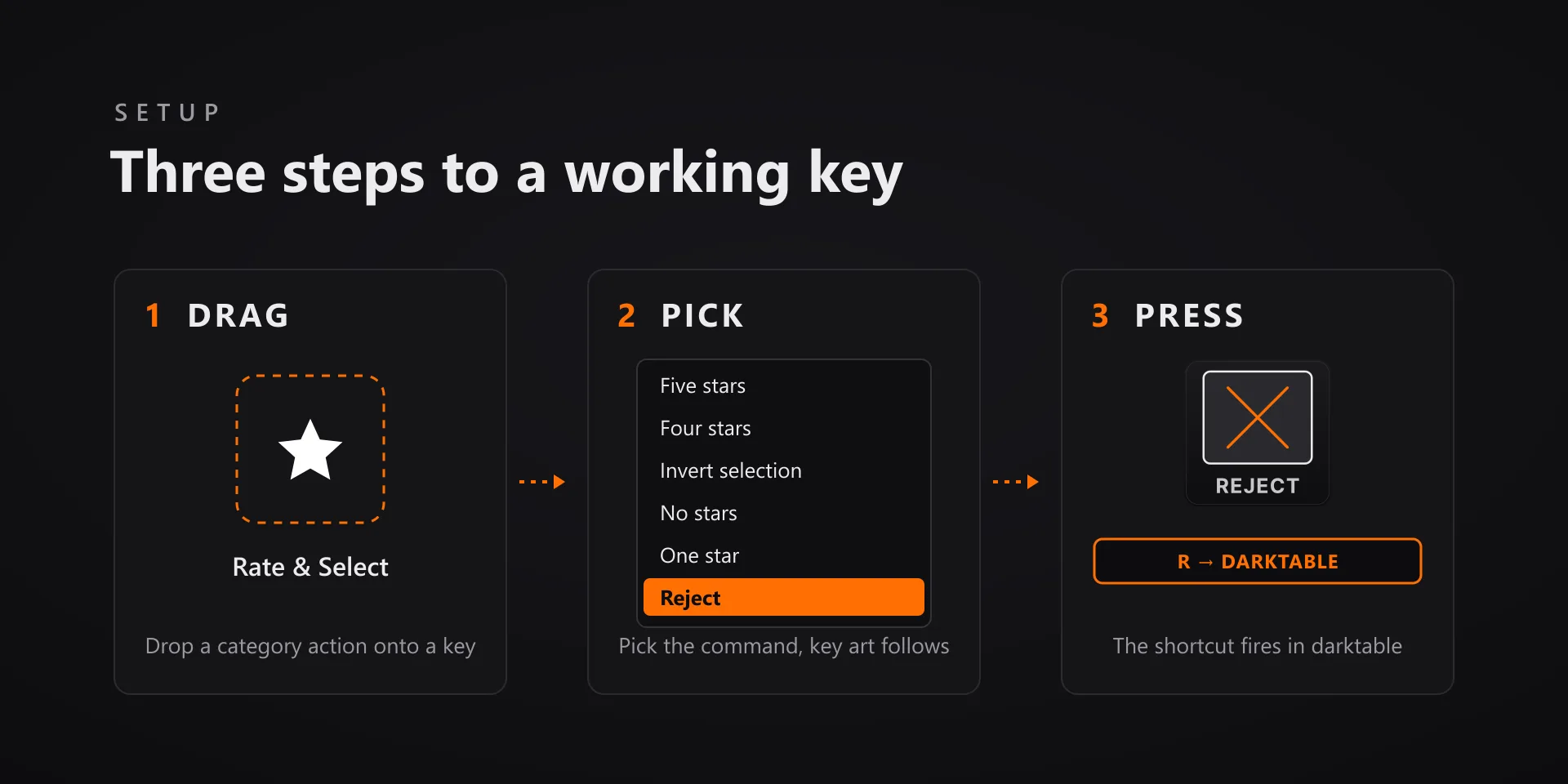
  • Every key carries the app's own shortcut for that command, and every key is remappable. Type your combination into the key's property inspector (its settings panel in the Stream Deck app) or click Capture and press it once. Where an app leaves a command unbound, the key still reaches it by the route that app exposes.
  • Keystrokes go to the front window and nothing steals focus, so keep the target app in front when you press.
  • Every command has its own drawn key art, so the deck reads at a glance instead of listing shortcuts.

Read the full quick fixes, or see this plugin on the support hub.

Still stuck? Email [email protected] with the plugin name, your Stream Deck software version, and what you pressed versus what happened. A human answers.