PathfinderPrototyping · St. Paul MN

3D modeling · Stream Deck plugin

3D Builder Commander

3D Builder was never built for keyboard control, so there was almost nothing to send it. Driving its interface directly turned it into a deck-controlled app anyway.

Download Now

On the Elgato Marketplace

What it does

What you need

The Microsoft 3D Builder desktop app for Windows 10 or 11, version 20.x. Microsoft has removed 3D Builder from the Store, but it keeps working if you already have it installed.

Support

Good to know

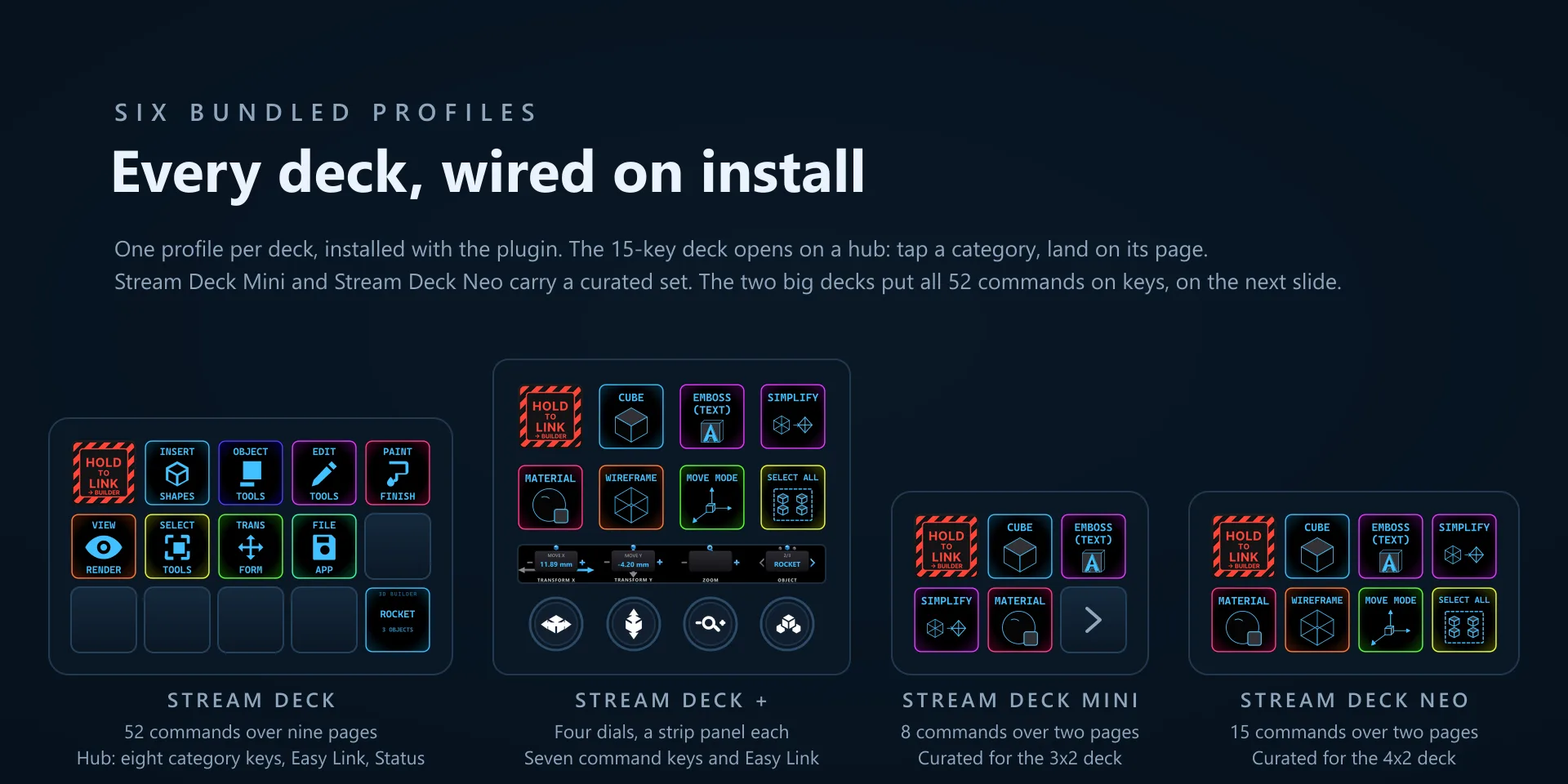
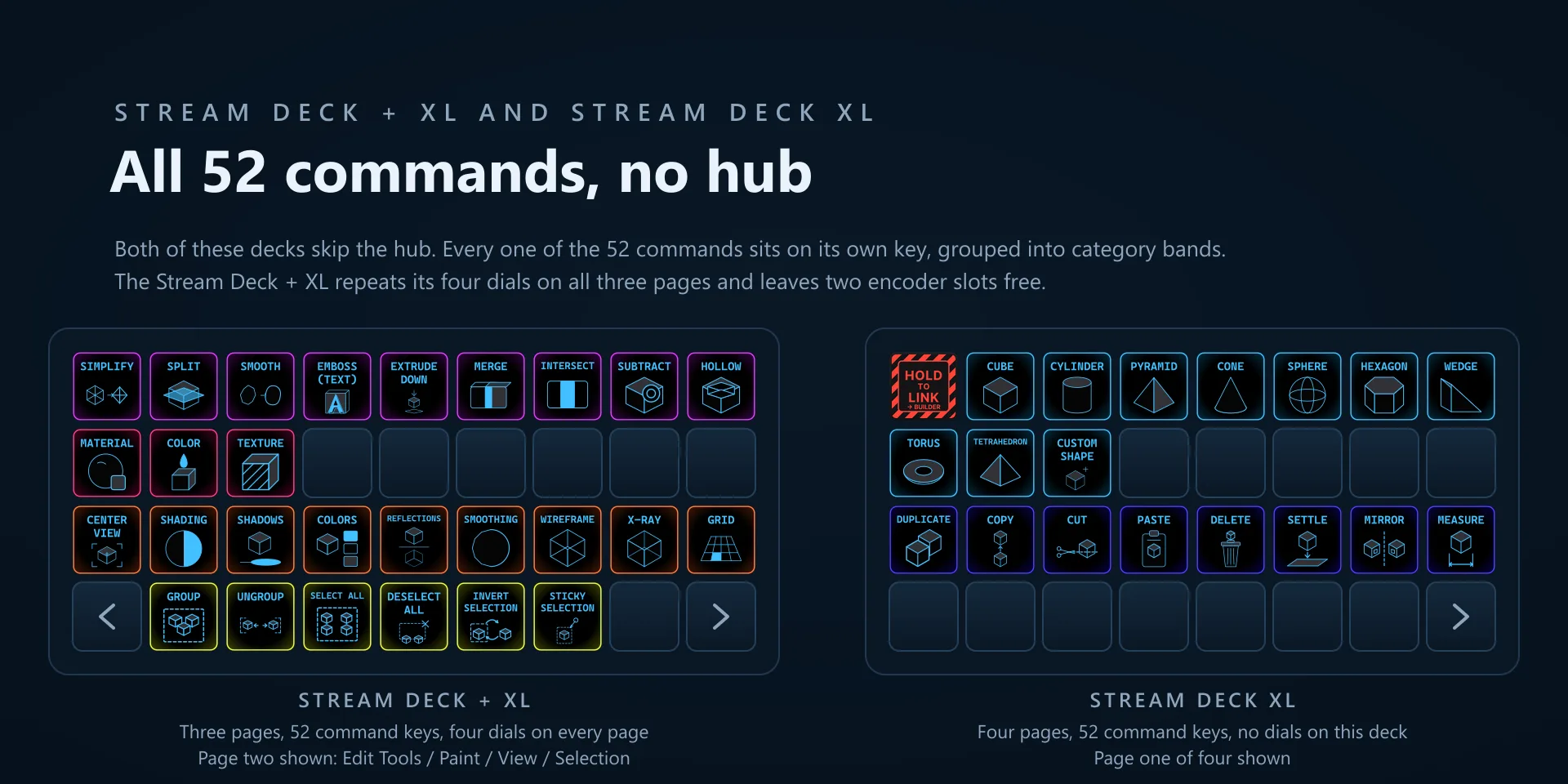
  • Works with the Microsoft 3D Builder desktop app for Windows 10 and Windows 11, version 20.x, which is the last version Microsoft released. 3D Builder is gone from the Store, but it keeps working if you already have it installed. Requires the Windows Stream Deck app 6.9 or later. The dials need a Stream Deck + or a Stream Deck + XL. Profiles are bundled for six decks: the 15-key Stream Deck, the Stream Deck +, the Stream Deck + XL, the 32-key Stream Deck XL, the Mini, and the Neo.
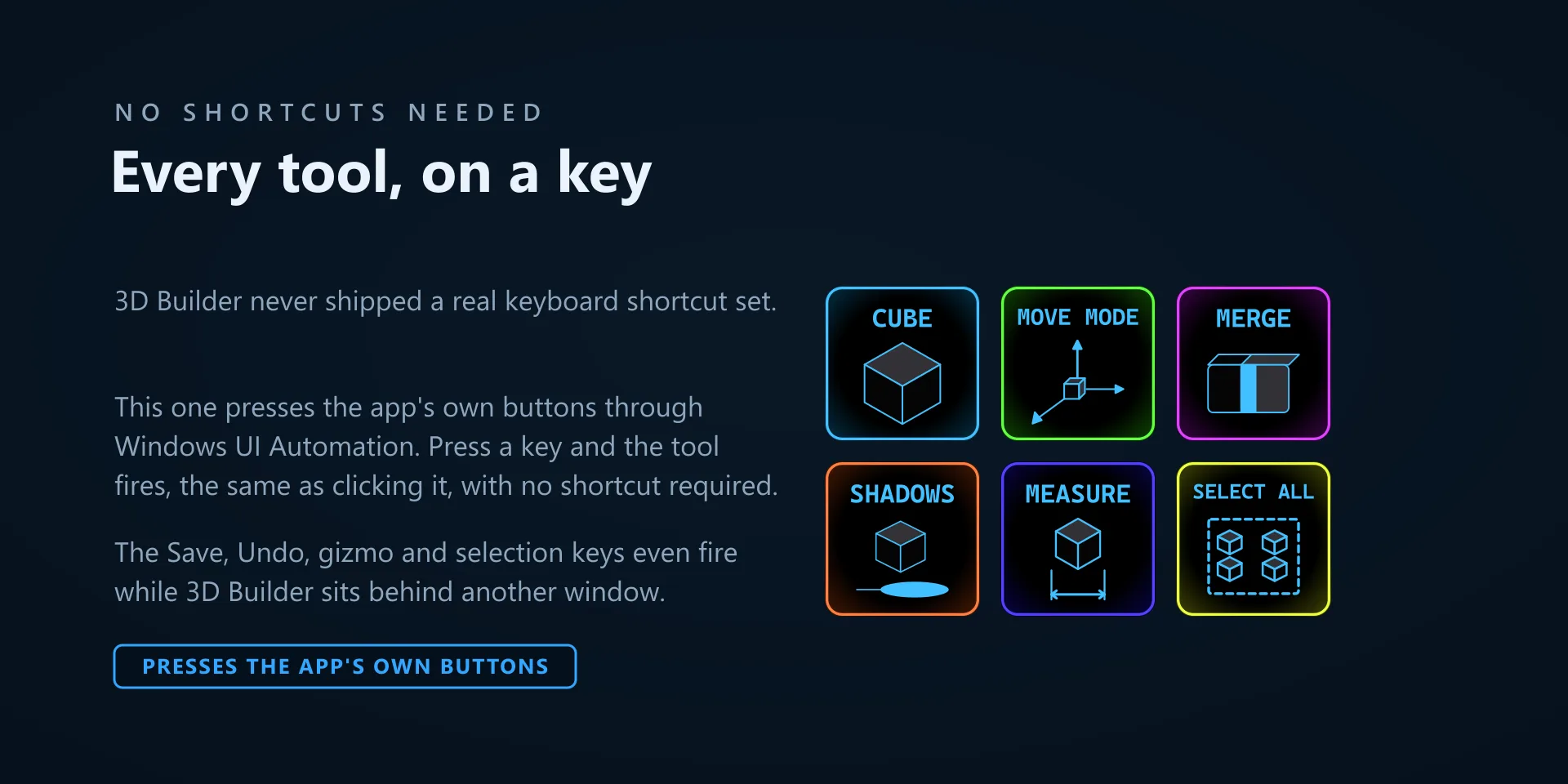
  • 3D Builder has almost no keyboard shortcuts, so these keys do not send one. A background helper finds the running 3D Builder window, switches to the right ribbon tab when a command needs it, and presses the app's own button. Two things follow from that. 3D Builder does not have to be the front window for a key to work, and pressing a key never pulls focus away from what you are doing. It does have to be running: with the app closed the keys have nothing to drive. Undo and Redo are the exceptions and fall back to Ctrl+Z and Ctrl+Y.
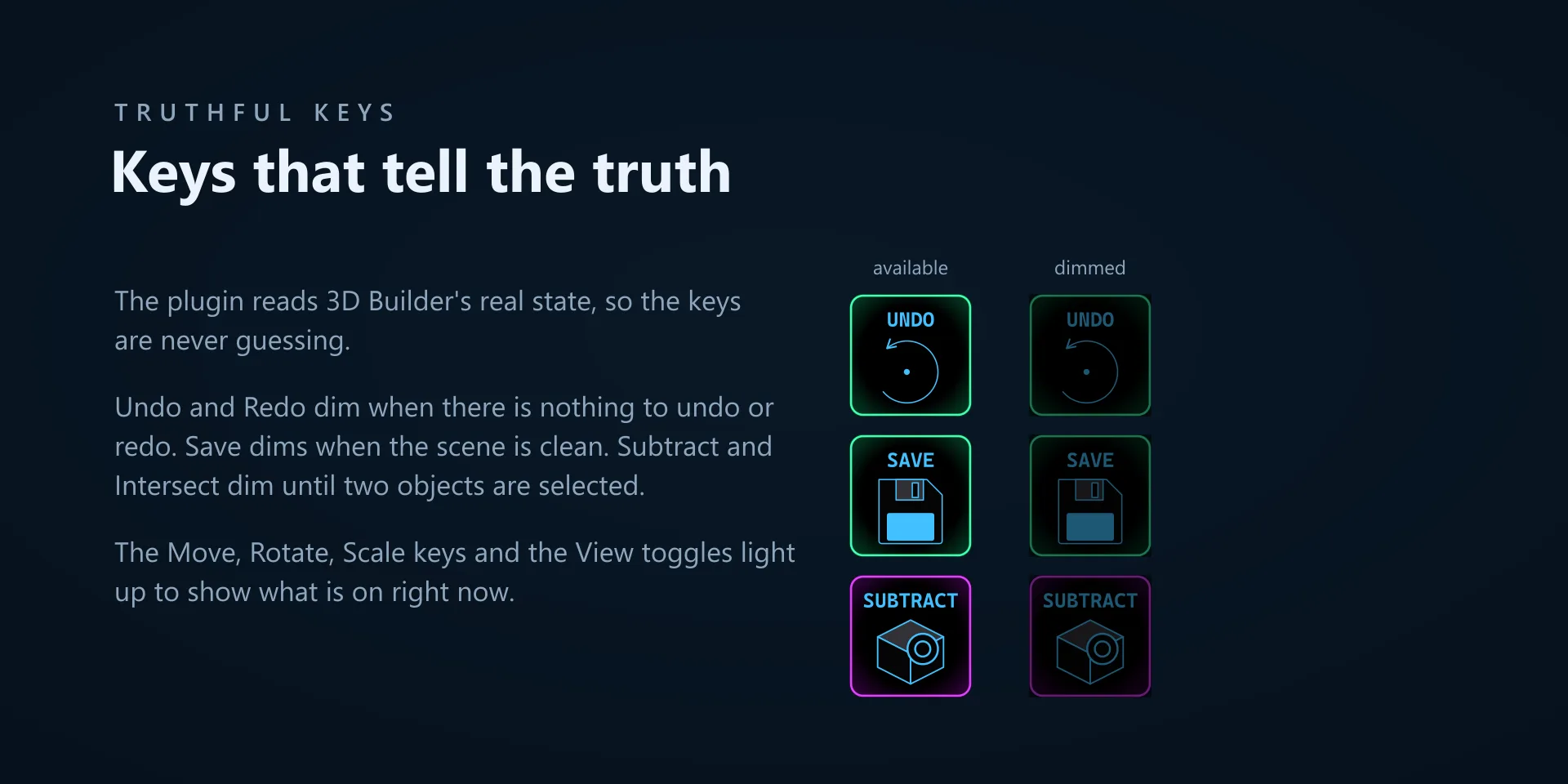
  • Keys dim when the action is genuinely unavailable. Undo and Redo dim with nothing to undo or redo, Save dims when there are no unsaved changes, and Intersect and Subtract dim until two objects are selected. Move, Rotate and Scale light up to show the active manipulator, and the View toggles light up when their effect is on.
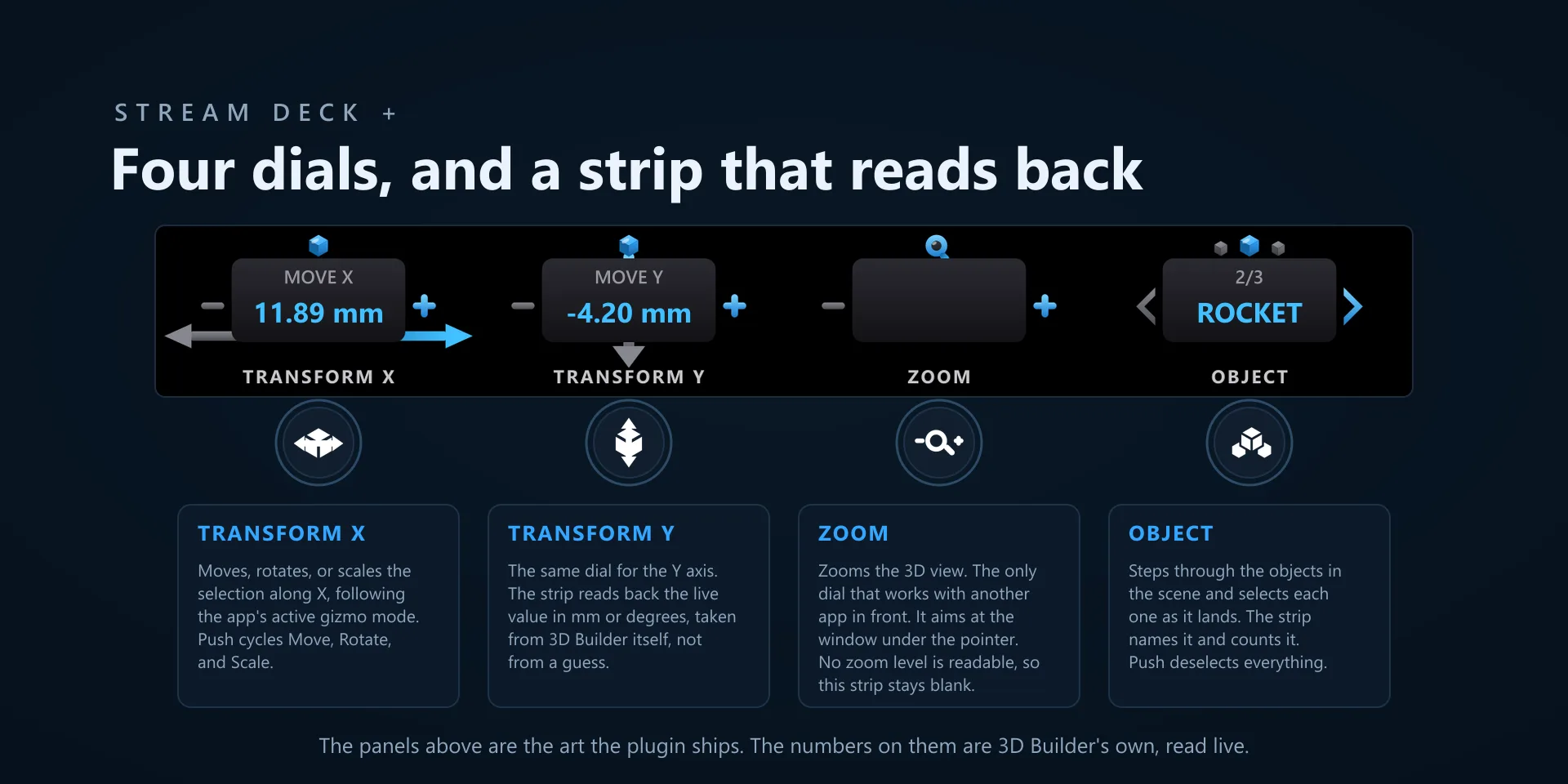
  • The Zoom dial is the one control that sends a real mouse wheel event, so the pointer has to be over the 3D Builder window. It stays quiet when the pointer is somewhere else, so it cannot scroll the wrong app by mistake. Transform X, Transform Y and Object read and write the app's own values instead, so those three work wherever the pointer is.
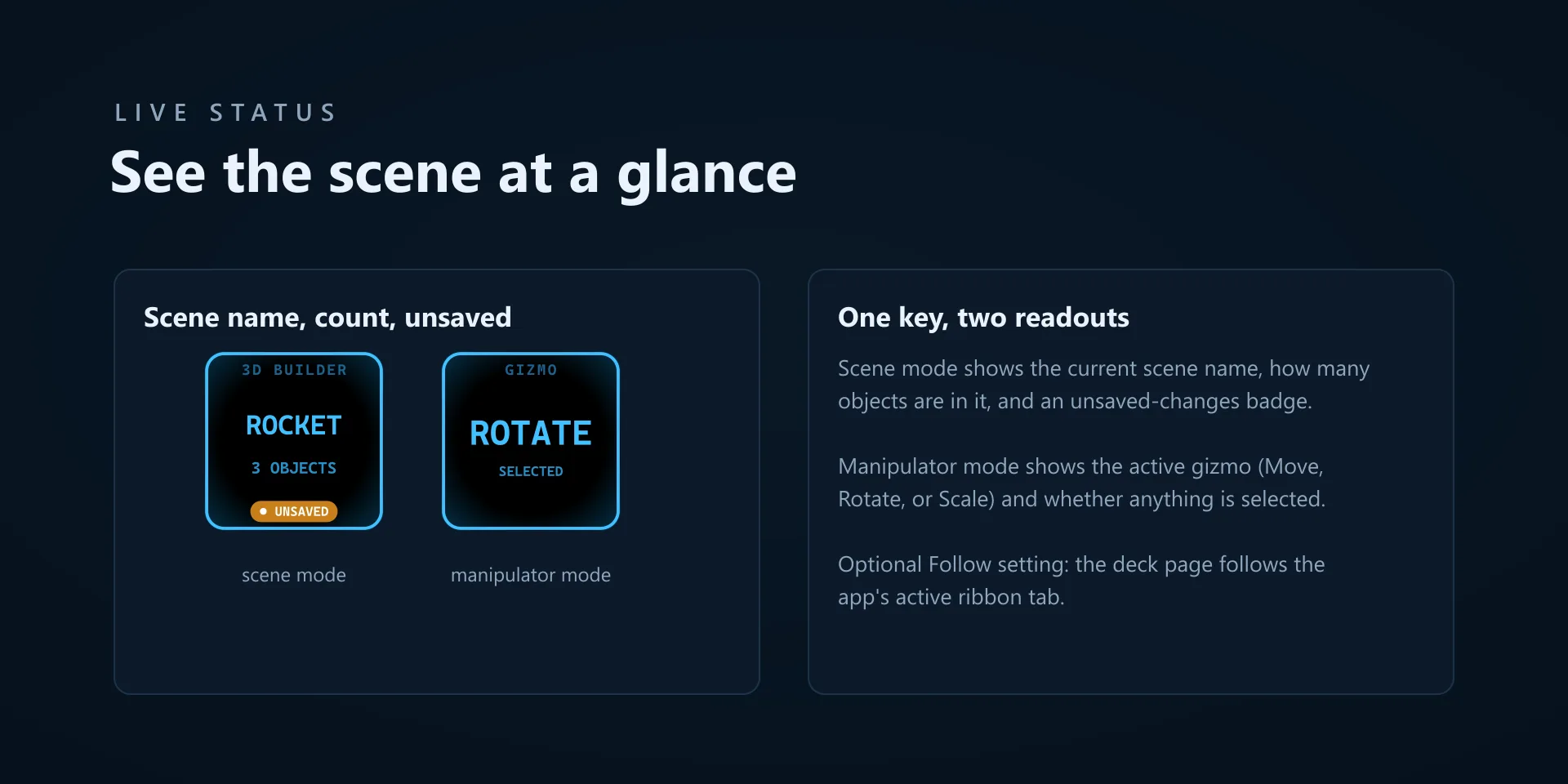
  • The Status key shows the scene name, the object count and an unsaved-changes badge, or the active manipulator mode instead. There is an optional setting that makes the deck page follow the app's active ribbon tab.

True of every plugin we make

  • Every key ships with the app's stock default shortcut, and every key is remappable. Type your combination into the property inspector or click Capture and press it once.
  • Keystrokes go to the active window. The plugin never steals focus or targets a window, so keep the target app in front when you press.
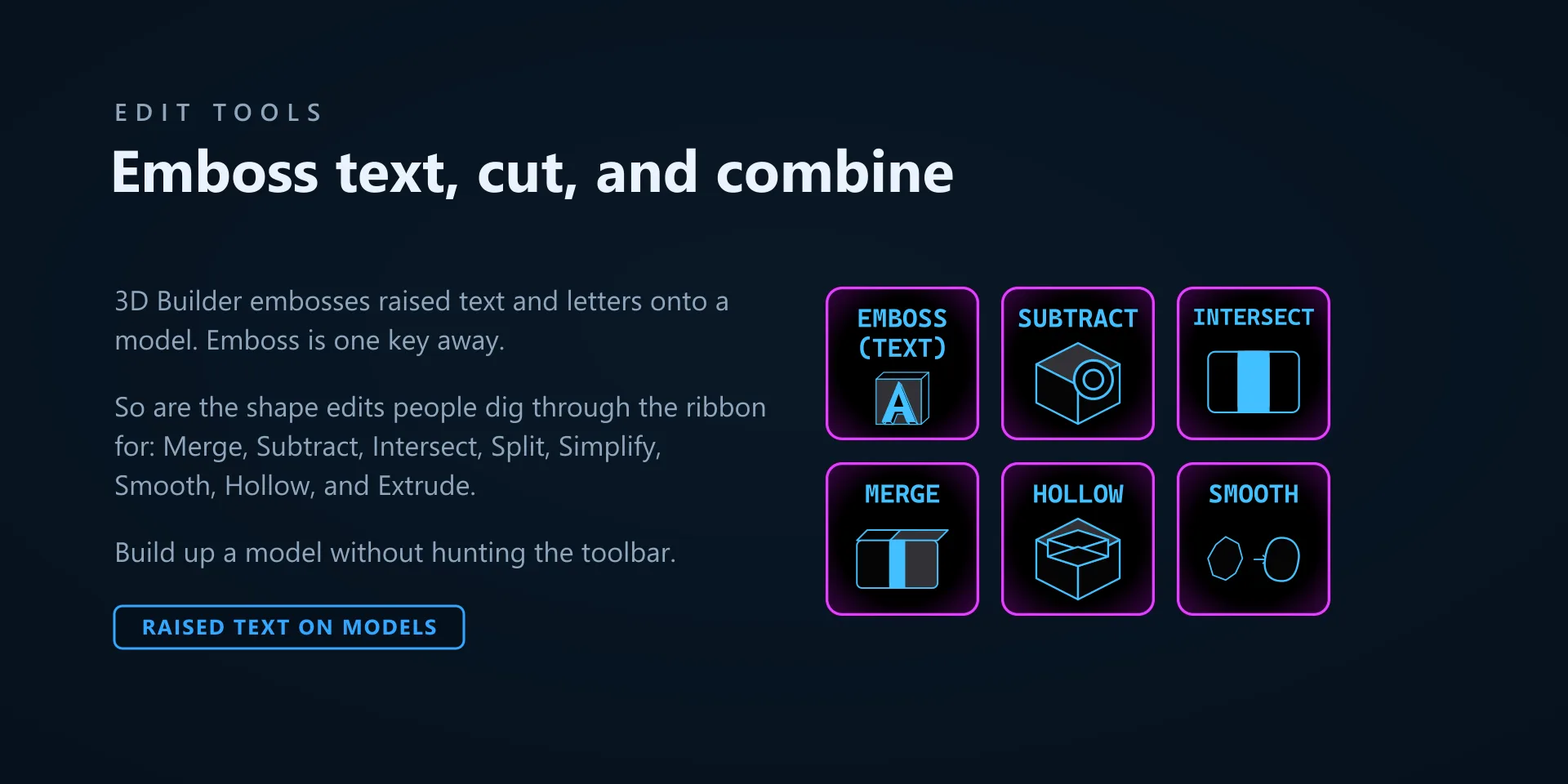
  • Every command has its own drawn key art, so the deck reads at a glance instead of listing shortcuts.

Read the full quick fixes, or see this plugin on the support hub.

Still stuck? Email [email protected] with the plugin name, your Stream Deck software version, and what you pressed versus what happened. A human answers.